
For teachers
An Educational Video Maker for Teachers Short on Time
ClipyToons is an educational video maker for teachers who need a friendly explainer by tomorrow morning. Describe the lesson, check a kid-level script, and get a captioned cartoon with talking characters to play on the classroom screen. No animation or editing skills required.
Planning is free — you only pay when you render your film. See pricing
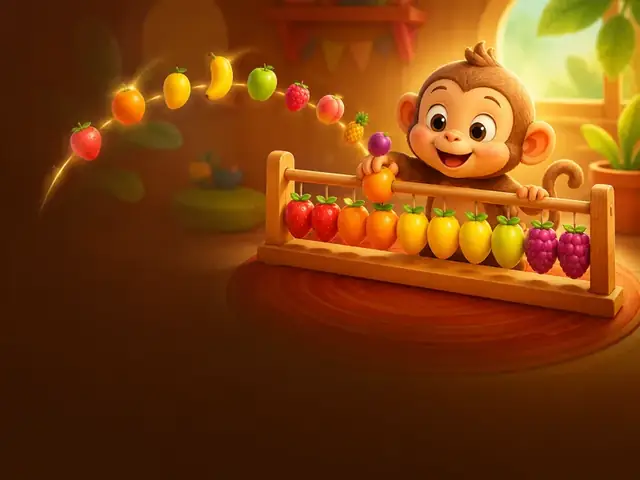
How to make an educational video for your class with ClipyToons
- 1
Describe the learning goal and grade
Be specific: "Explain why leaves change color in fall, for first graders, in 90 seconds."
- 2
Check the script for accuracy
You're the subject expert. Correct facts, swap in your curriculum's terms, and cut anything off-topic before approving.
- 3
Pick characters and a dialogue language
AI-designed characters work well for class. Set the language before rendering if you need Spanish, French, or another option.
- 4
Plan pause points in the script
End a scene on a question like "What do you think happens next?" so you can pause and discuss. For finer pacing, the optional Advanced view lets you merge or split shots.
- 5
Render, download, and play
Download the MP4 from your Library and play it from your computer, even without internet in the classroom.
 ▶YouTube · 16:91:59 · Example · no credits used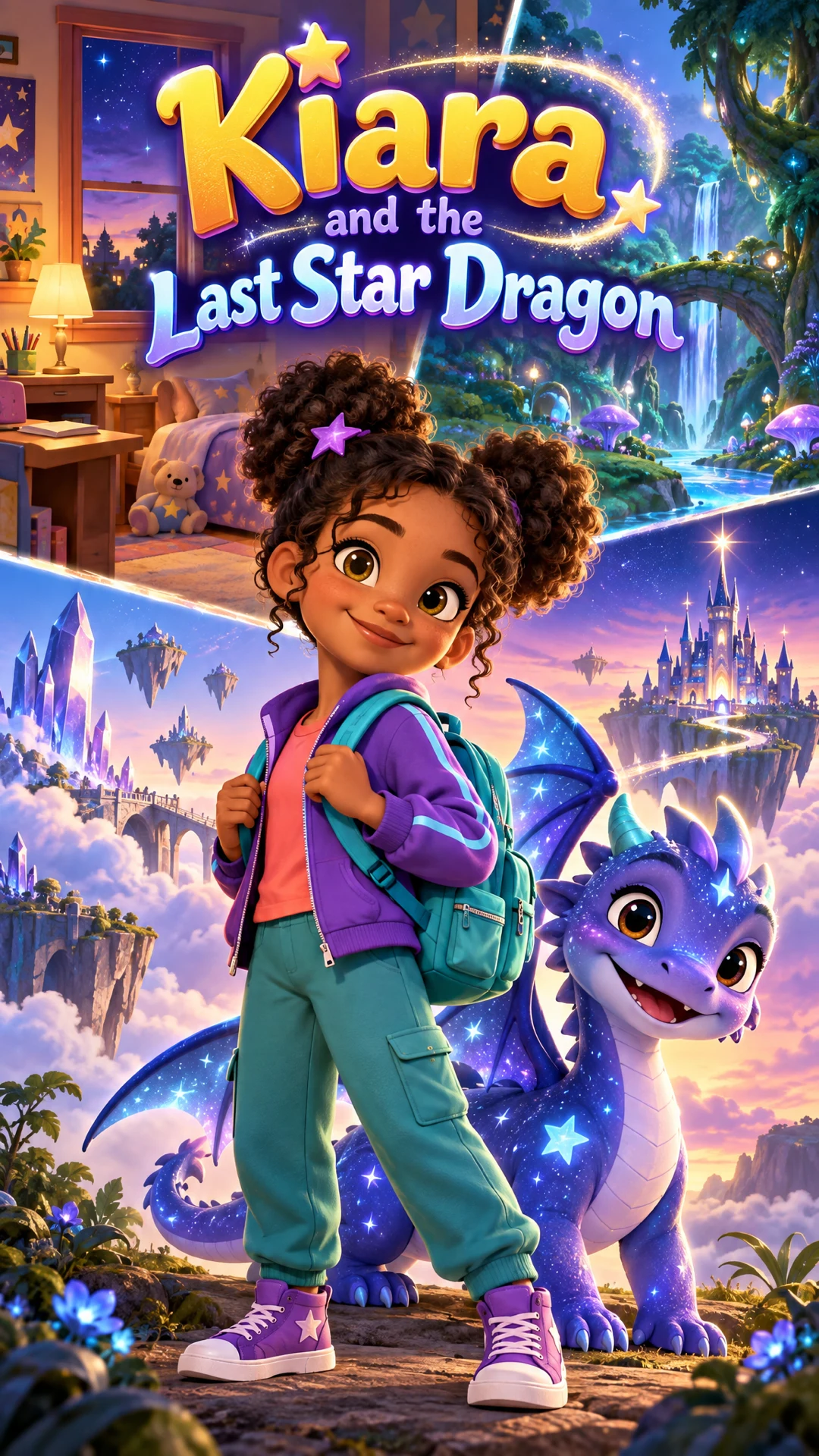
See a finished example
Everything you get from one idea
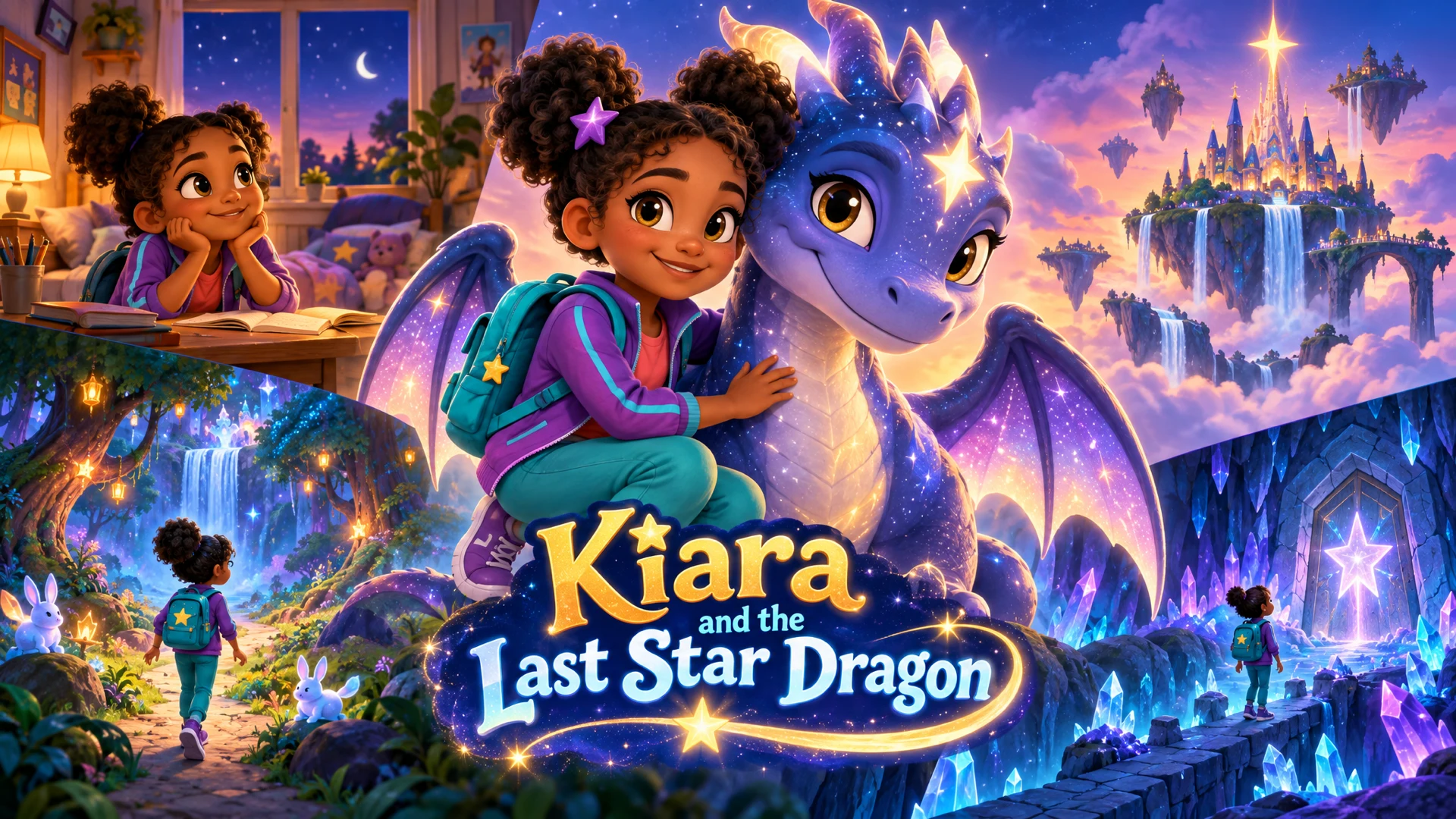
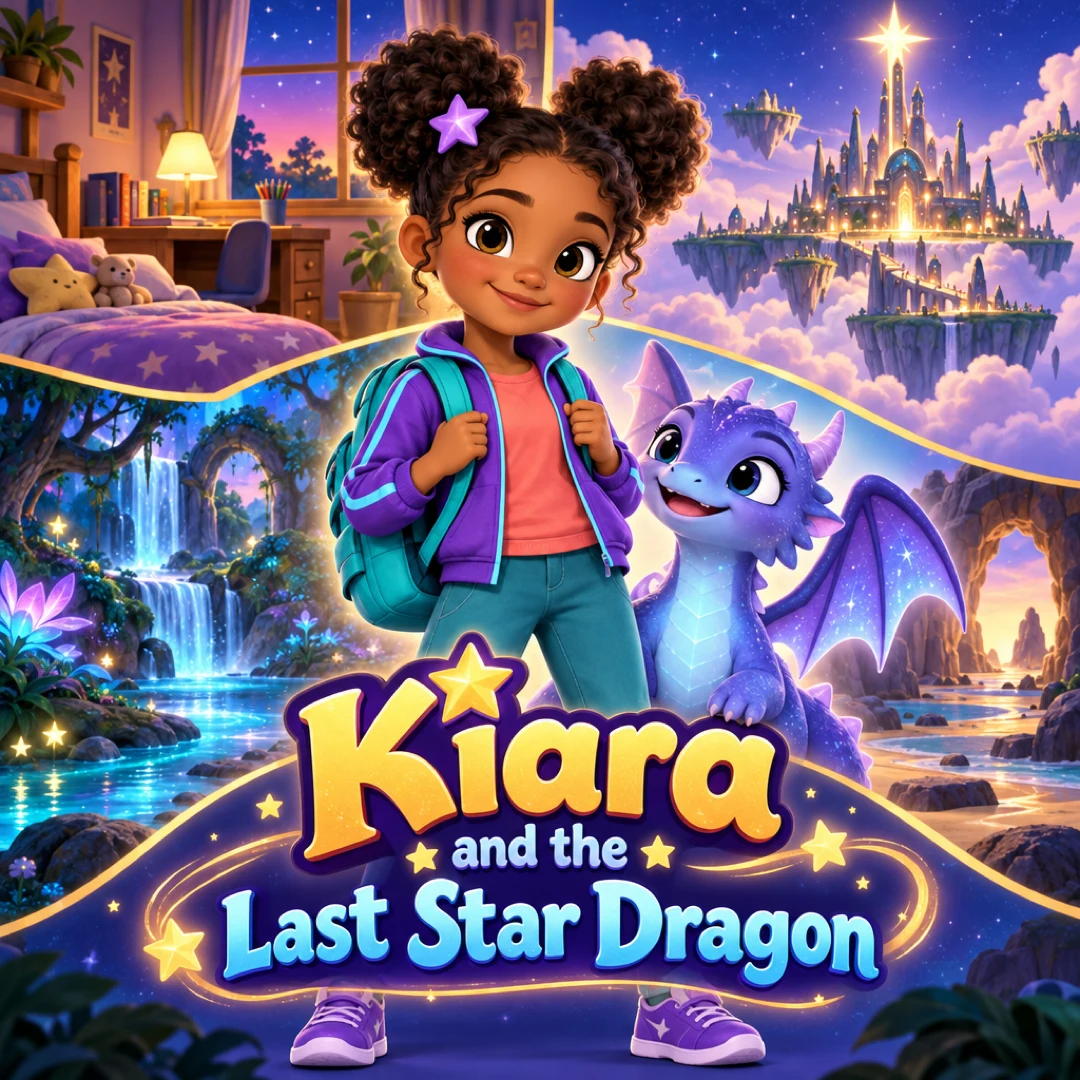
Open the ClipyToons Demo Project: the idea, script, characters, scenes, generated shots, the finished film, thumbnails, covers and the publish pack — exactly what the studio makes.
- Script
- Characters
- Scenes
- Film
- Thumbnails
- Publish pack
Example ideas to paste into the studio
Type one sentence like these into the idea box — the studio writes the full script, which you can edit before anything is rendered.
- “Explain the water cycle for second graders with a raindrop who travels from the ocean to a cloud to a mountain stream”
- “A kindness story where a new student who speaks another language is invited to join a game at recess”
- “Short vowel sounds: a cat, a hen, a pig, a dog, and a bug each say a word that shows off their vowel”
- “Count by tens to one hundred with a train that picks up ten apples at every station”
- “Two friends disagree about which game to play, take three deep breaths together, and find a compromise”
- “Why we have day and night, told by the sun and the moon passing a friendly note across the sky”
What teachers make with an educational video maker
A short cartoon grabs attention at the start of a lesson and gives kids a shared reference to talk about. Here's what teachers use ClipyToons for most:
Lesson explainers
One concept in 60 to 120 seconds, such as the water cycle, why we have seasons, or how seeds sprout. A character who asks the questions your students would ask keeps it grounded.
Social-emotional learning
Stories about sharing, taking turns, including a new classmate, or calming down when frustrated. Presets like Kindness Cape and Share the Sun are good starting points.
Phonics and numbers
Letter sounds, sight words, counting, skip counting, and simple addition, with burned-in captions so kids see the words as they hear them.
Multilingual stories
The same story in a second language for dual-language classrooms or for families to watch at home.
Captions and languages for every learner
Captions are burned in by default. That helps students who are hard of hearing, English learners, and early readers who follow along with the words. If you plan to read along aloud and want a clean screen, you can switch them off in export settings before rendering.
Fourteen dialogue languages are available: English, Spanish, Portuguese, French, German, Italian, Dutch, Polish, Czech, Norwegian, Japanese, Korean, Chinese (Mandarin), and Arabic. Each project has one dialogue language, set before rendering, and the script is written in that language. For a bilingual class, many teachers make the lesson twice, once in English and once in the home language most of their families speak.
English gives the most consistent pronunciation today. For other languages, watch the video once, ideally with a colleague who is a native speaker, before showing it in class. If a line sounds wrong, re-render just that shot. Language setup is covered in the language FAQ.
Student privacy and school policy
Kids love seeing themselves as cartoons, but in a school setting that's a decision for families and your school, not just you.
- Never upload students' photos without permission. Follow your school or district policy, which usually means written consent from a parent or guardian
- Default to AI characters. They're free, don't count toward photo limits, and raise no privacy questions
- Featuring yourself is fine. Turning your own photo into a cartoon teacher is a fun way to host a series
- Accounts are for adults. Students shouldn't sign up or use the studio on their own. You create, and they watch
- Keep student names out. Avoid full names in scripts, titles, and captions, especially for anything shared outside class
Photos you do upload stay in your private project and are used only to make your videos. See the child photo safety FAQ.
What classroom videos cost
Planning is free: the script, characters, and place cost nothing. Rendering uses credits from a plan. When it's finished, the studio shows how many credits it used.
Monthly plans add credits after every successful payment: Starter is $19.99 for 200 credits, Pro Plus is $49.99 for 500, and Premium is $99.99 for 1,000. Unused credits stay in your balance.
Fixing a mistake after rendering only costs the shot you change. You can cancel a plan anytime from the billing portal. Check with your school about whether classroom purchases can be reimbursed. See pricing for details.
Tips for videos that teach, not just entertain
- One objective per video. If you can't say the goal in one sentence, split it into two videos
- Match your vocabulary. Put the exact terms from your curriculum into the idea, like "evaporation" or "condensation"
- Fact-check the script, not just the video. Errors are free to fix before rendering and cost credits after
- Build in a question. End on something students can answer, draw, or act out
- Keep it short enough to rewatch. A second viewing after discussion often teaches more than the first
- Watch before class. The safety checks keep content kid-appropriate, but only you can confirm it's accurate and right for your group
For planning a whole unit of videos, read how to make educational videos for kids with AI.
Frequently asked questions
Can I check the facts before anything is rendered?
Yes. You edit and approve the script first, then approve the characters and place. Nothing is rendered, and no credits are used, until you see the price and confirm. If you want to check each shot, the Advanced view shows every shot's action, dialogue, and narration.
Can students use ClipyToons on their own?
No. Accounts are for adults. You create the videos, and students watch them in class or at home.
Can I make the same lesson in two languages?
Yes. Make a second project with a different dialogue language. Each version is rendered separately, so it uses its own credits.
How long should a classroom video be?
For kindergarten through second grade, 1 to 2 minutes usually holds attention.
Can I play the video without classroom internet?
Yes. Download the MP4 from your Library ahead of time. It plays in any standard video player on your computer or projector setup.
Ready to make your first videos for teachers?
Type your idea, edit the script, approve your characters and place, and see the price before you pay. ClipyToons then delivers a finished film — talking characters, sound, automatic edit, captions, and covers.
Planning is free — you pay when you render · monthly plans from $19.99
Helpful guides
Guide
How Teachers Can Make Educational Videos for Kids with AI
AI can turn a lesson idea into a short cartoon in an afternoon, but the teaching still has to come from you. Here's a practical workflow for objectives, accuracy checks, captions, multilingual classrooms, and student privacy.
Guide
How to Make a Nursery Rhyme Video (Without Copyright Trouble)
Old rhymes feel free to use, but modern tunes, arrangements, recordings, and characters often aren't. Here's how the copyright layers work, how to write your own rhyme kids will chant along to, and how to turn it into a captioned video.
Related use cases
Use case
Nursery rhyme videos
Create original nursery rhymes and chants for counting, ABCs, and colors with talking cartoon characters and read-along captions. Copyright-safe tips.
Use case
AI kids video maker
Type a story idea, get a finished kids cartoon: an editable script, talking characters, sound and captions. Planning is free; you pay when you render.
Last updated October 11, 2026 by the ClipyToons team.