
For parents and creators
AI Kids Video Maker: From a Story Idea to a Finished Cartoon
ClipyToons is an AI kids video maker built for parents first, and for creators too. Type one sentence and the studio writes a kid-friendly script you can edit, then draws your characters and the place where the story happens. Once you approve them, it renders a finished cartoon with talking characters, sound effects, an automatic edit, and captions. Planning is free; you only pay when you render your film.
Planning is free — you only pay when you render your film. See pricing
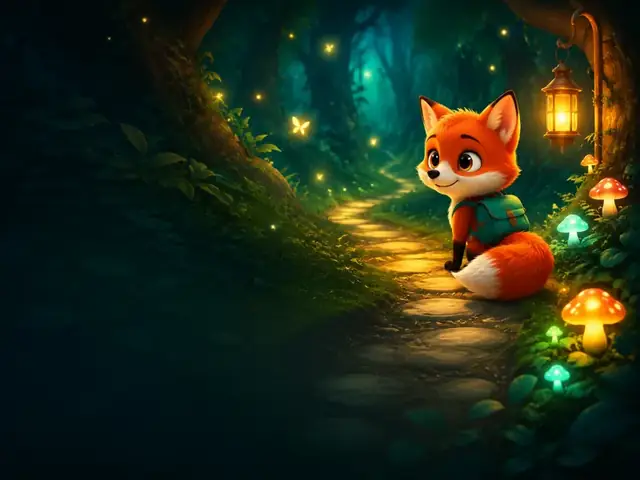
How to make an AI kids video with ClipyToons
- 1
Type your idea or pick a preset
Describe the story in a sentence, or start from a preset like Fox Trail or Share the Sun. Choose 9:16 or 16:9 and a length from 5 seconds with no 5-minute limit (Starter makes videos up to 1:30 min; Pro Plus and Premium make longer ones).
- 2
Edit and approve the script
The studio writes an age-appropriate script with dialogue and narration. Change any line, or ask for a fresh version, until it sounds like the story you had in mind.
- 3
Approve your characters and place
The studio draws each character and the place where the story happens. Keep them, regenerate with a short note, or turn a real photo into a cartoon. Nothing renders until you approve both.
- 4
See the price, then pay
Tap Render video to see the film's length, its scenes, and the credits it will use. If you don't have a plan or enough credits, choose one right there. Everything up to this point is free.
- 5
Get your finished film
The studio renders every shot, edits them in story order, and adds captions. Your MP4 lands in the Library with covers and ready-to-post text beside it.
 ▶YouTube · 16:91:59 · Example · no credits used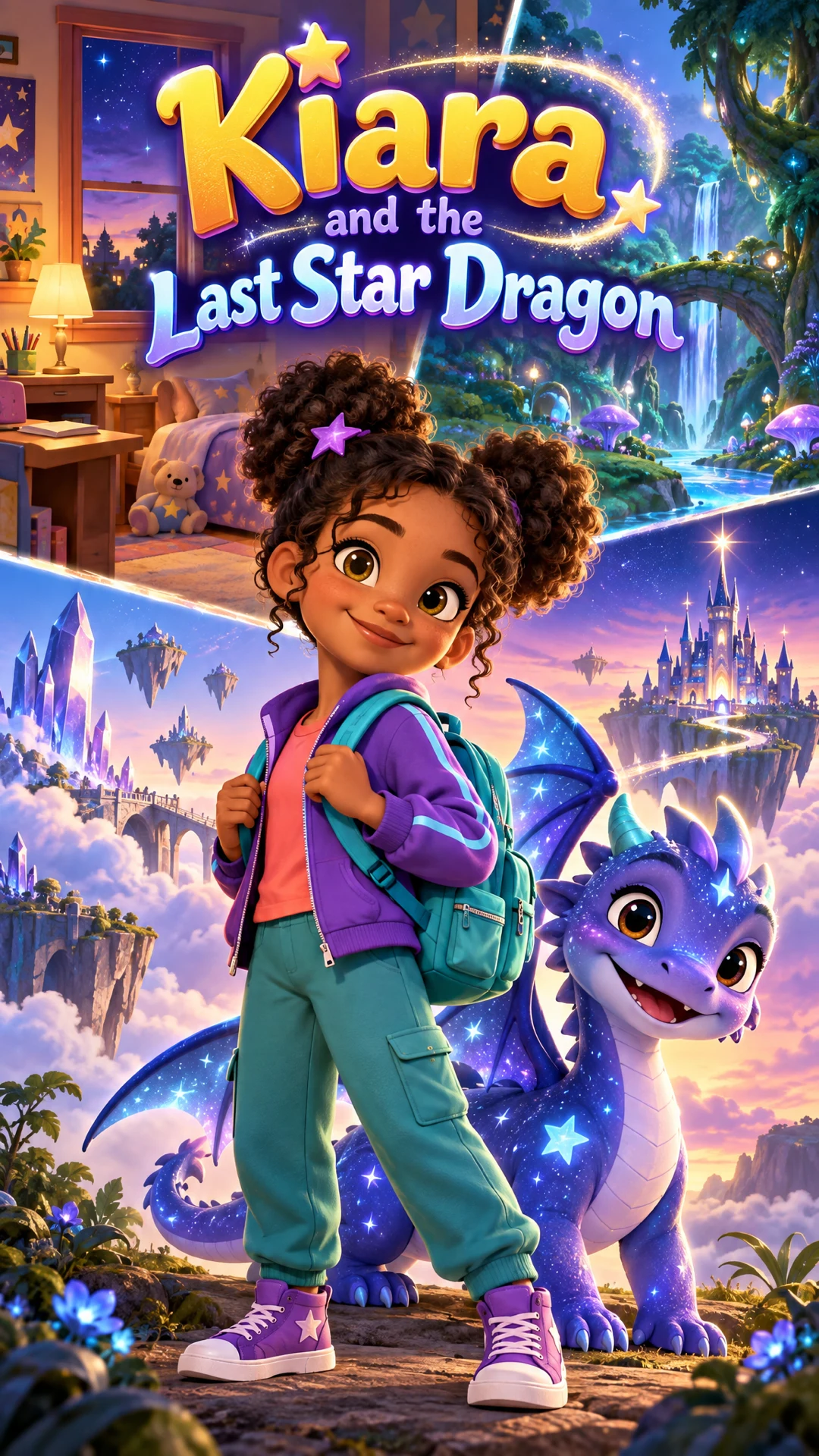
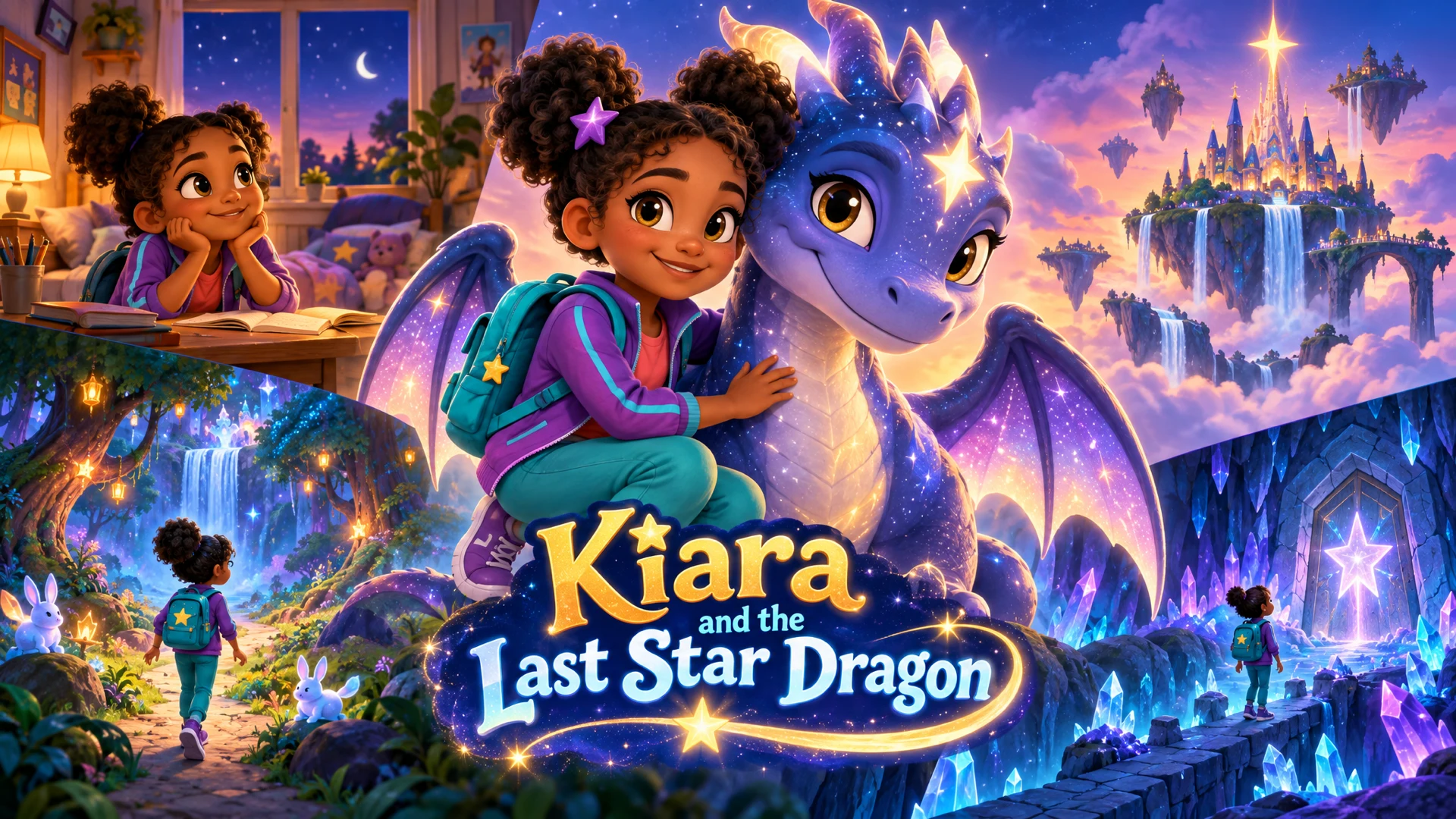
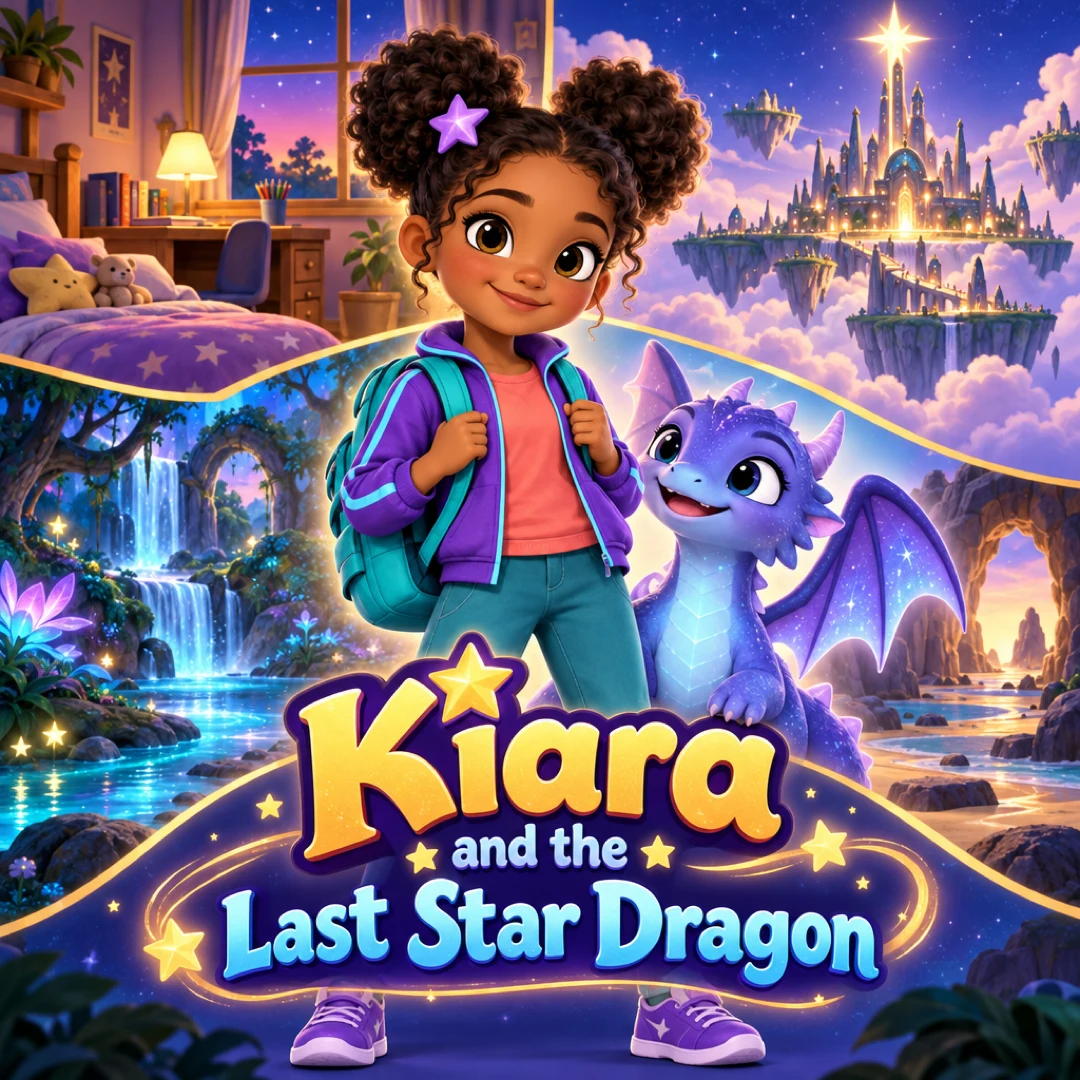
See a finished example
Everything you get from one idea
Open the ClipyToons Demo Project: the idea, script, characters, scenes, generated shots, the finished film, thumbnails, covers and the publish pack — exactly what the studio makes.
- Script
- Characters
- Scenes
- Film
- Thumbnails
- Publish pack
Example ideas to paste into the studio
Type one sentence like these into the idea box — the studio writes the full script, which you can edit before anything is rendered.
- “A shy hedgehog joins a forest picnic and discovers every friend brought something different to share”
- “A little cloud who can't make rain finds another way to help a thirsty sunflower”
- “A toy robot wakes up at night and tidies the playroom before the kids come downstairs”
- “A curious kitten follows paw prints in fresh snow and finds a lonely rabbit who wants a friend”
- “A bus full of animal friends takes turns choosing the next stop on a sunny day trip”
- “Two snails plan the slowest, happiest birthday parade the garden has ever seen”
A finished cartoon, not a pile of clips
Most AI cartoon video generators give you a few seconds of silent footage and leave the rest to you: writing, voices, stitching clips together, captions, a thumbnail. For a parent, that's where the evening disappears.
ClipyToons does the whole production, from text to cartoon video:
- A script written for kids: simple words, a clear problem, a warm ending, and every line editable
- Consistent characters: a character sheet keeps your hero looking the same from shot to shot
- A place you approve: the story's world is drawn once and reused, so scenes feel like they happen in one place
- Voices and sound: characters speak their lines with lip-synced voices, and every shot includes sound effects and ambience
- The edit: shots are stitched in story order, with soft dissolves between scenes and dialogue never cut mid-word
- Captions and covers: burned-in captions, plus covers and ready-to-post titles, descriptions, and hashtags
You still make the creative calls. You approve the script, the characters, and the place, and you see the price before anything renders.
For parents first, and for creators too
ClipyToons is built for adults who make videos for young children. Accounts are for grown-ups. Kids are wonderful story consultants, but they shouldn't sign up on their own.
Parents and families
Bedtime stories, birthday surprises, and stories starring your own child, including the whole family as cartoons. See bedtime story videos.
Teachers
Short explainers, kindness stories, and counting or phonics videos with captions for the classroom screen. See videos for teachers.
Kids content creators
Recurring original characters, full 16:9 episodes, and 9:16 Shorts, each with covers and ready-to-post text. See AI cartoon videos for YouTube.
The studio runs in the browser on a computer, tablet, or phone, so there's nothing to install. A bigger screen is simply more comfortable when you check your characters and place.
Planning is free, you pay when you render
Everything before the render is free once you sign in: writing and editing the script, designing the characters and the place, and planning the scenes. Only rendering the film uses credits, and the studio shows how many before you confirm.
Monthly plans add credits after every successful payment: Starter is $19.99 for 200 credits, Pro Plus is $49.99 for 500, and Premium is $99.99 for 1,000. Unused credits stay in your balance. Starter makes videos up to 1:30 min; Pro Plus and Premium make longer ones. See all plans on the pricing page.
Kid-safe by design, and how to get better results
Every idea, script, and shot prompt goes through automated kid-safety checks before anything renders. Violence, horror, sexual content, drugs or alcohol, hate, bullying, and self-harm are all blocked, and blocked attempts are reviewed by the team.
AI can still surprise you, so watch every video before you share it. A few habits make the first render much better:
- Give the hero one clear goal, like "find the lost mitten", rather than three
- Describe voices through the characters, for example "a cheerful little girl" or "a calm grandpa narrator"
- Keep dialogue short. One or two sentences per shot sounds more natural
- Start with 30 seconds or 1 minute. A 1-minute video renders in about 15 minutes
- Use English for your first project. It gives the most consistent pronunciation today
If a finished shot misses the mark, you can re-render just that shot instead of the whole video.
Frequently asked questions
How is this different from an AI cartoon video generator?
Most generators give you a few seconds of footage. ClipyToons gives you the whole story: a script you can edit, consistent characters, voiced shots with sound effects, the edit, captions, covers, and ready-to-post text, delivered as one MP4.
How much control do I have over the story?
You can rewrite any line of the script before approving it, regenerate a character or the place with a short note, and swap AI characters for photo cartoons. If you want shot-by-shot control, the Advanced view lets you edit each shot's action and dialogue before rendering.
What ages are the videos best suited for?
The presets and safety checks are designed for young children, roughly preschool through early elementary. You set the tone and vocabulary in your idea, for example "for four-year-olds, very simple words".
Can I make a long story?
Yes — there is no 5-minute limit. Starter makes videos up to 1:30 min, and Pro Plus and Premium make longer ones. Stories over 15 minutes work best as a series of episodes with the same characters, which also suits young attention spans.
Can my kids use the studio with me?
Yes, as long as an adult holds the account and drives. Kids love choosing the hero, the setting, and the silly problem. Just type their idea in for them.
Ready to make your first ai kids video maker?
Type your idea, edit the script, approve your characters and place, and see the price before you pay. ClipyToons then delivers a finished film — talking characters, sound, automatic edit, captions, and covers.
Planning is free — you pay when you render · monthly plans from $19.99
Helpful guides
Guide
40 Kids YouTube Video Ideas That Kids Rewatch (Ready to Make)
Stuck on what to make next? Here are 40 original kids YouTube video ideas grouped by age and format, each written as a one-sentence premise you can paste straight into a studio, plus tips for turning the best ones into a recurring series.
Guide
How to Make a Personalized Cartoon Video Starring Your Child
A short cartoon where your child is the hero can mark a birthday, ease a big change, or connect them with grandparents far away. Here are story templates for six occasions, how to cast your family, and what it takes in time and credits.
Guide
Best Video Length for Kids Videos: YouTube Shorts vs Long-Form (plus TikTok & Reels)
What's the best video length for kids YouTube videos? It depends on your viewers' age, the platform, and the story. Here's how to choose between Shorts and long-form, what each platform allows in 2026, and how to budget lengths with credits.
Related use cases
Use case
Photo to cartoon video
Turn your child's photo into a cartoon hero who stays recognizable in every scene of a voiced, captioned story. Up to 5 photo characters; planning is free.
Use case
Bedtime story videos
Make a calm, personalized bedtime story video starring your child or a sleepy animal friend, with gentle narration and captions. Planning is free.
Use case
Kids YouTube channels
Create original talking cartoons for your channel: consistent characters, 16:9 episodes, 9:16 Shorts, covers and titles, and honest notes on YouTube rules.
Last updated October 11, 2026 by the ClipyToons team.