
Rhymes & learning chants
AI Nursery Rhyme Video Maker for Brand-New Rhymes and Chants
ClipyToons is an AI nursery rhyme video maker for original rhymes and learning chants about counting, the alphabet, colors, and tidy-up time. Cartoon characters speak each line with lip-synced voices, captions let kids read along, and every word is newly written, so there are no famous characters or borrowed lyrics.
Planning is free — you only pay when you render your film. See pricing
How to make a nursery rhyme video with ClipyToons
- 1
Pick a preset or name your topic
Start from Original Kids Song or Count to Ten, or type the concept you want to teach and the age group, like "numbers 1 to 5 for toddlers".
- 2
Shape the words in the script
Look for short lines, clear rhyming pairs, and a repeated chorus. Rewrite any line that feels clunky to say out loud.
- 3
Choose a cheerful cast
Fruit that counts, animals that spell, a chameleon that changes color. Characters who act out the concept help it stick.
- 4
Keep captions on
Burned-in captions show each line as it's spoken, so kids and grown-ups can read along together.
- 5
Render and listen closely
Check that numbers and letters are pronounced clearly. Re-render any single shot that sounds off.
 ▶YouTube · 16:91:59 · Example · no credits used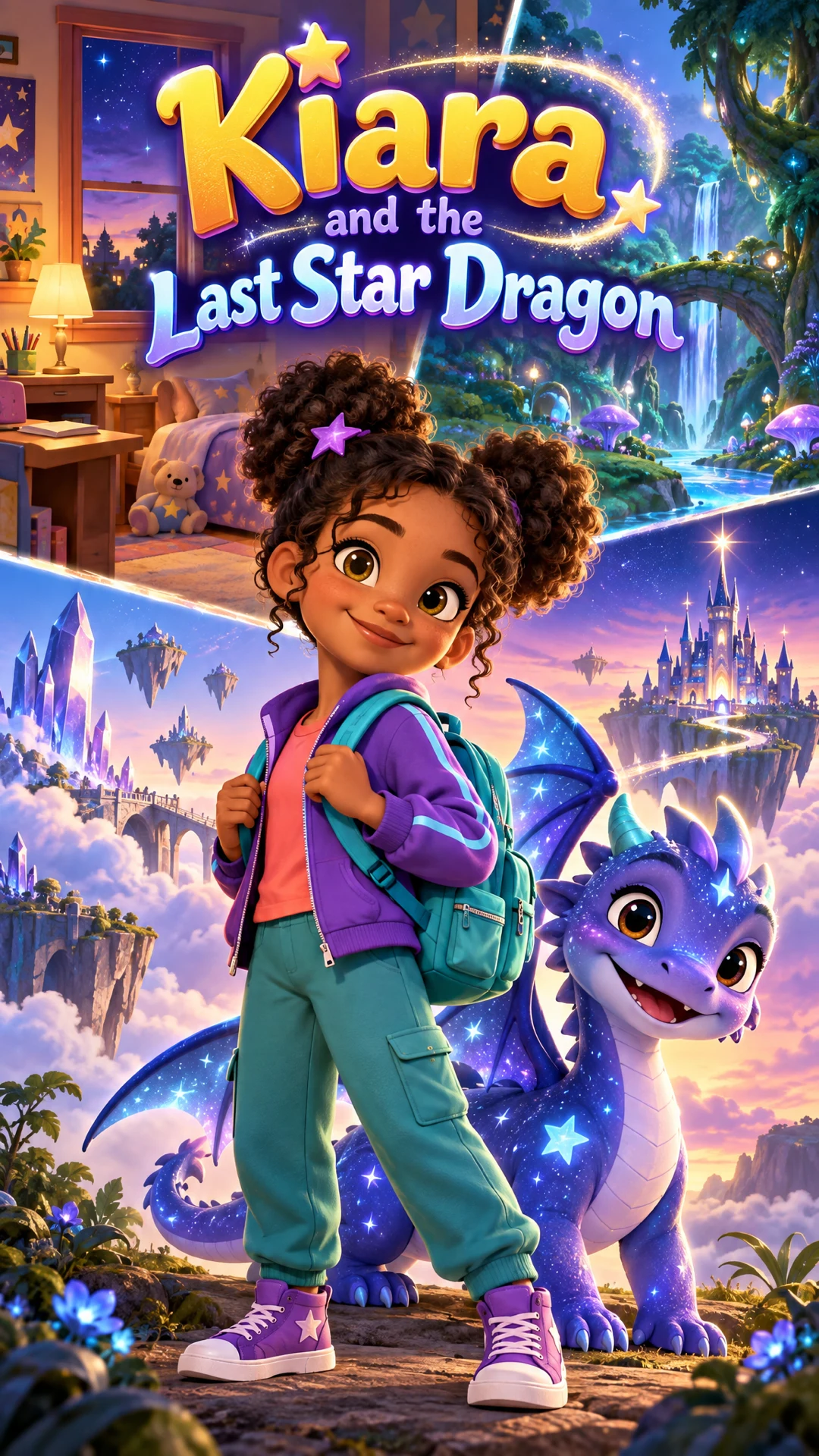
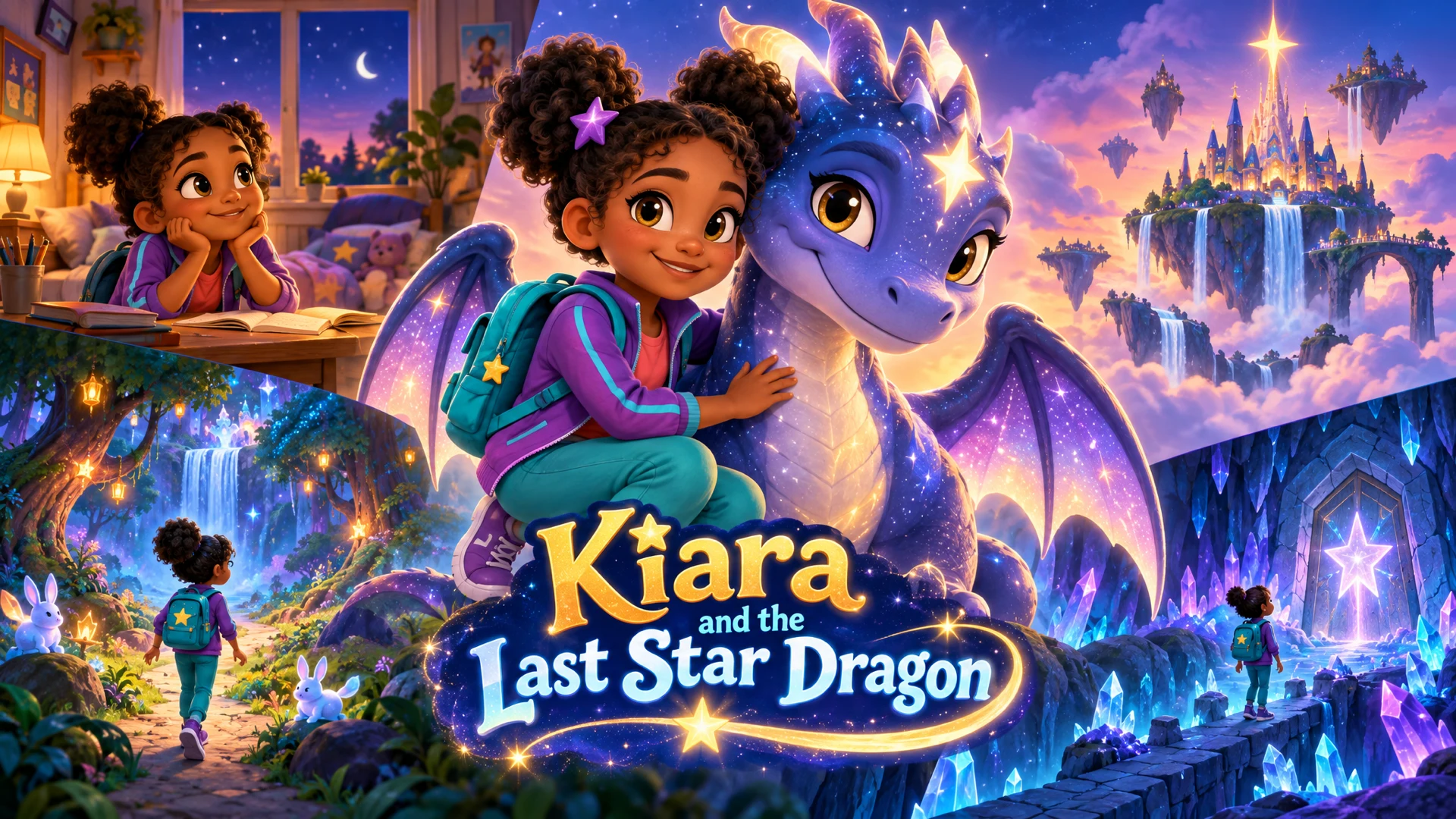
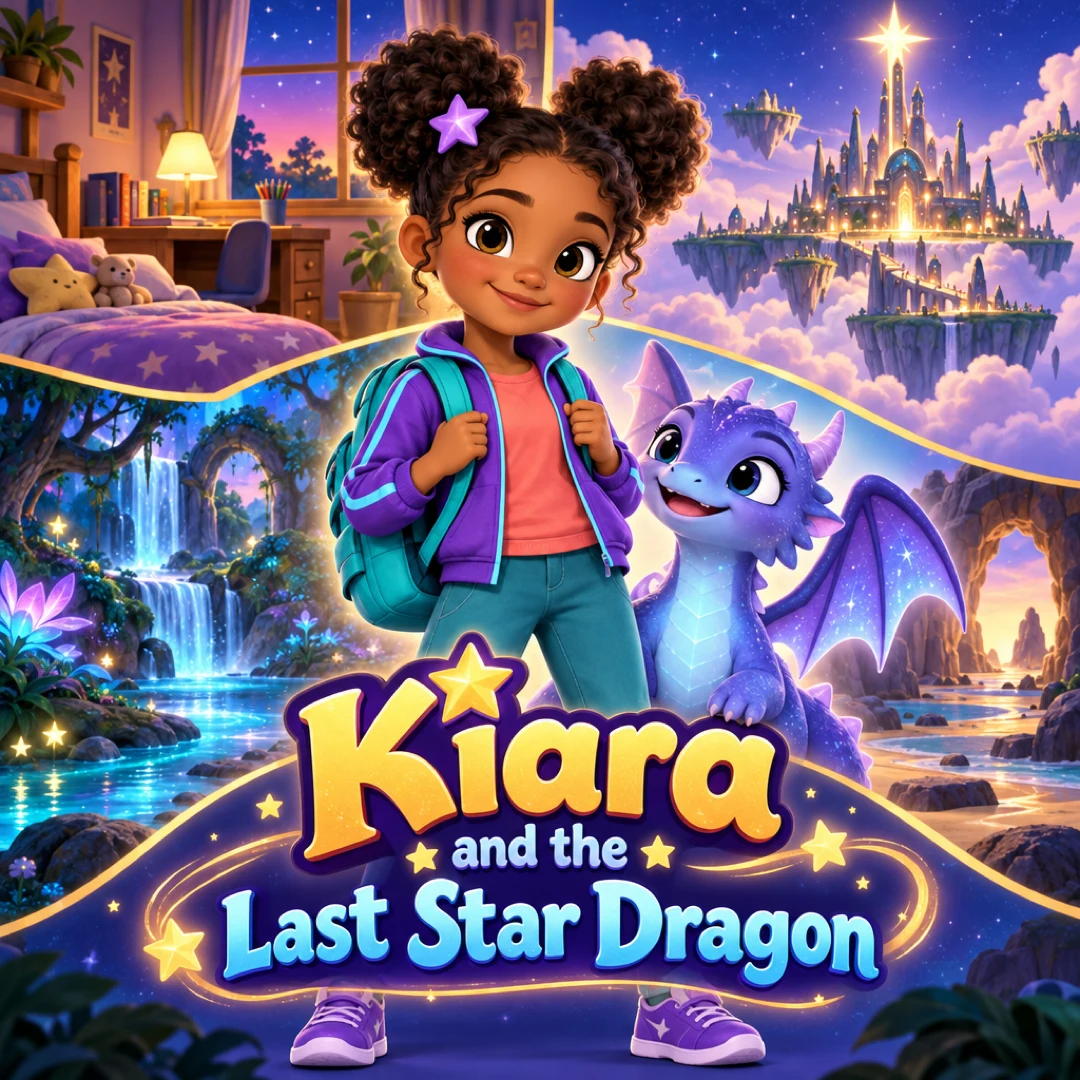
See a finished example
Everything you get from one idea
Open the ClipyToons Demo Project: the idea, script, characters, scenes, generated shots, the finished film, thumbnails, covers and the publish pack — exactly what the studio makes.
- Script
- Characters
- Scenes
- Film
- Thumbnails
- Publish pack
Example ideas to paste into the studio
Type one sentence like these into the idea box — the studio writes the full script, which you can edit before anything is rendered.
- “An original counting rhyme where five ducklings hop into a puddle one at a time, splash, splash”
- “A brand-new alphabet chant for letters A to F, where each letter is an animal waving hello”
- “A tidy-up rhyme where the toys march back into the toy box, clap twice, and say goodnight”
- “A colors chant where a chameleon turns red, blue, yellow, and green as friends call out each color”
- “An original handwashing rhyme with a soap-bubble character who counts slowly to twenty”
- “A days-of-the-week chant where a turtle visits a different friend each day”
What an AI nursery rhyme video maker does well
Rhymes teach through repetition and rhythm. That's why kids remember "one, two, buckle my shoe" long after they forget other lessons. ClipyToons is built to produce that kind of short, repetitive, read-along learning video quickly:
- Counting and number sense: objects appear one at a time as characters count them
- Letters and phonics: an animal for each letter, with the sound said clearly
- Routines: tidy-up, handwashing, brushing teeth, getting dressed
- Call-and-response: one character asks and the others answer, which invites kids to join in
Here's what to expect about sound. Characters speak or chant the lines with lip-synced voices, and each shot includes sound effects and ambience, like claps, splashes, and birdsong. The rhythm comes from how the words are written. A sung melody isn't guaranteed, and no music plays under the video today. Rhymes with a strong beat in the words themselves work best. The sound and voices FAQ explains what's generated.
Copyright: write new words, or use genuinely public-domain ones
This is where many kids channels get into trouble, so it's worth being careful.
- Original words are the safest choice. The Original Kids Song preset writes a brand-new rhyme and never recreates a classic
- Old doesn't always mean free. Some traditional rhyme words are in the public domain, but modern versions, added verses, and translations often aren't. Only use words you've confirmed are public domain
- No famous characters. Don't recreate well-known cartoon characters or imitate popular channels' mascots, even in a counting song
- Only upload images you have rights to, whether for a photo character or a scene
Original rhymes also give you something a copy never can: your own recurring characters and catchphrases that belong to you. See original content for what's allowed.
What rhyme videos cost
Rhymes are short, which keeps them affordable. Scripts and planning are free, and a 30-second chant renders in about 8 minutes, a 1-minute rhyme in about 15.
Monthly plans add credits after every successful payment: Starter is $19.99 for 200 credits, Pro Plus is $49.99 for 500, and Premium is $99.99 for 1,000. Unused credits stay in your balance.
720p is sharper, so save it for rhymes that will play on a big classroom screen. Compare plans on pricing.
Tips for rhymes kids actually learn from
A rhyme video works when a child can join in by the second viewing. A few habits help:
- One concept per video. Counting to five is better than counting to ten plus colors
- Count slowly. Ask for "one number per line, with a pause" so each object gets its moment
- Repeat the chorus at least three times. Kids join in on the repeats
- Keep lines short. Four to seven words fit neatly in a caption and are easy to chant
- Show the thing being said. "Three red apples" should show exactly three red apples
Listen for pronunciation, especially letter names and letter sounds, which are easy to blur. English gives the most consistent results today. If one shot mispronounces a word, re-render just that shot. For a full walkthrough, from writing the words to publishing, read how to make a nursery rhyme video.
Frequently asked questions
Will the characters actually sing?
Characters speak or chant the lines with lip-synced voices, and sometimes the delivery is quite rhythmic. A sung melody isn't guaranteed, so write words with a strong beat that work when chanted.
Can I remake a classic nursery rhyme?
Only if you've confirmed the exact words are in the public domain, and without any famous characters. Many modern versions and added verses are copyrighted. Writing a new rhyme on the same topic is the safer route.
Can I add my own music track?
Not inside the studio, since there's no audio upload. After downloading, you can add music you're licensed to use in a separate editor, or from a platform's own library when you post.
Can I make a rhyme in another language?
Yes. Choose any of the 14 dialogue languages, such as Spanish, Portuguese, German, French, Japanese, or Korean. Describe the rhyme in that language rather than translating an English one, because rhymes rarely survive translation.
Which preset should I start with?
Use Count to Ten for number rhymes, ABC Garden for letters, and Original Kids Song for a brand-new rhyme on any topic. All of them can be edited at the script step.
Ready to make your first nursery rhyme videos?
Type your idea, edit the script, approve your characters and place, and see the price before you pay. ClipyToons then delivers a finished film — talking characters, sound, automatic edit, captions, and covers.
Planning is free — you pay when you render · monthly plans from $19.99
Helpful guides
Guide
How to Make a Nursery Rhyme Video (Without Copyright Trouble)
Old rhymes feel free to use, but modern tunes, arrangements, recordings, and characters often aren't. Here's how the copyright layers work, how to write your own rhyme kids will chant along to, and how to turn it into a captioned video.
Guide
How Teachers Can Make Educational Videos for Kids with AI
AI can turn a lesson idea into a short cartoon in an afternoon, but the teaching still has to come from you. Here's a practical workflow for objectives, accuracy checks, captions, multilingual classrooms, and student privacy.
Guide
40 Kids YouTube Video Ideas That Kids Rewatch (Ready to Make)
Stuck on what to make next? Here are 40 original kids YouTube video ideas grouped by age and format, each written as a one-sentence premise you can paste straight into a studio, plus tips for turning the best ones into a recurring series.
Related use cases
Use case
Videos for teachers
Make captioned cartoon explainers, kindness stories, and phonics or number videos for class. Check every fact before rendering, in 14 dialogue languages.
Use case
Kids cartoon Shorts
Make vertical 9:16 kids cartoons with a quick hook, burned-in captions, a cover, and captions and hashtags for YouTube Shorts, TikTok, Reels, and Facebook.
Use case
AI kids video maker
Type a story idea, get a finished kids cartoon: an editable script, talking characters, sound and captions. Planning is free; you pay when you render.
Last updated October 11, 2026 by the ClipyToons team.