
For parents
Photo to Cartoon Video: Make Your Child the Hero of a Cartoon
Make your child the hero of a cartoon. Upload one clear photo, or take one with your phone, and ClipyToons turns it into a cartoon character who stars in a fully voiced, edited story. A character sheet built from the photo is reused in every shot, so your child, or grandpa, or you, still looks like themselves from the first scene to the last. You approve the cartoon before anything renders, and planning is free.
Planning is free — you only pay when you render your film. See pricing
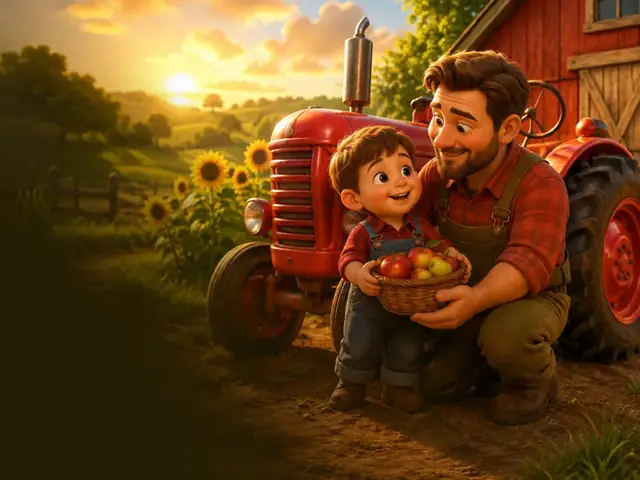
How to make a photo to cartoon video with ClipyToons
- 1
Start with a story that features your hero
Type an idea that names the role your child plays, like "my son is a junior zookeeper for a day". Choose the format and length.
- 2
Edit and approve the script
Check that the story fits your child's age and personality. Change any line before approving it.
- 3
Add the photo and approve the cartoon
In Cast & Place, upload a photo or take one with your phone camera, up to five photo characters per project, one photo per person. Check the cartoon version and approve it, or try a clearer, front-facing photo.
- 4
Approve the place, then see the price
Approve the place where the story happens. You can start it from a real photo, like your backyard. Then tap Render video to see the length and the credits it will use before you pay.
- 5
Get the finished film
The studio renders, edits, and captions your cartoon. The MP4 appears in your Library, ready to watch together or share privately.
 ▶YouTube · 16:91:59 · Example · no credits used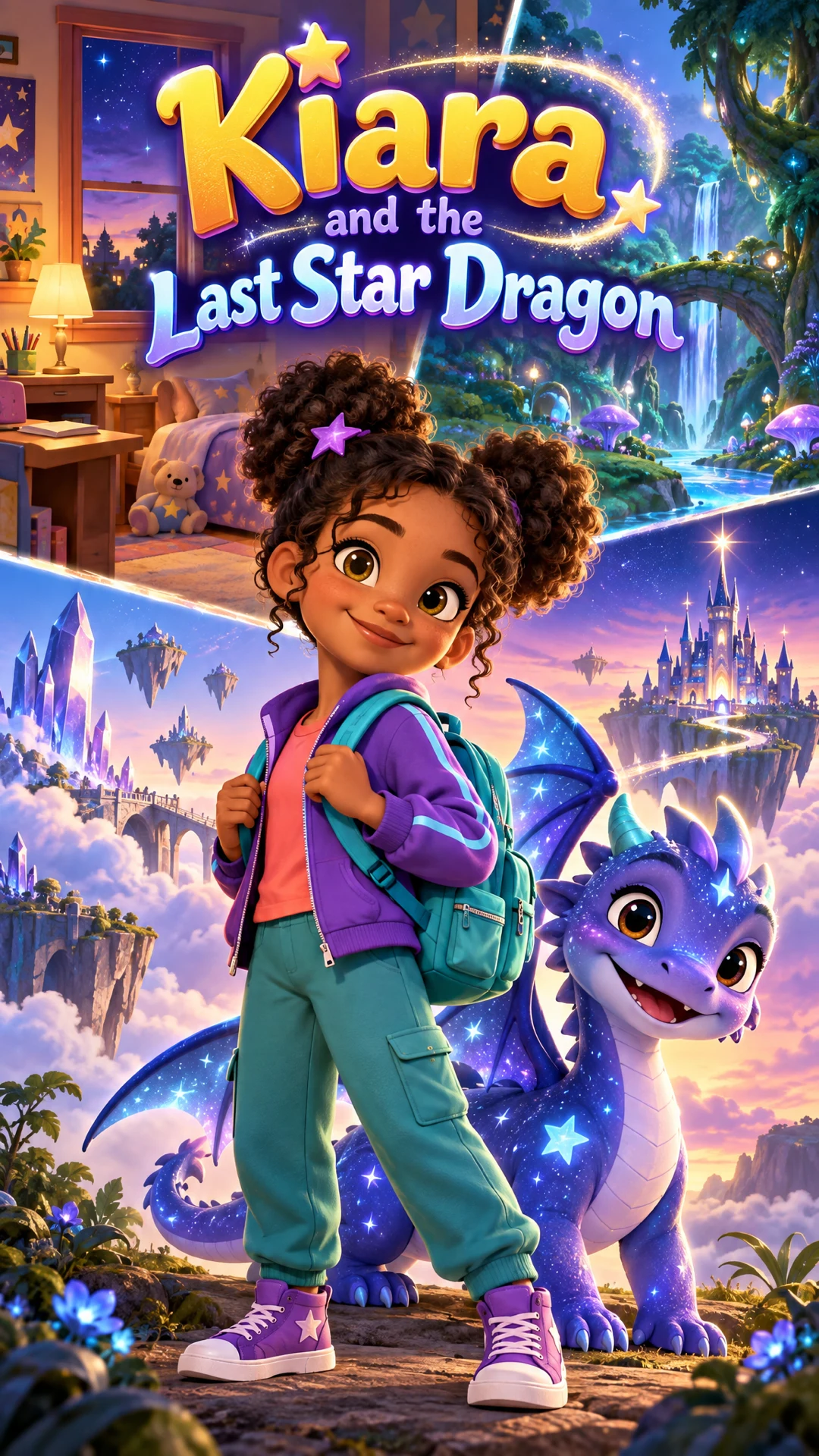
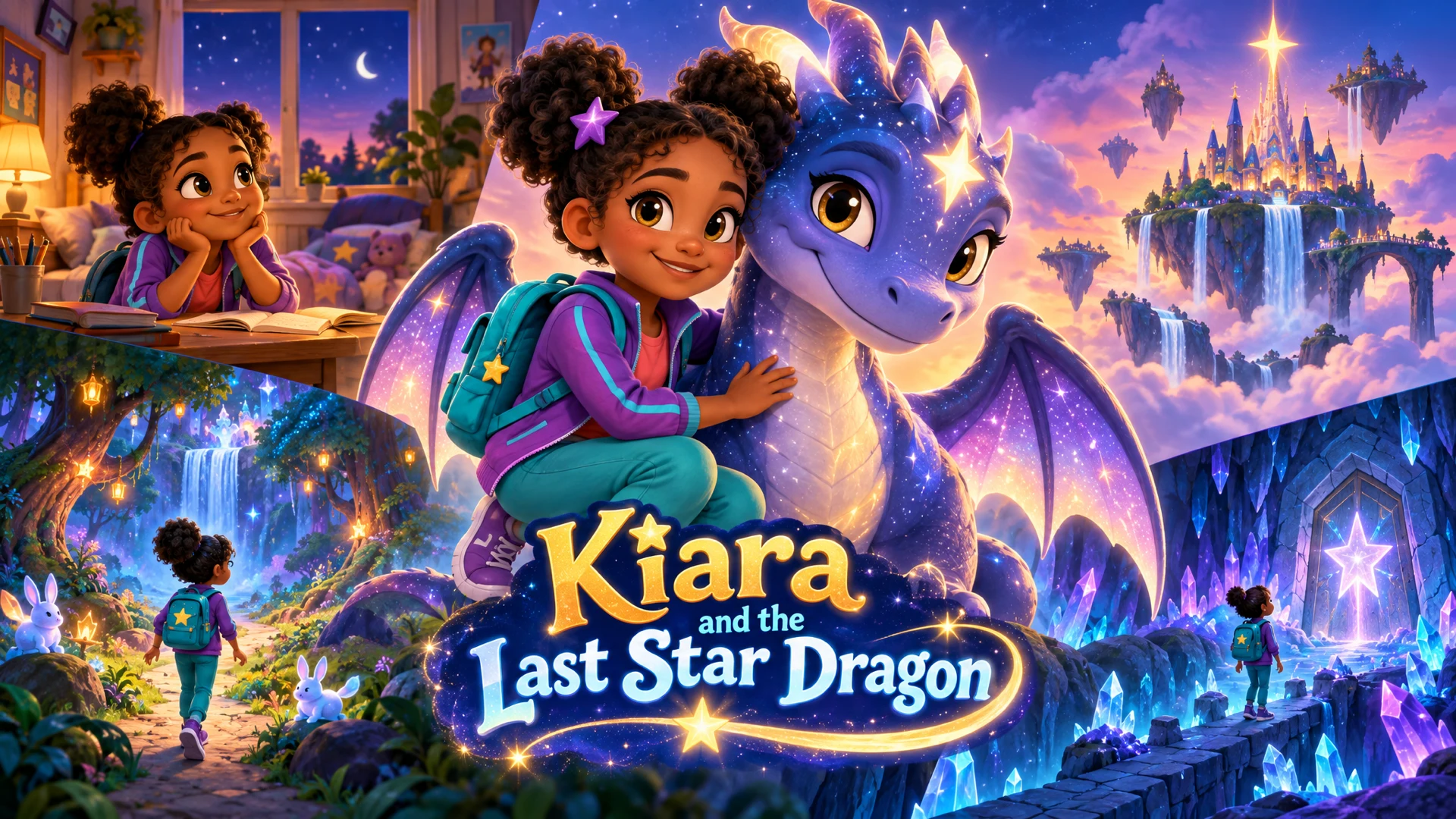
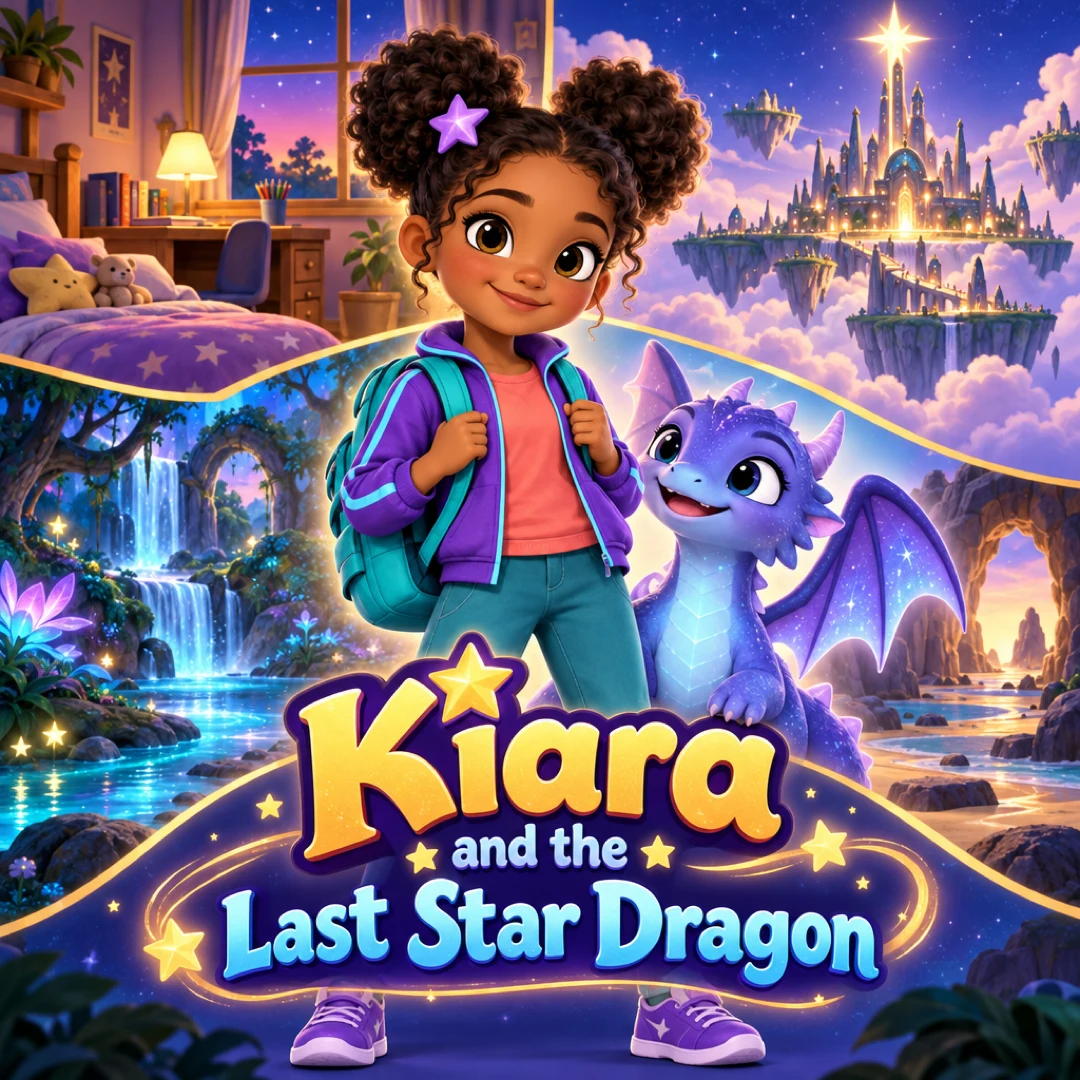
See a finished example
Everything you get from one idea
Open the ClipyToons Demo Project: the idea, script, characters, scenes, generated shots, the finished film, thumbnails, covers and the publish pack — exactly what the studio makes.
- Script
- Characters
- Scenes
- Film
- Thumbnails
- Publish pack
Example ideas to paste into the studio
Type one sentence like these into the idea box — the studio writes the full script, which you can edit before anything is rendered.
- “My daughter is a junior zookeeper for a day and helps a baby giraffe reach the tallest leaves”
- “Grandpa and my son build a treehouse together and invite the neighborhood birds to move in”
- “My twins open a tiny pancake shop for woodland animals on a Saturday morning”
- “My son captains a friendly yellow submarine and waves at glowing fish on a coral reef”
- “My niece plants a magic bean that grows a ladder up to a cloud playground”
- “Our whole family takes a hot-air balloon ride over patchwork farms and waves to the cows below”
How photo to cartoon video works in ClipyToons
Most photo-to-cartoon tools stop at a single stylized picture. ClipyToons goes further: the cartoon becomes a character sheet, a reference for your character's face, hair, outfit, and colors, and it's reused every time that character appears. That's what keeps your child recognizable in shot 1 and in shot 20.
Here's what you can do with photo cast:
- Up to 5 photo characters per project: siblings, parents, grandparents, a best friend (with their parent's okay)
- Upload or shoot on the spot: on a phone, you can take the photo with the camera right from the cast step
- Mix photo and AI characters: your child can star next to an AI-designed dragon or talking tractor
- Turn a real place into the cartoon world: upload a photo of the backyard or a favorite playground in Cast & Place, and approve the cartoon version
- Approve before anything renders: you see every cartoon first, and nothing is rendered until you approve the cast and the place
Voices come from how you describe each character, for example "a giggly five-year-old girl" or "a gentle, deep-voiced dad". There's no voice picker and no voice cloning. The voice is a cartoon voice, not your child's real one.
Photo tips for a better cartoon likeness
The cartoon can only be as good as the photo it starts from. The quickest win is choosing the right picture:
- One person per photo. Crop group shots so only one face remains
- Face visible and facing the camera. Profiles and over-the-shoulder shots lose detail
- Even light. Daylight near a window works well, while harsh backlight and deep shadows don't
- No heavy filters or sunglasses. Beauty filters change face shape, and sunglasses hide the eyes
- Face not tiny in the frame. Head-and-shoulders framing is ideal
Uploads can be JPEG, PNG, or WebP up to 8 MB. Screenshots and blurry action shots tend to produce a weaker likeness. If you're shooting fresh on a phone, stand your child facing a window, hold the phone at eye level, and ask for a normal smile instead of a silly face. You can save the silly faces for the story itself. The photo requirements FAQ covers file issues.
Your child's photo: who can upload it and where it goes
Only a parent or guardian, or someone with their permission, should upload a child's photo. The same goes for photos of other adults: ask grandma before she becomes a cartoon.
Here's what happens to the photo:
- It's stored in your private project on ClipyToons servers
- It's used only to generate your videos and is never shown to other users
- Any staff access to user media is audit-logged
- You can ask for specific photos, projects, or your whole account to be deleted by opening a ticket from Help
The finished video is yours to keep private or share. If you post it publicly, think twice about adding your child's full name, school, or hometown to the title or captions. For a longer walkthrough, read how to turn a child's photo into a cartoon safely.
What photo cartoons cost
Turning photos into cartoons is free to try. Every free account includes 6 photo-to-cartoon conversions, and character sheets and scene cartoons both count toward that. With a paid plan, conversions are unlimited. AI-designed characters never count toward the limit.
Planning is free; you pay when you render. Rendering the video uses credits from a plan, and the studio shows how many before you confirm.
Every paid plan, starting with Starter ($19.99, 200 credits), also unlocks unlimited photo conversions. That matters if you're casting a family of five and want to retry a photo or two. See pricing for all plans.
Frequently asked questions
Will the cartoon look exactly like my child?
It's a cartoon likeness, not a photo. Features like hair, face shape, and coloring carry over in a cartoon style, so family and friends will recognize them. A clear, front-facing photo gives the closest result.
Can I put two siblings in the same video?
Yes. Add each sibling as their own photo character, one photo per person, up to five per project. Mention both by role in your idea, for example "big sister and little brother", so the script gives each of them lines.
What if the cartoon doesn't look right?
Don't approve it yet. Try a different photo with better light and the face toward the camera. On a free account each attempt counts as a conversion, so choose carefully. With a paid plan, conversions are unlimited.
Can I use a photo of a friend's child?
Only with that child's parent or guardian's permission. It's a good idea to show them the finished video before you share it anywhere.
Does my child's real voice appear in the video?
No. There's no voice cloning or audio upload. Characters speak with generated cartoon voices, shaped by how you describe them, such as "a bubbly six-year-old boy".
Ready to make your first photo to cartoon video?
Type your idea, edit the script, approve your characters and place, and see the price before you pay. ClipyToons then delivers a finished film — talking characters, sound, automatic edit, captions, and covers.
Planning is free — you pay when you render · monthly plans from $19.99
Helpful guides
Guide
How to Turn Your Child's Photo into a Cartoon Character (Safely)
Seeing your kid as a cartoon hero is pure joy, and it only takes a few minutes of planning to do it safely. Here's how to choose the photo, protect privacy, get family consent, and share without oversharing.
Guide
How to Make a Personalized Cartoon Video Starring Your Child
A short cartoon where your child is the hero can mark a birthday, ease a big change, or connect them with grandparents far away. Here are story templates for six occasions, how to cast your family, and what it takes in time and credits.
Related use cases
Use case
Family story videos
Turn parents, kids, and grandparents into one family cartoon video for a birthday, a new sibling, or grandparents far away. Up to 5 photo characters.
Use case
Bedtime story videos
Make a calm, personalized bedtime story video starring your child or a sleepy animal friend, with gentle narration and captions. Planning is free.
Use case
AI kids video maker
Type a story idea, get a finished kids cartoon: an editable script, talking characters, sound and captions. Planning is free; you pay when you render.
Last updated October 11, 2026 by the ClipyToons team.