
Vertical video
Kids Cartoon Shorts Maker for YouTube Shorts, TikTok, and Reels
ClipyToons is a kids cartoon shorts maker built for the vertical feed: 9:16 video, a hook in the first seconds, captions burned in, and a cover plus captions and hashtags for each network. Turn one sentence into a 30-second cartoon, then post it to YouTube Shorts, TikTok, Instagram Reels, or Facebook.
Planning is free — you only pay when you render your film. See pricing
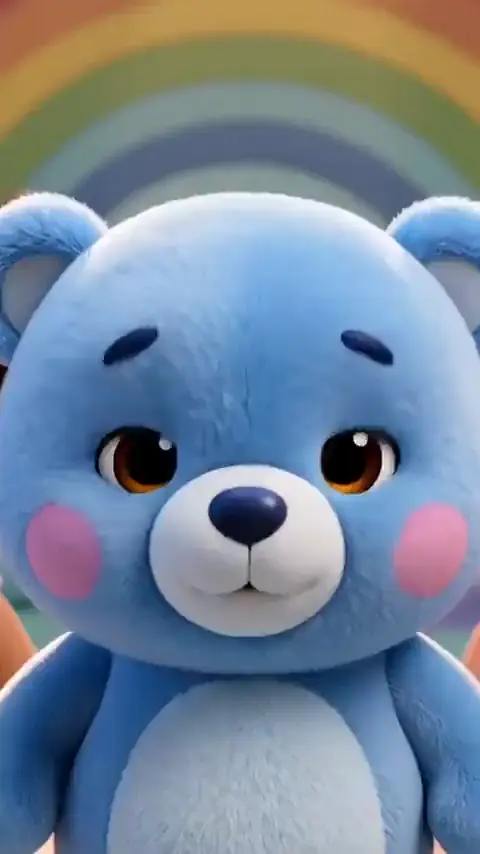
How to make a kids cartoon Short with ClipyToons
- 1
Set 9:16 and a short length
Choose vertical format and 30 seconds, or set a custom length up to 60 seconds for a slightly longer gag.
- 2
Write a hook-first idea
Lead with the funniest or most surprising moment, like "a penguin slips and spins like a top", instead of a slow setup.
- 3
Approve a tight script
Cut introductions and keep it to one or two characters. Every line should move toward the payoff.
- 4
Pick the shortest length
Choose a short target length and cut any line that doesn't earn its seconds. A shorter film also uses fewer credits.
- 5
Render and open the publish pack
Grab the vertical cover plus the Shorts hook caption and the TikTok, Instagram, and Facebook captions with hashtags.
- 6
Post it
Upload to YouTube from the Publish tab where Connect is shown. For other networks, download the MP4 and post it in their app.
 ▶YouTube · 16:91:59 · Example · no credits used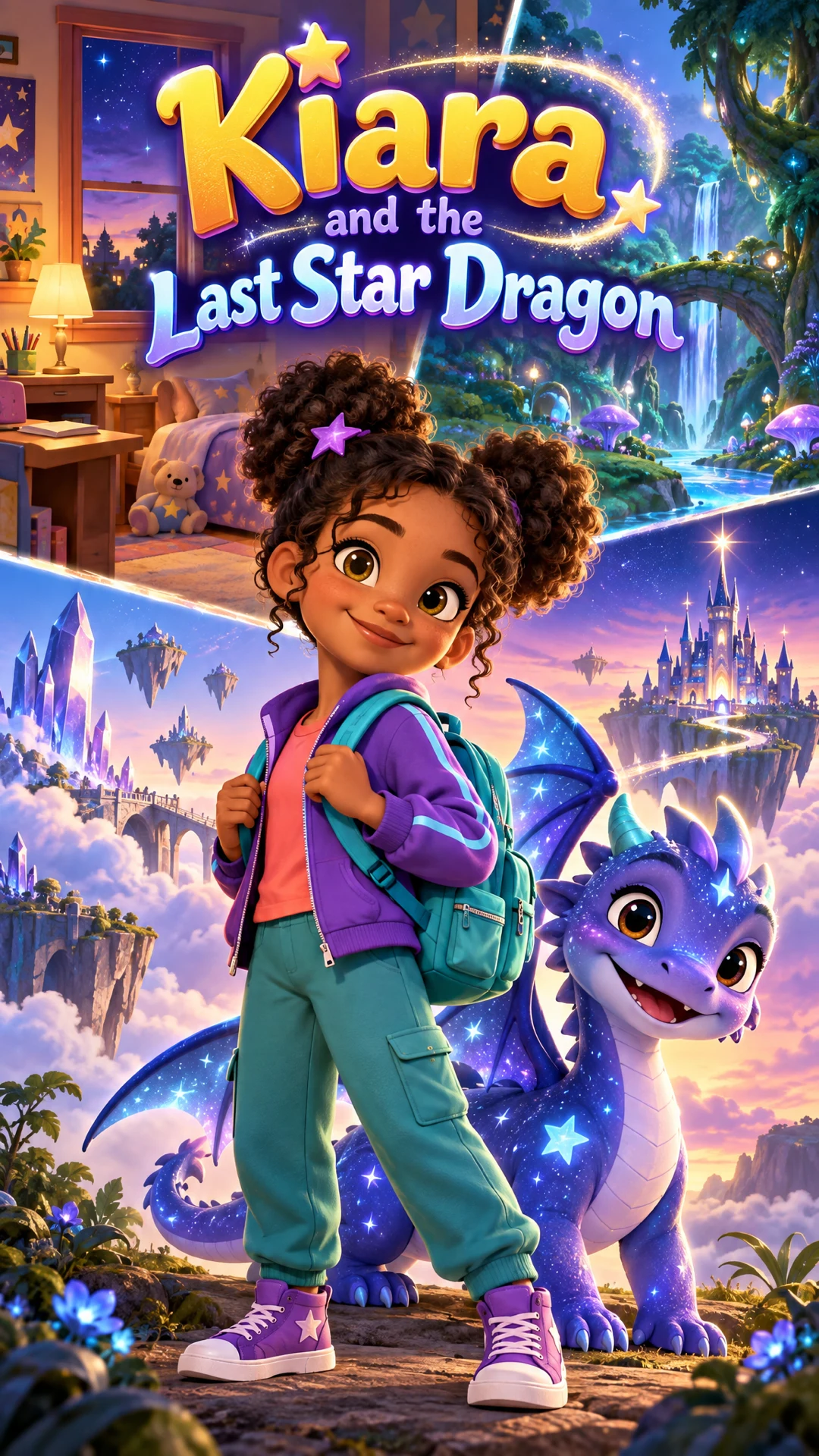
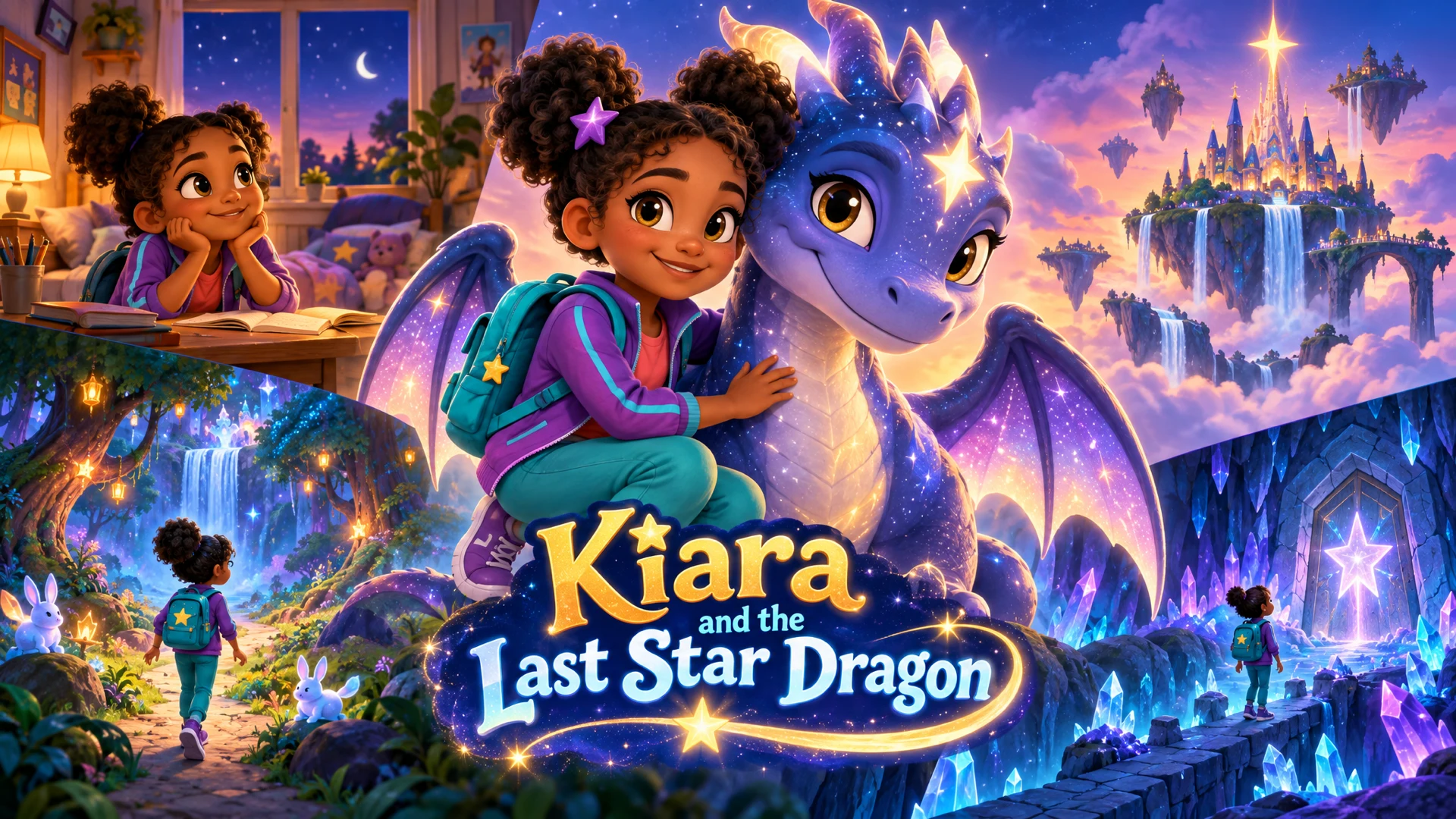
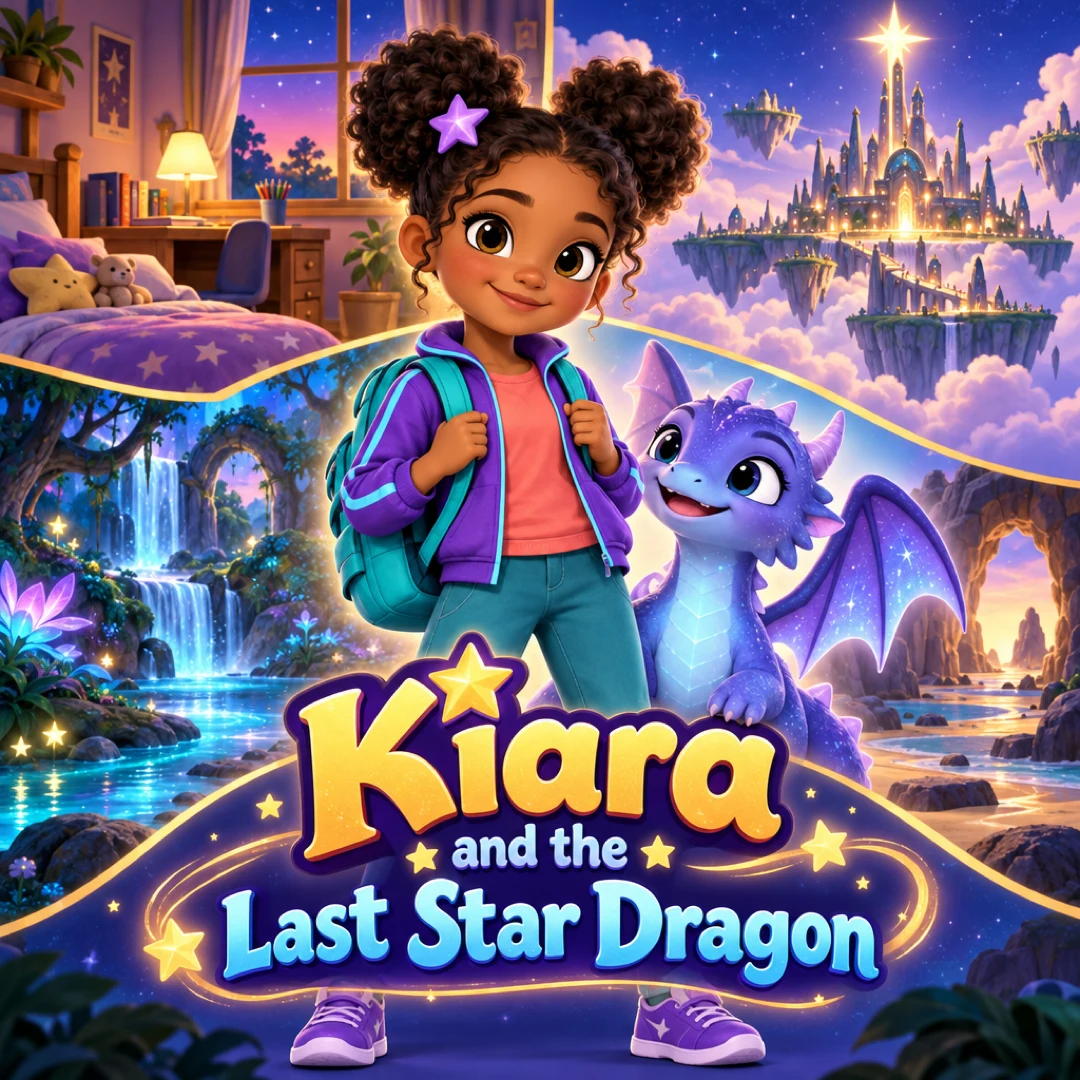
See a finished example
Everything you get from one idea
Open the ClipyToons Demo Project: the idea, script, characters, scenes, generated shots, the finished film, thumbnails, covers and the publish pack — exactly what the studio makes.
- Script
- Characters
- Scenes
- Film
- Thumbnails
- Publish pack
Example ideas to paste into the studio
Type one sentence like these into the idea box — the studio writes the full script, which you can edit before anything is rendered.
- “A penguin slips on the ice, spins like a top, and lands perfectly at the end of a penguin parade”
- “Freeze dance on the farm: every time the rooster says freeze, the pig is caught mid-wobble”
- “Guess the animal: a shadow behind a curtain gives three silly clues before the big reveal”
- “A sandwich tries to jump into a lunchbox that keeps snapping shut at the very last second”
- “A puppy tries to catch a bubble, and every bubble he pops turns into two smaller bubbles”
- “A tiny snail challenges a cheetah to a race and wins by riding a friendly leaf down a hill”
What makes a kids cartoon Short work
Short-form feeds are unforgiving: if the first seconds don't land, the viewer swipes. The Shorts that hold attention tend to share a few traits:
- A hook right away. Open on the action, a question, or a funny image, never on a title card or a slow walk-in
- One idea. One joke, one reveal, or one tiny lesson. Save the multi-scene story for a longer video
- Big, readable characters. Bold colors and clear expressions read well on a small phone screen
- Captions for silent viewing. Many people scroll with the sound off, and burned-in captions carry the story anyway
- A satisfying end. A punchline, a reveal, or a moment that loops smoothly back to the start
Presets like Freeze Dance Party, Bubble Beat, and Sock Puppet Circus are built around quick, repeatable gags that suit the format. For choosing between Shorts and longer videos, read Shorts vs long-form video length for kids.
One kids cartoon shorts maker, every network
A single 9:16 MP4 works on YouTube Shorts, TikTok, Instagram Reels, and Facebook, so there's no need to render separate versions. What changes per network is the text, and the publish pack handles that:
- Shorts hook caption for YouTube
- TikTok, Instagram, and Facebook captions with hashtags written for each
- Vertical cover, story poster, and square cover, free with every finished video
Here's how posting works:
- YouTube Shorts. Upload directly from the Publish tab when the Connect option is shown, or download and upload in YouTube Studio
- TikTok, Instagram, Facebook. Direct posting isn't connected. Download the MP4, copy the caption from the publish pack, and post in the app
You can download the video and every publish-pack file together as a ZIP from the Publish tab. The publishing FAQ covers the details.
What Shorts cost
Shorts are the most affordable thing you can make in ClipyToons. Credits scale with length, so a short clip uses fewer credits than a long episode. A 30-second Short renders in about 8 minutes, a 60-second Short in about 15.
Monthly plans add credits after every successful payment: Starter is $19.99 for 200 credits, Pro Plus is $49.99 for 500, and Premium is $99.99 for 1,000. Unused credits stay in your balance.
Starter makes videos up to 1:30 min; for longer episodes choose Pro Plus or Premium. 480p is the default and looks great on phone screens. See pricing.
Posting kids cartoons on short-form platforms
Short-form apps have their own rules about young audiences, and it's worth knowing them before you post:
- TikTok and Instagram require users to be at least 13. Frame your account for parents and families, the adults who choose what kids watch
- YouTube Shorts follow the same Made for Kids setting as long videos. Set the audience honestly for each upload
- Watch every Short before posting. Every idea and shot passes kid-safety checks before rendering, but a quick review catches anything that feels off
- Stay original. Skip famous characters and look-alikes of popular cartoons, which can lead to copyright claims and takedowns
- Mind added sounds. The video already includes voices, sound effects, and ambience. If you add a sound from an app's library, follow that platform's usage rules
Consistency beats volume: a recurring character with a recognizable gag builds an audience faster than random one-offs. See kids YouTube channels with AI for series planning.
Frequently asked questions
Can ClipyToons post straight to TikTok or Instagram?
Not yet. Direct upload is available for YouTube where the Connect option is shown. For TikTok, Instagram, and Facebook, download the MP4 and post it in the app using the ready-made caption.
How long should a kids Short be?
Thirty to 45 seconds is a good default: long enough for a setup and a payoff, short enough to rewatch. Go up to 60 seconds only when the idea genuinely needs it.
Can I cut a Short out of a longer episode?
There's no clip trimming tool. Instead, make a separate 9:16 project around one moment from your episode's world. It's framed for vertical video from the start, which usually looks better anyway.
Do I need a separate video for each platform?
No. The same 9:16 MP4 works on YouTube Shorts, TikTok, Reels, and Facebook. The publish pack gives you network-specific captions and hashtags.
Should I turn off burned-in captions if the app adds its own?
Keep them on in most cases, since burned-in captions show up everywhere, including when the video is reshared. Switch them off in export settings before rendering if you prefer the app's auto-captions.
Ready to make your first kids cartoon shorts?
Type your idea, edit the script, approve your characters and place, and see the price before you pay. ClipyToons then delivers a finished film — talking characters, sound, automatic edit, captions, and covers.
Planning is free — you pay when you render · monthly plans from $19.99
Helpful guides
Guide
Best Video Length for Kids Videos: YouTube Shorts vs Long-Form (plus TikTok & Reels)
What's the best video length for kids YouTube videos? It depends on your viewers' age, the platform, and the story. Here's how to choose between Shorts and long-form, what each platform allows in 2026, and how to budget lengths with credits.
Guide
40 Kids YouTube Video Ideas That Kids Rewatch (Ready to Make)
Stuck on what to make next? Here are 40 original kids YouTube video ideas grouped by age and format, each written as a one-sentence premise you can paste straight into a studio, plus tips for turning the best ones into a recurring series.
Guide
How to Start a Kids YouTube Channel with AI (2026 Guide)
Want to start a kids YouTube channel with AI? This guide walks through choosing a niche and characters, setting Made for Kids correctly, keeping every episode original, and building a production and publishing routine you can actually keep up.
Related use cases
Use case
Kids YouTube channels
Create original talking cartoons for your channel: consistent characters, 16:9 episodes, 9:16 Shorts, covers and titles, and honest notes on YouTube rules.
Use case
Nursery rhyme videos
Create original nursery rhymes and chants for counting, ABCs, and colors with talking cartoon characters and read-along captions. Copyright-safe tips.
Use case
AI kids video maker
Type a story idea, get a finished kids cartoon: an editable script, talking characters, sound and captions. Planning is free; you pay when you render.
Last updated October 11, 2026 by the ClipyToons team.