

Multi-platform kids creators
Ship bedtime stories, counting songs, and cartoon shorts to YouTube, Shorts, Reels, TikTok, Instagram, and Facebook — cast, scenes, AI video, captions, and publish packs without a full production crew.
AI cartoon video generator · stories & series
Create cartoon videos with AI from an idea or photo. Build kids' stories with talking characters, sound, captions and a publish pack. Plan for free.
Kiara and the Symphony of the Sky
Film language: English · 16:9 · 720p
 ▶YouTube · 16:92:00 · Example · no credits used
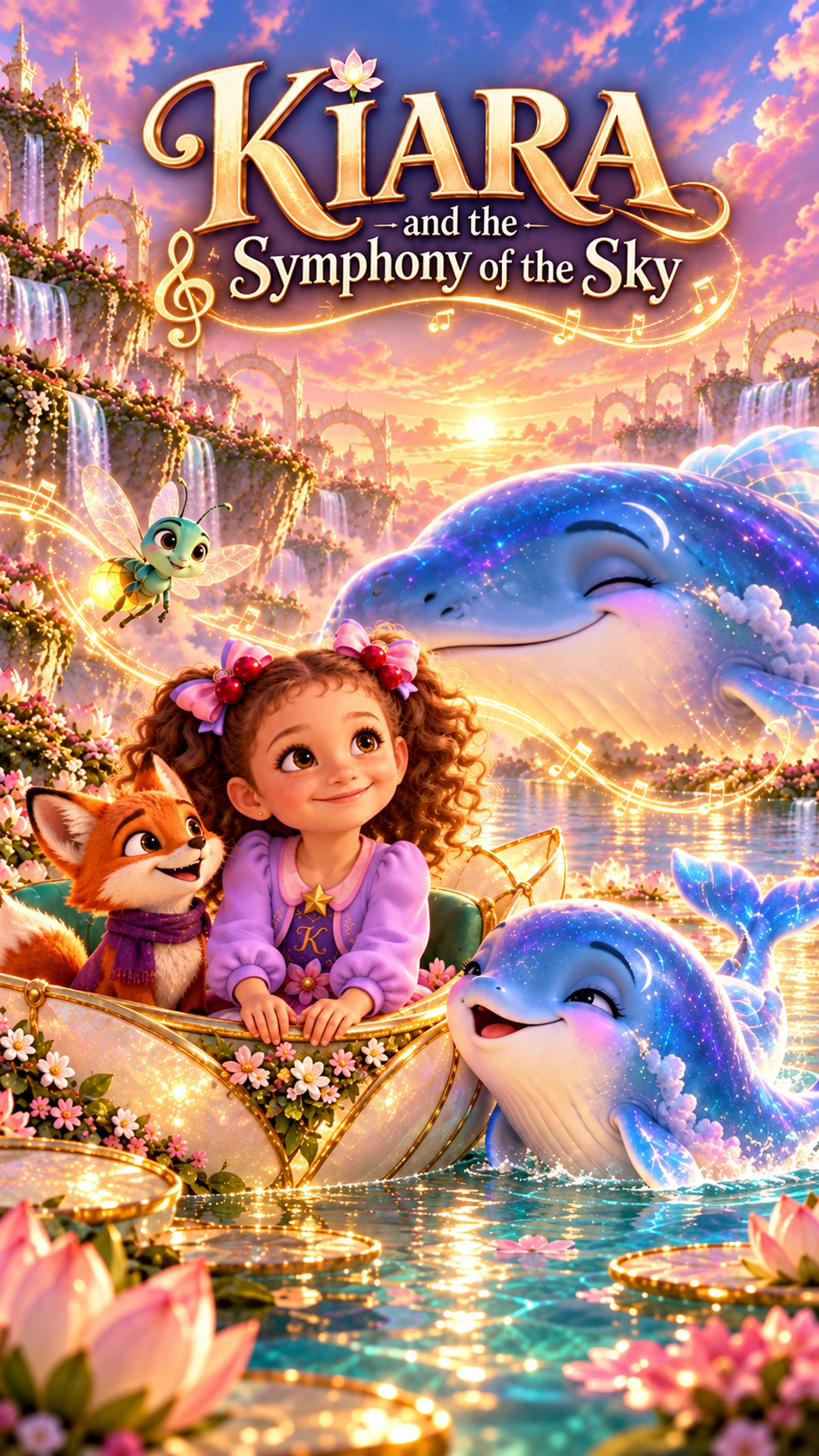
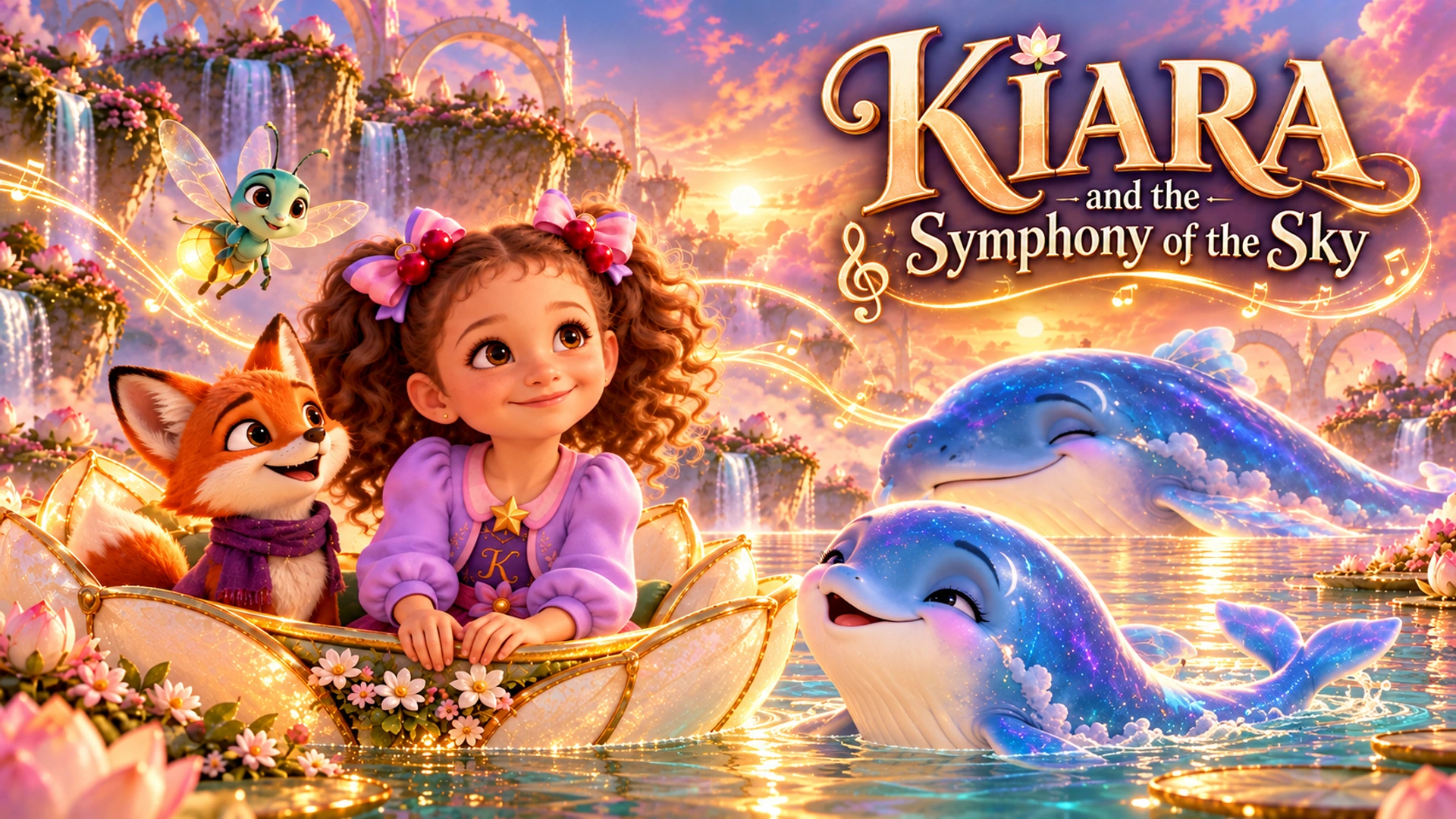
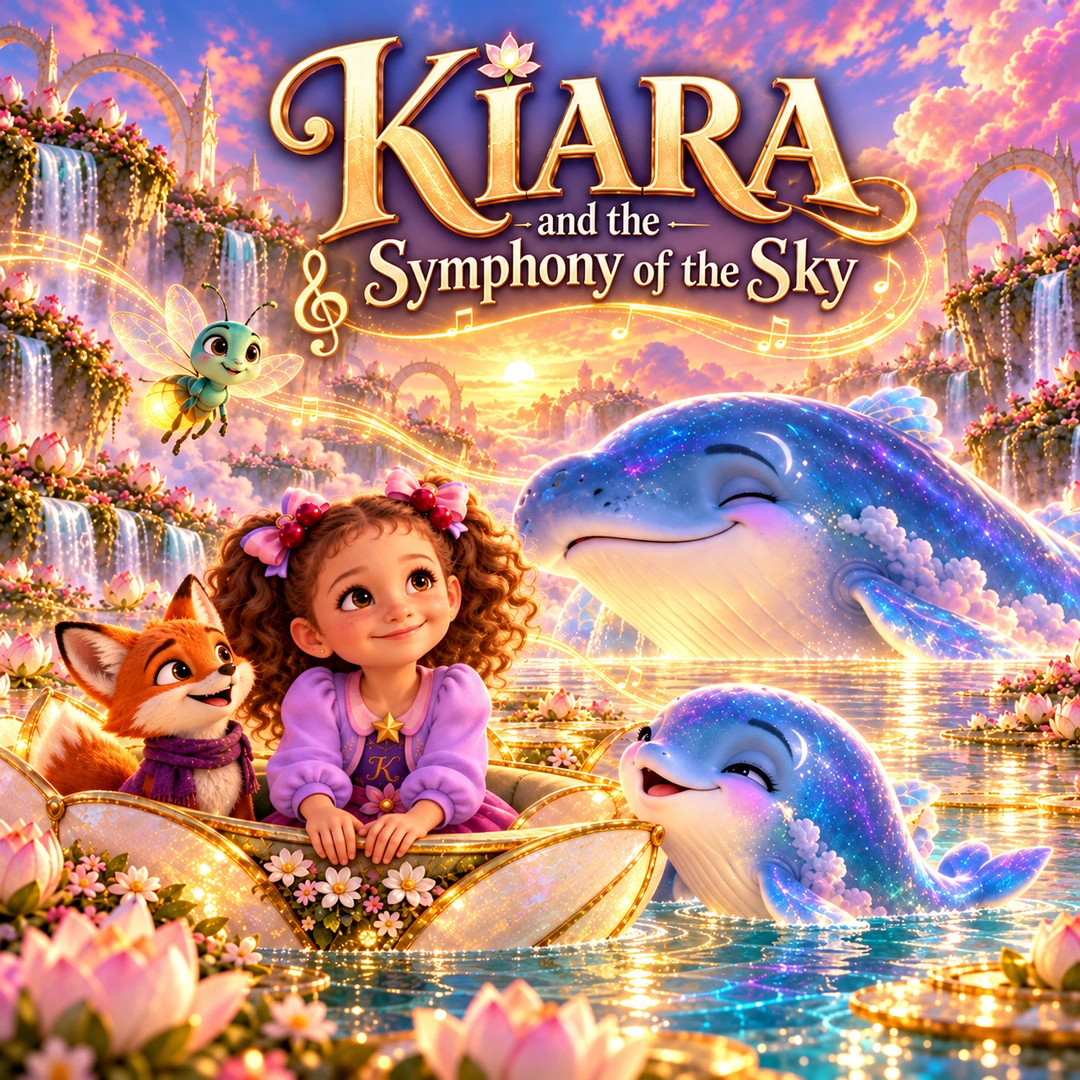
See a finished example
Open the ClipyToons Demo Project: the idea, script, characters, scenes, generated shots, the finished film, thumbnails, covers and the publish pack — exactly what the studio makes.
Built for
Whether you post to every network or make one special video for your child, ClipyToons covers idea and script, photo-to-cartoon cast, cartoon scenes, multi-scene video, captions, and publish packs for YouTube, Shorts, Reels, TikTok, Instagram, Facebook, and more.
Ship bedtime stories, counting songs, and cartoon shorts to YouTube, Shorts, Reels, TikTok, Instagram, and Facebook — cast, scenes, AI video, captions, and publish packs without a full production crew.

Turn real family photos into cartoon characters and make gentle story videos you can watch together — safe, colorful, and finished in one studio flow.
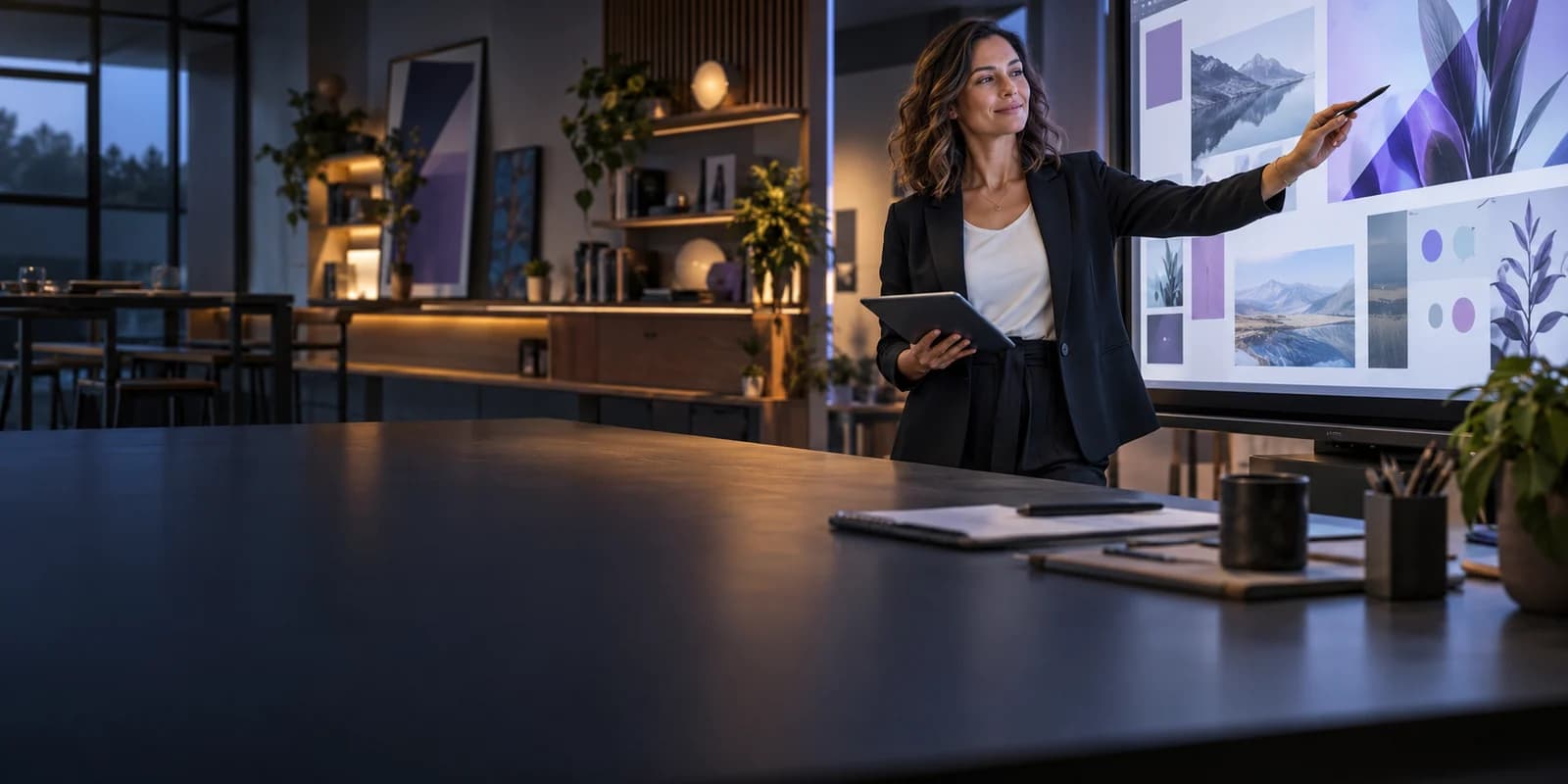
Create short learning clips, nursery rhyme videos, and kindness fables that keep early learners engaged.
Ready to try? Open the studio or compare plans.
How it works
Start with an idea, meet your characters, and bring each scene to life. ClipyToons combines voices, sound, editing and captions into a finished cartoon you can share.
Type a story, pick a kids preset, or bring a family photo — ClipyToons meets you where the idea starts.
Auto-generate heroes or turn real faces into cartoon characters that stay consistent across every scene.
The studio plans every scene and shot, then renders them with characters speaking lip-synced dialogue, plus sound effects and ambience.
Shots are edited together in story order with smooth transitions, optional burned-in captions, plus a cover and publish pack — ready for YouTube, Shorts, Reels, TikTok, Instagram, and Facebook in 9:16 or 16:9.
Use cases
From photo-to-cartoon family stories to nursery rhyme shorts — one AI kids video studio for content that lives on YouTube, TikTok, Instagram, Facebook, and more.
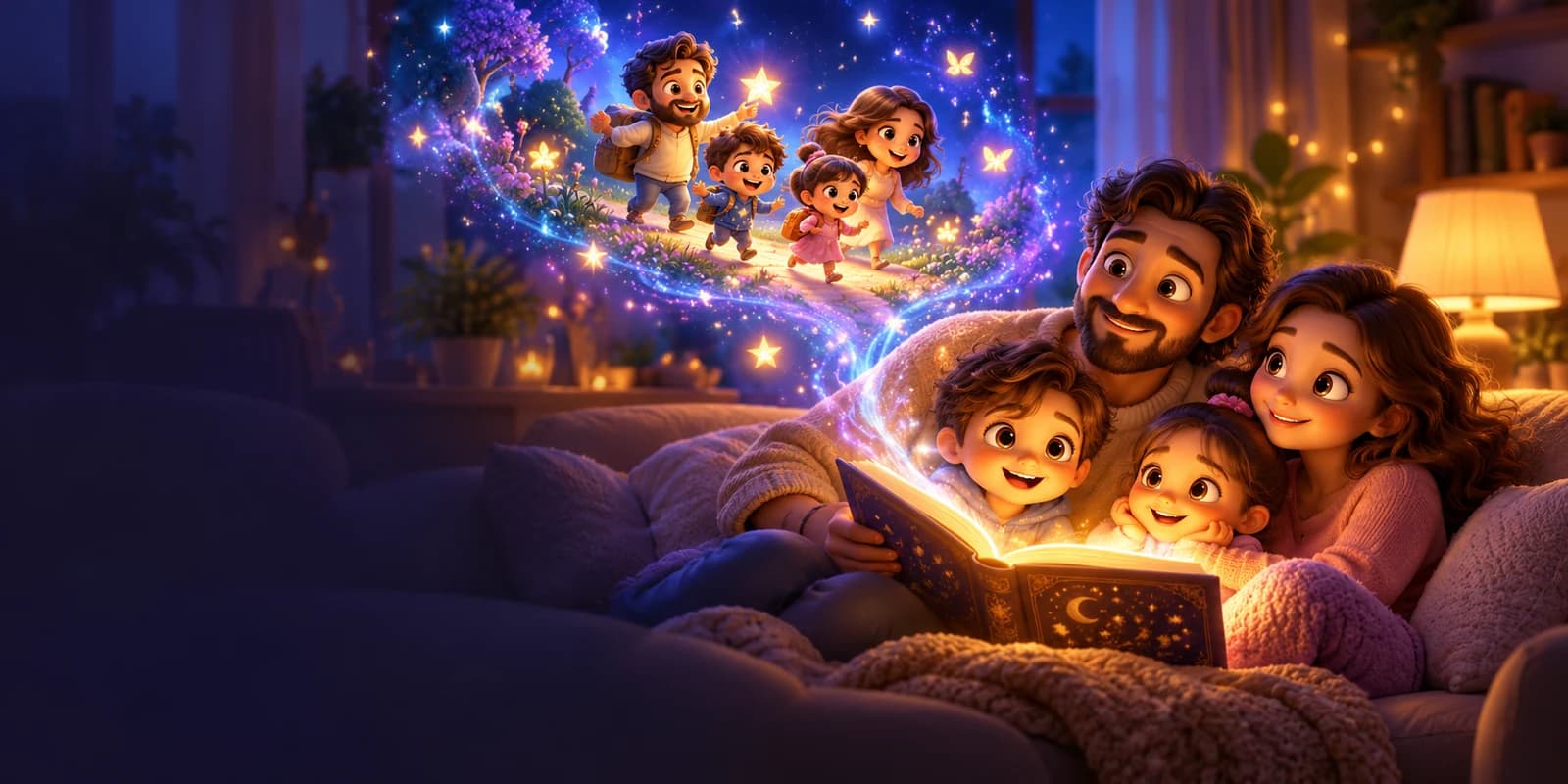
Cast real family photos as cartoon characters and make gentle kids story videos parents and kids watch together.
See how it works →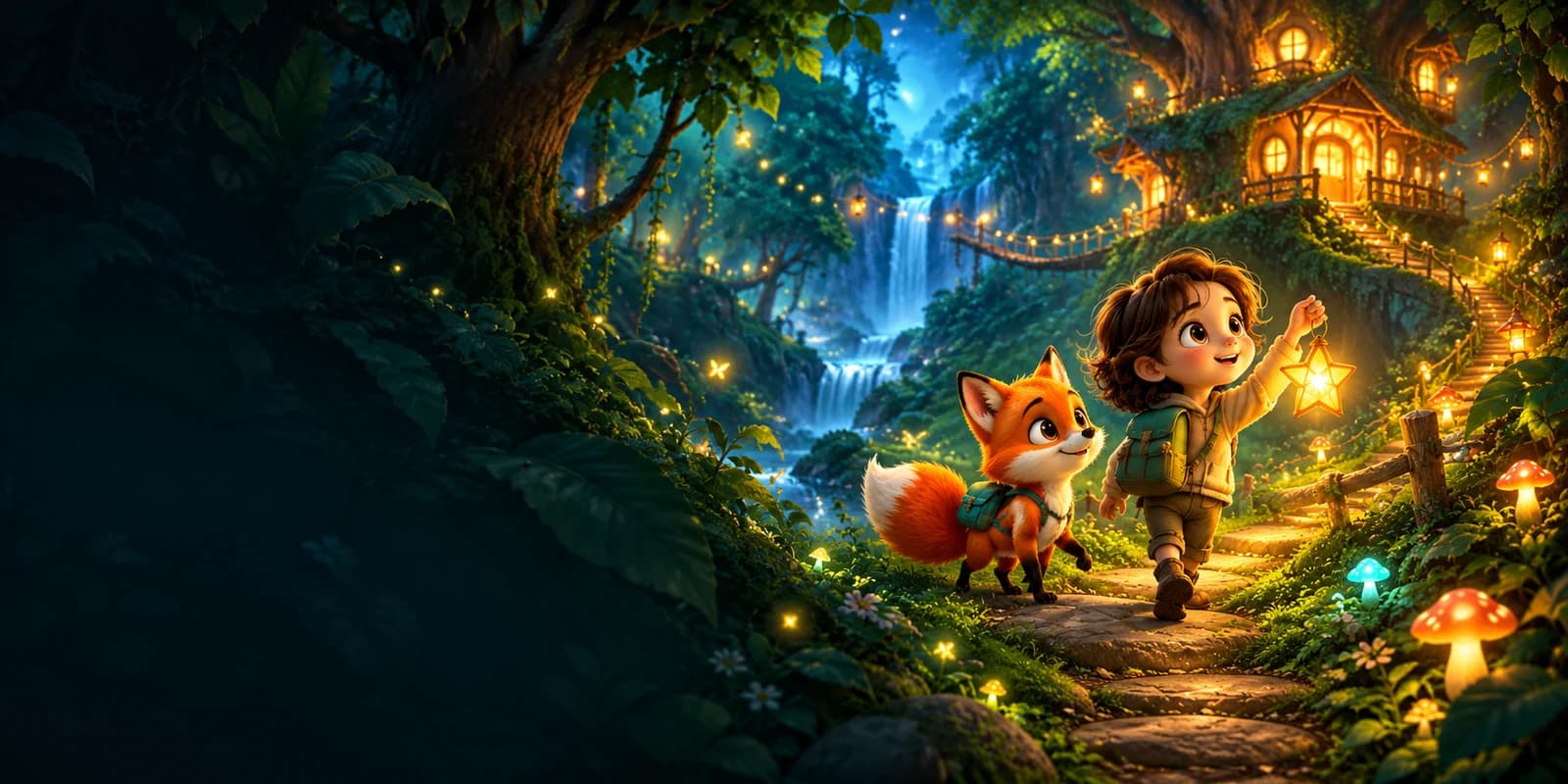
Create children's story videos from an idea or preset — fox adventures, kindness fables, and original bedtime tales.
See how it works →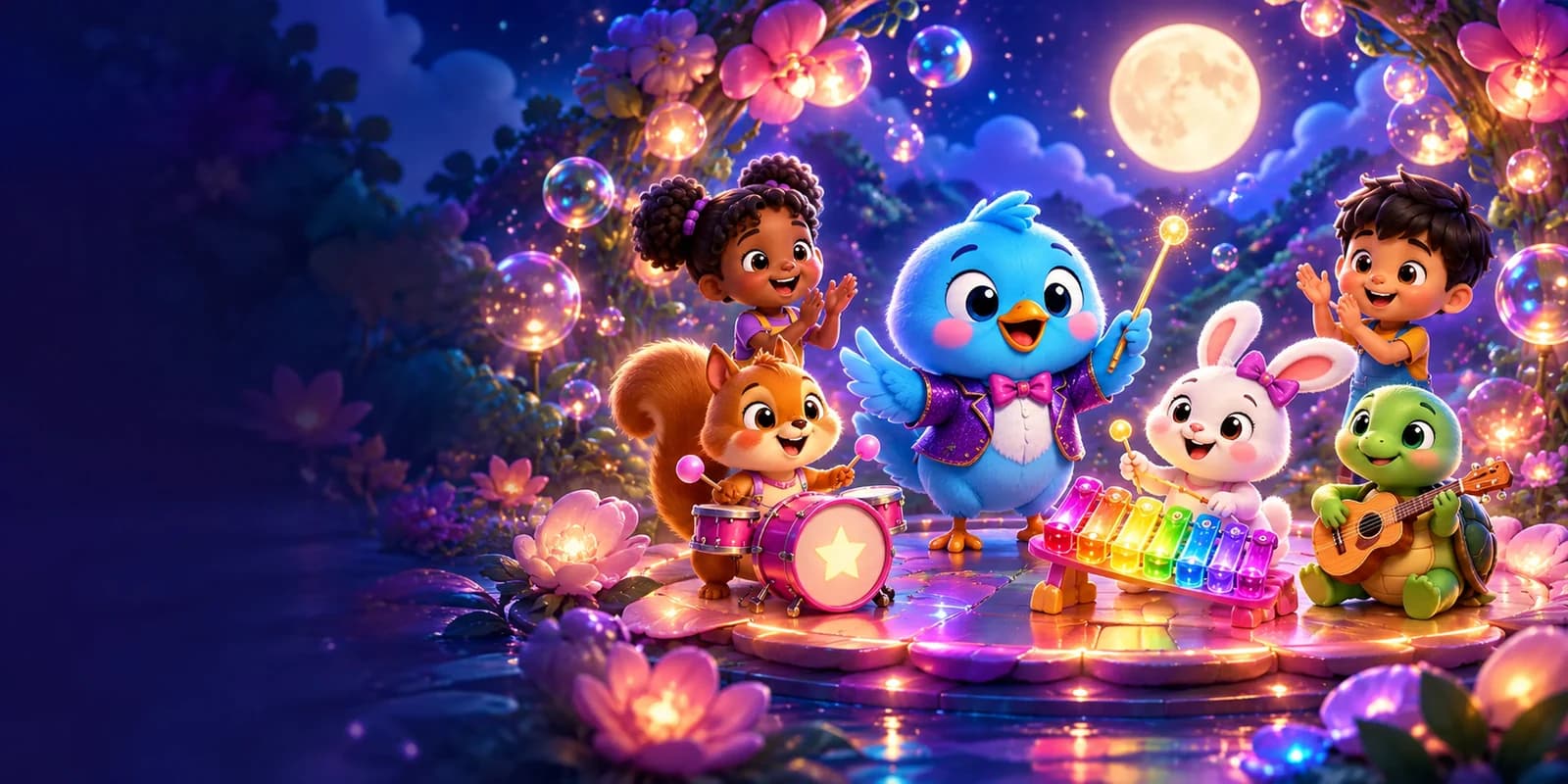
Use ClipyToons as a nursery rhyme video maker for sing-along shorts with captions kids can follow.
See how it works →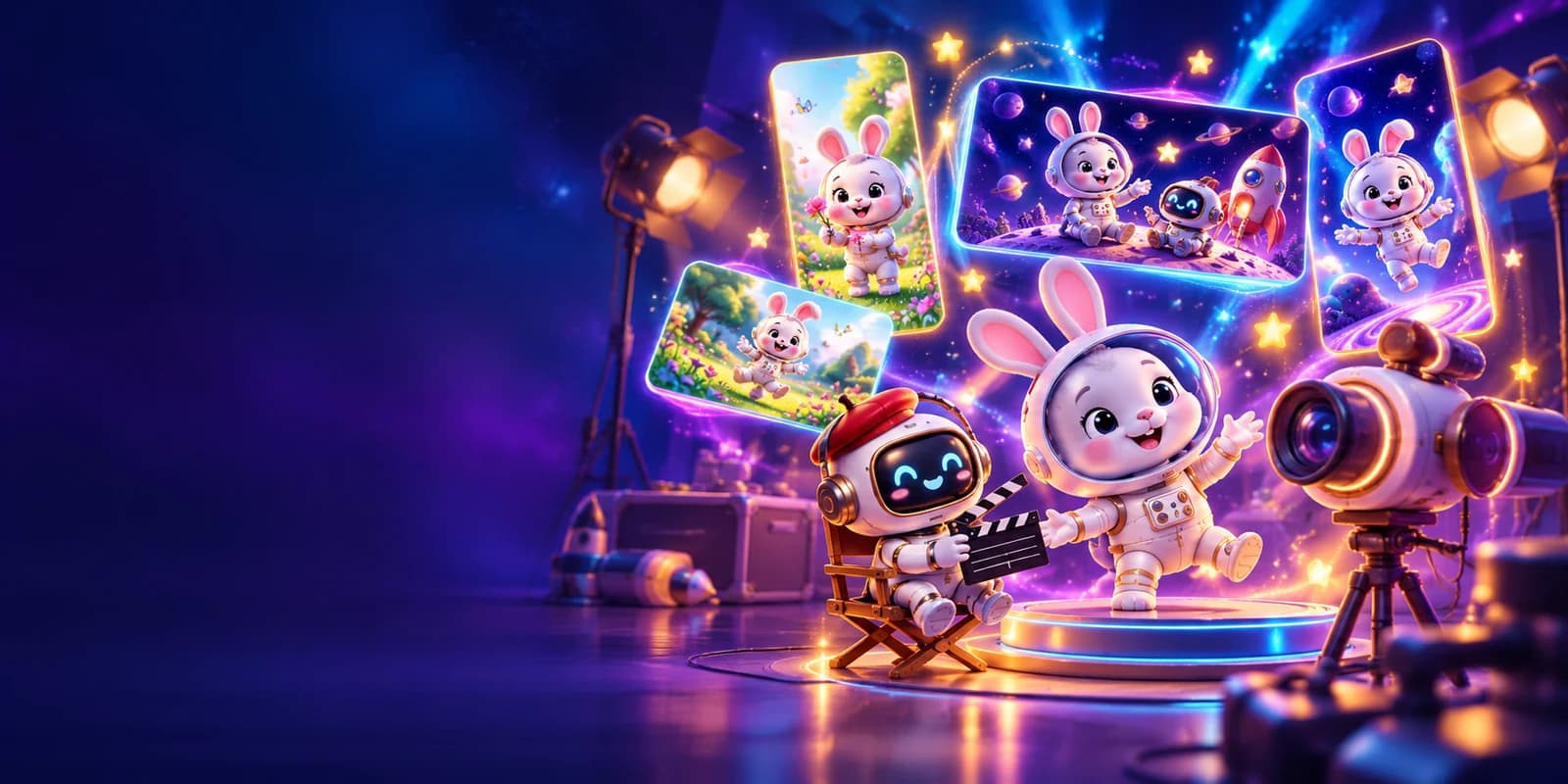
Export vertical 9:16 for Shorts/Reels/TikTok or widescreen 16:9 for YouTube and Facebook — cast to captioned publish pack for every network.
See how it works →More ideas: Bedtime story videos · Photo to cartoon video · Videos for teachers · Kids YouTube channel · All use cases · Guides
Presets
21 kid-safe formats — bedtime, animals, learning, dance, fables, space, undersea, comedy, kindness, and original songs. Each ships with a production-ready idea for your kids channel.
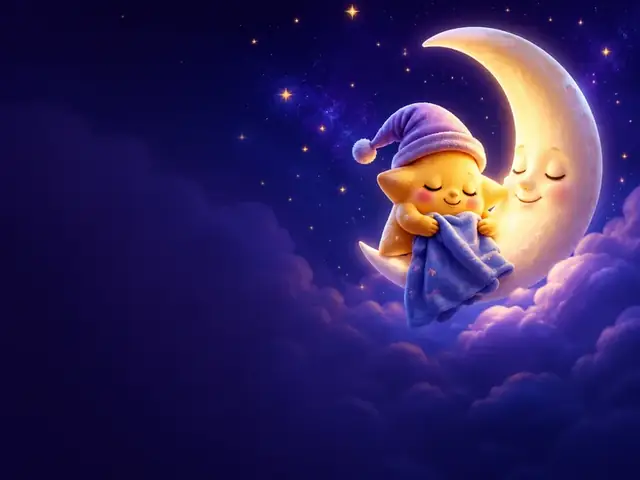
Soft bedtime calm with a sleepy sky friend.

A floaty calm tale for winding down.
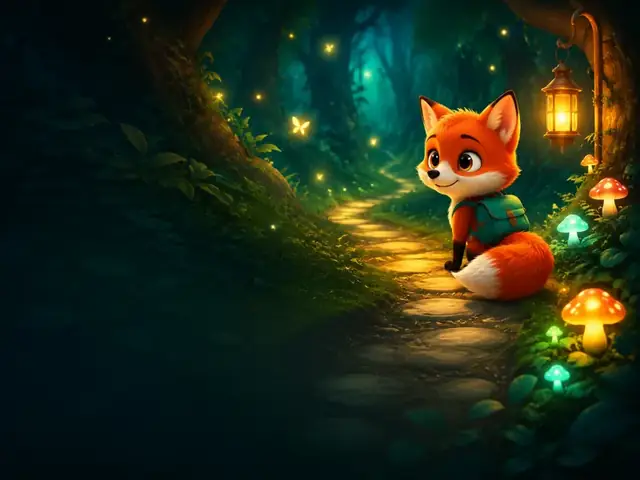
Curious critters on a bright forest quest.
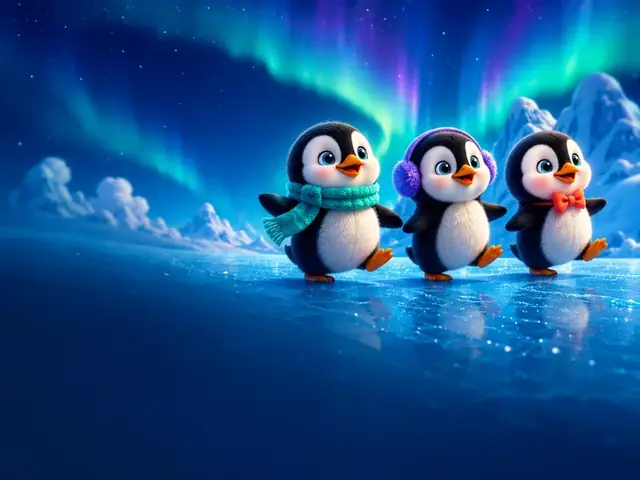
Waddling friends on an icy adventure.
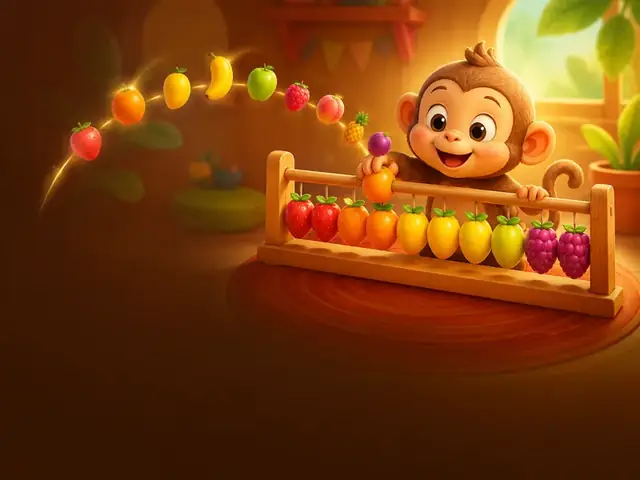
Bouncy fruits teach numbers 1–10.
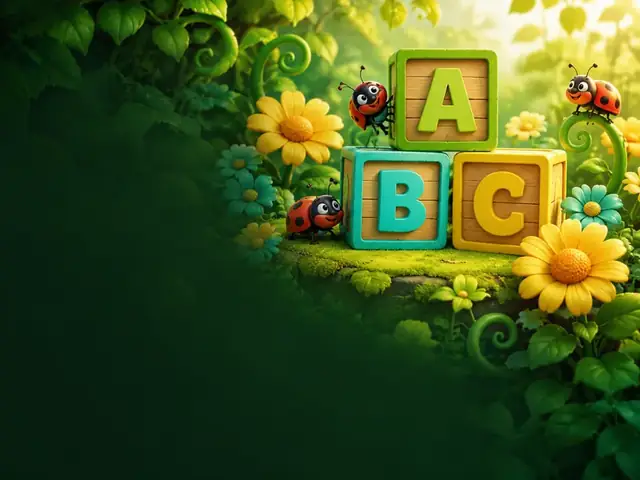
Letters bloom in a playful garden song.
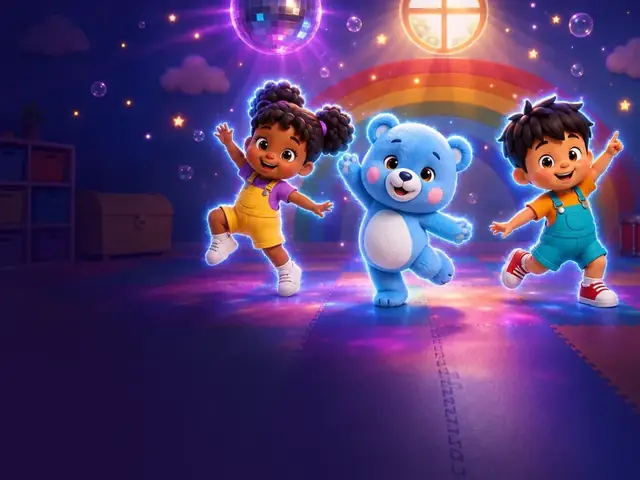
Move, freeze, giggle — original dance track.
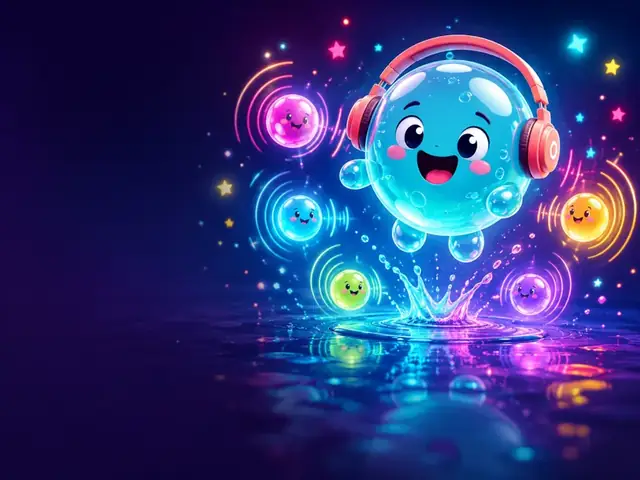
Pop-along original song with bubbly moves.
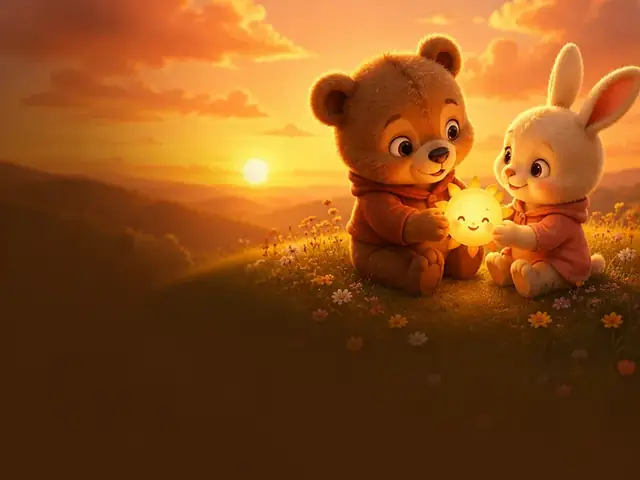
Friendship fable about taking turns.
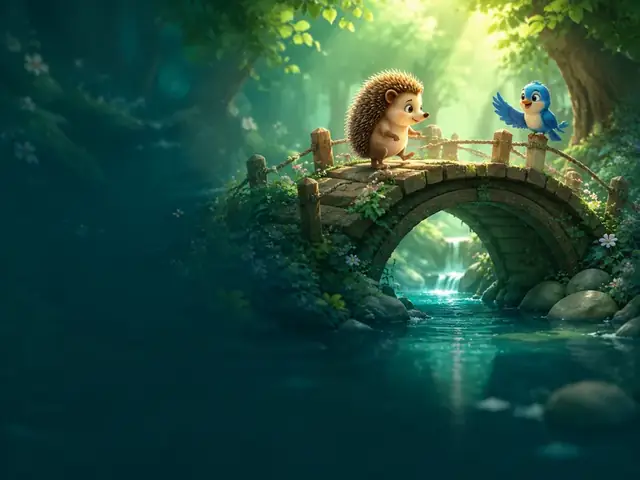
Courage and helping a shy friend cross.
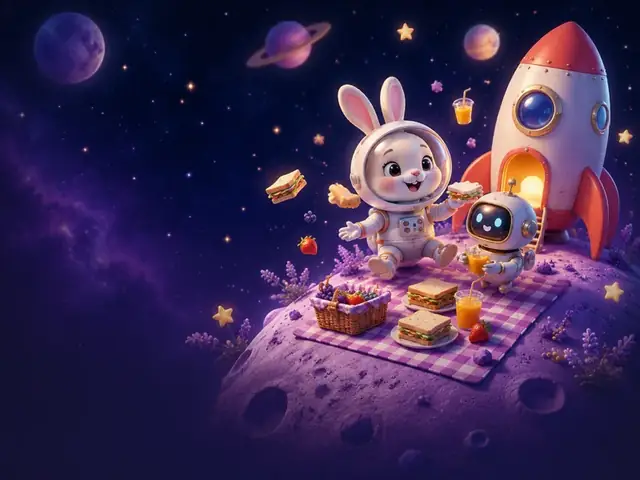
Space snack adventure among friendly planets.
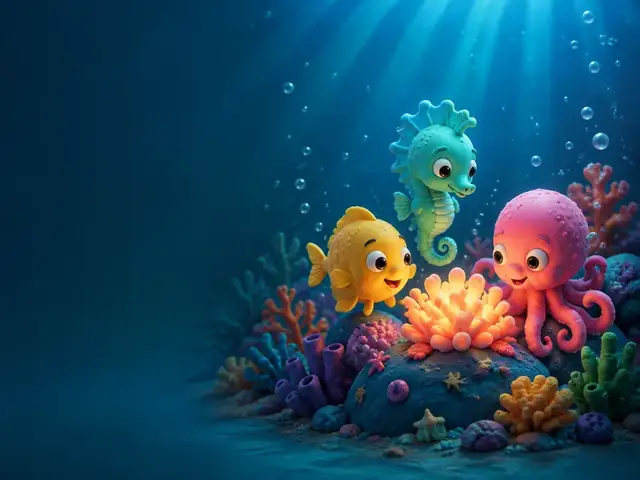
Undersea friends sing an original ocean song.
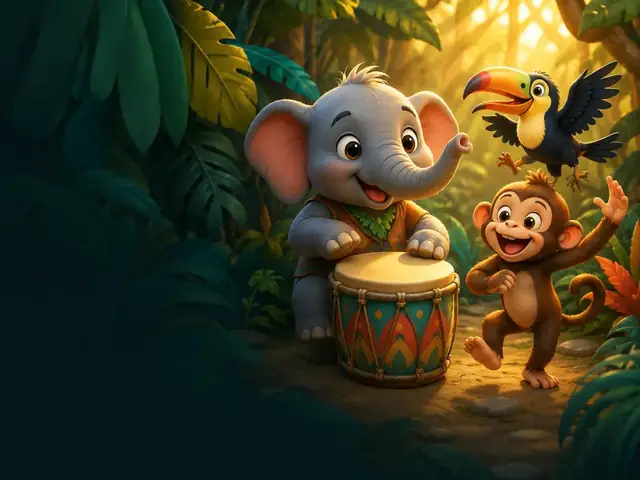
Leafy rhythm adventure with animal band.
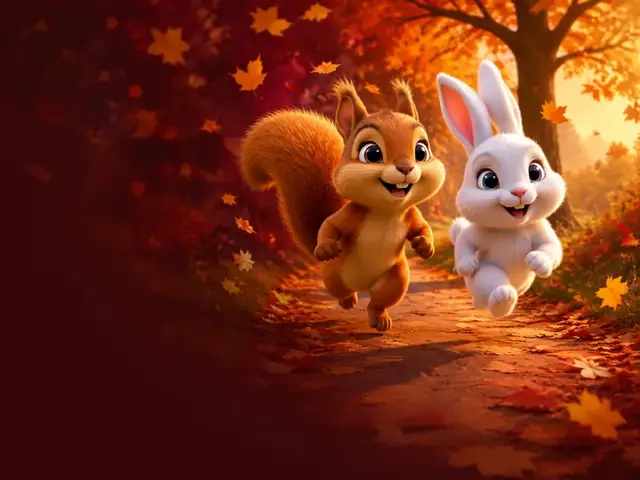
Seasons fun — racing swirling fall leaves.
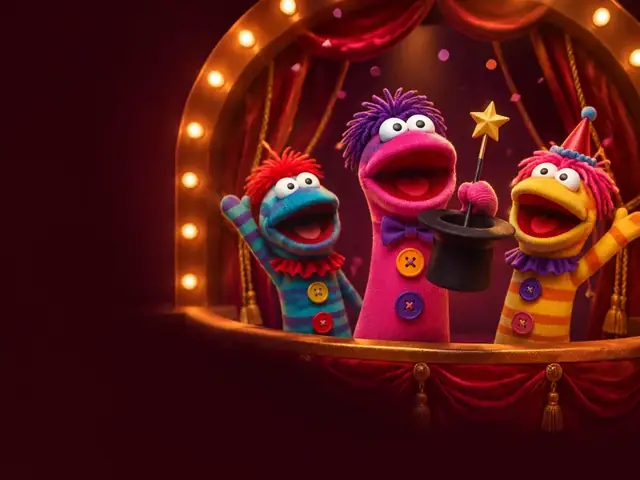
Silly comedy with mismatched sock stars.
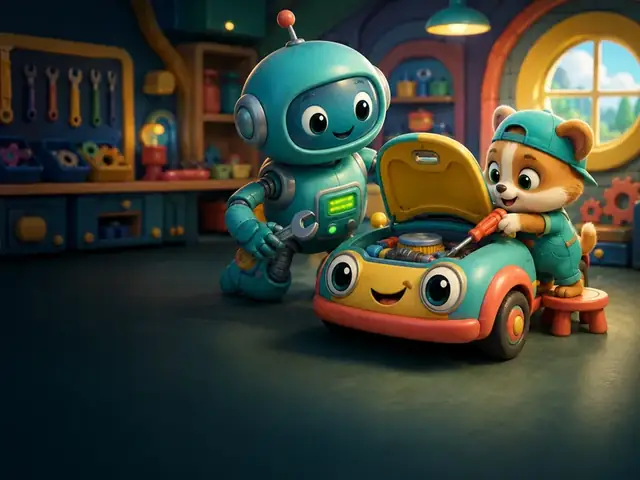
Tools that tip, tip… then fix with giggles.
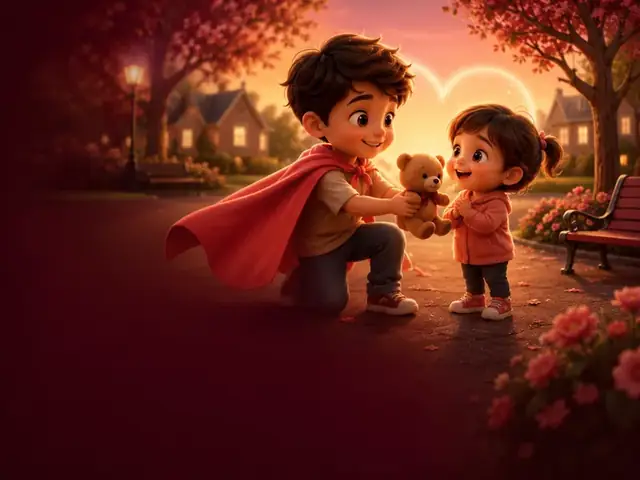
Everyday super helper — kindness over powers.
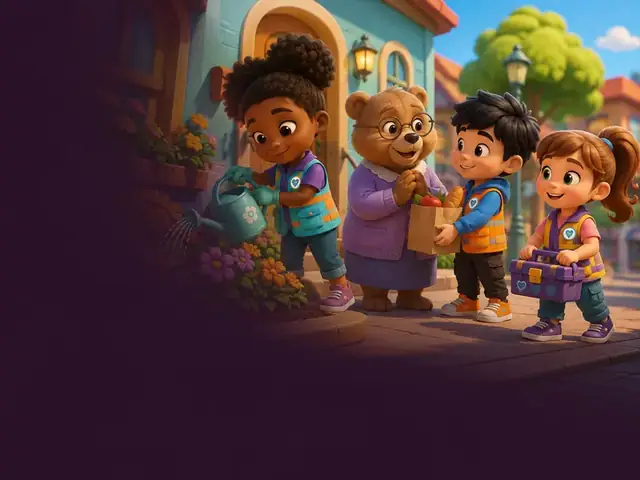
Neighborhood kindness crew on tiny missions.
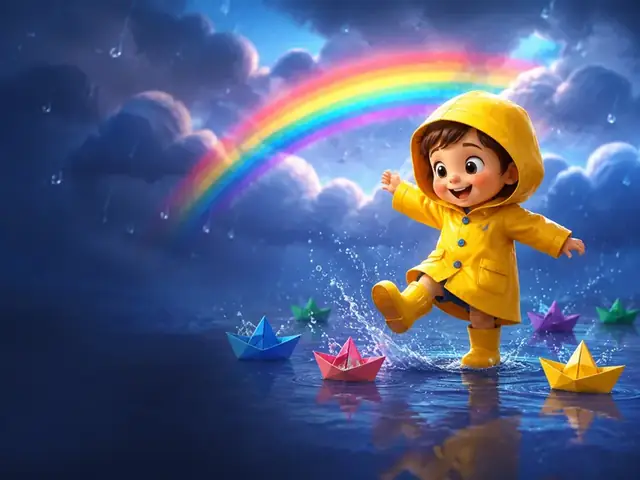
Turning gray drizzle into colorful play.
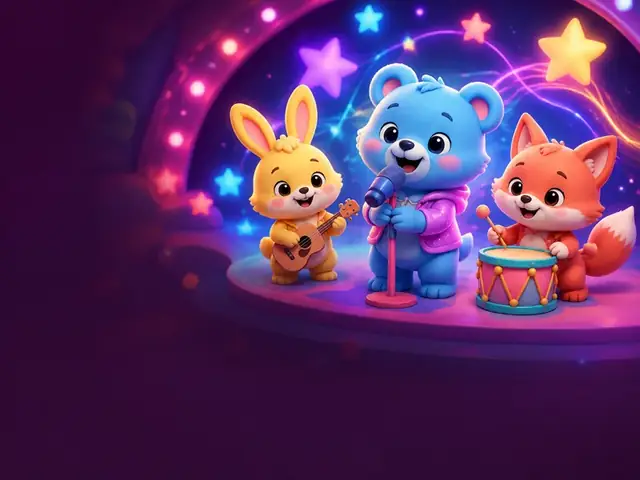
Brand-new sing-along — never a classic rhyme.
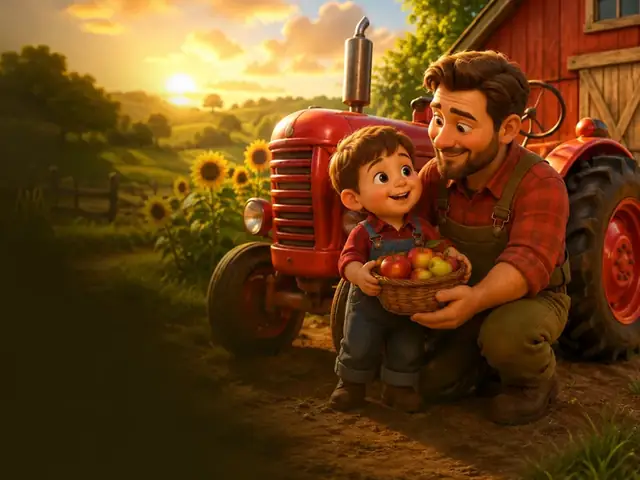
Dad and little Jonas share a sunny farm day with their friendly red tractor.
Capabilities
The work that usually takes a production team — voices, sound, editing, captions, cover, and publish copy — done for you in one AI kids video studio.
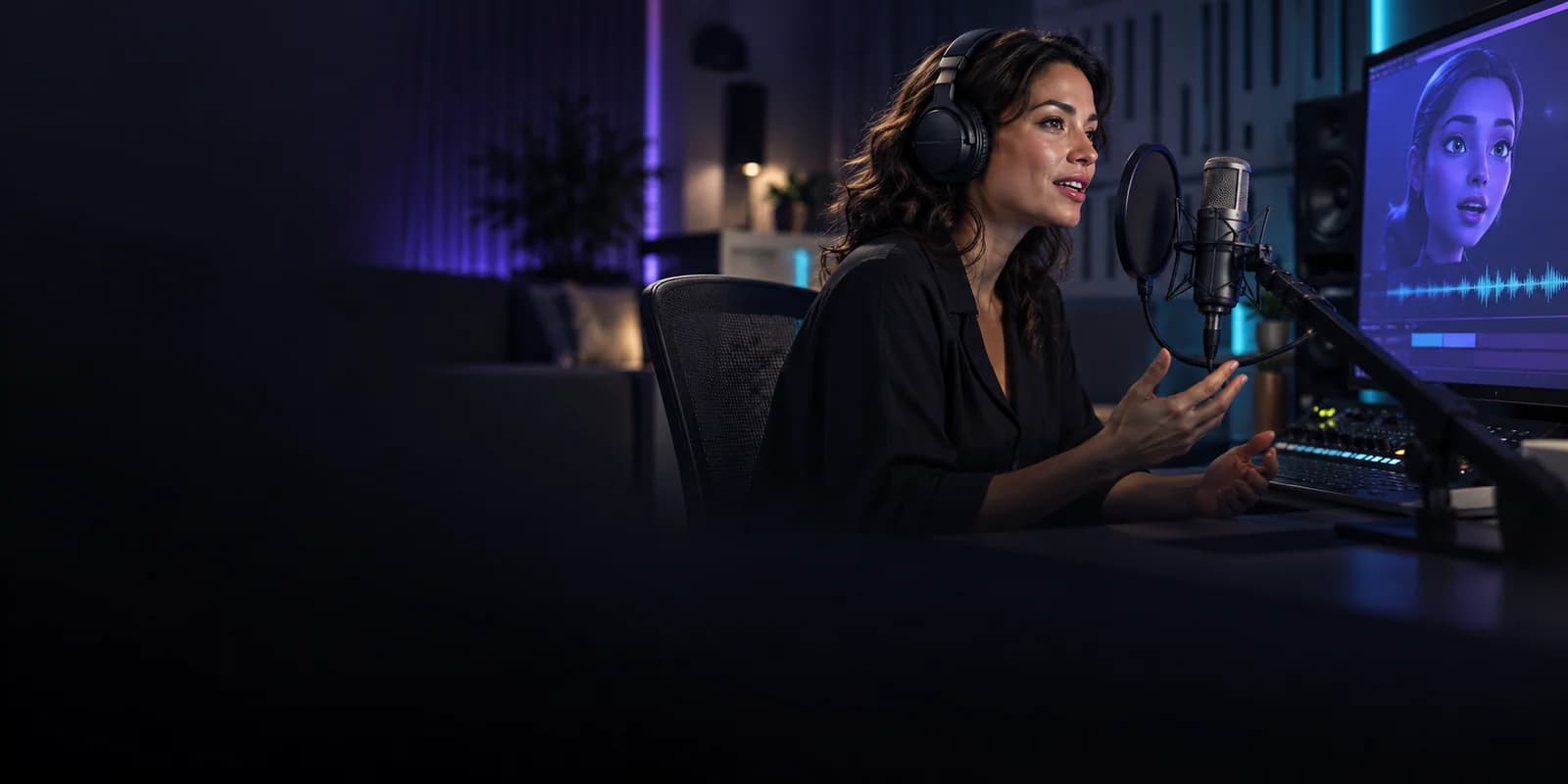
Give your characters a voice, with spoken dialogue and lip-synced animation in every shot.
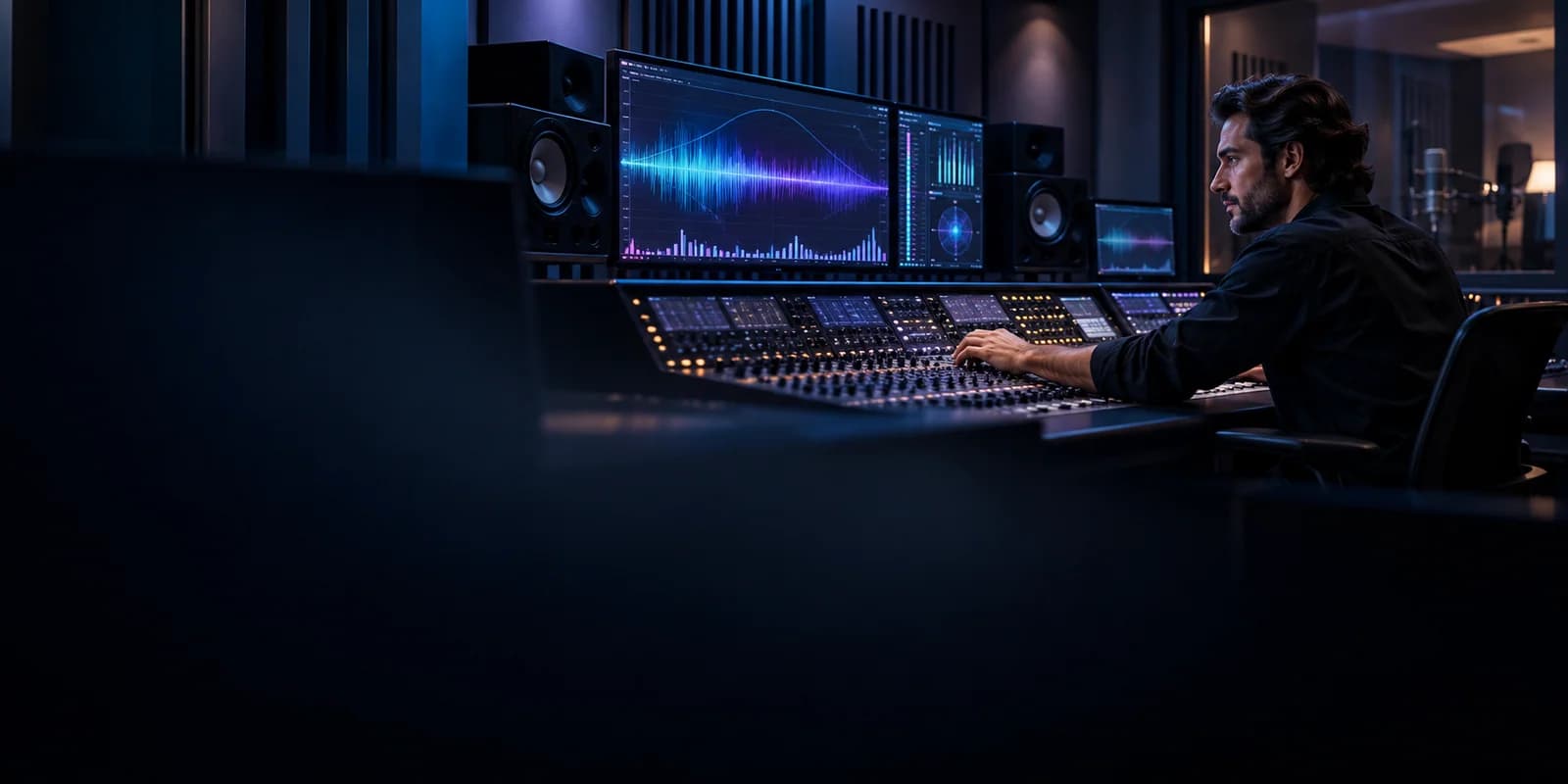
Sound effects and ambience are generated together with each shot, so every scene sounds alive straight out of the render.
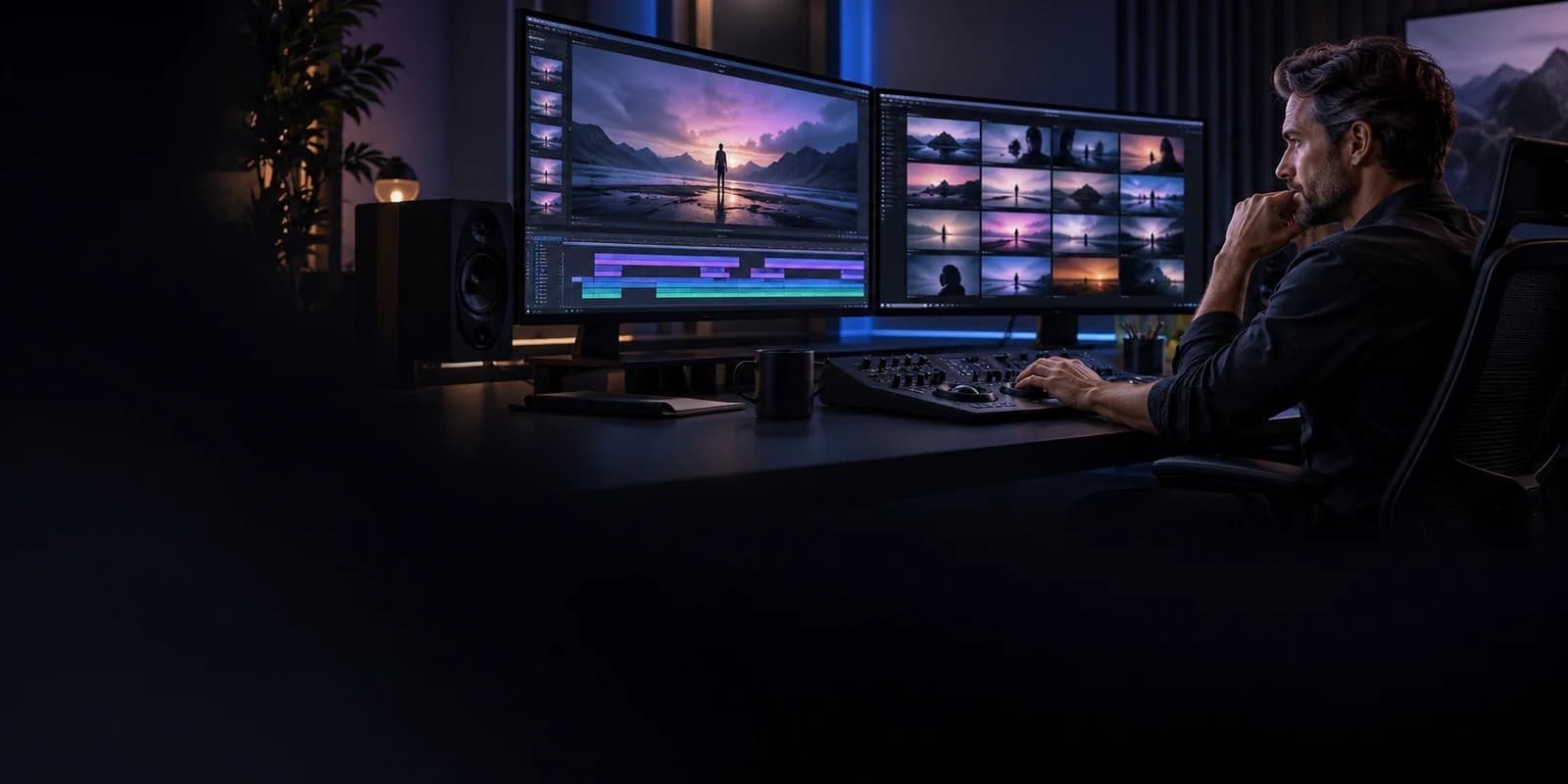
Scene by scene, your story becomes a finished film with smooth transitions and complete dialogue.
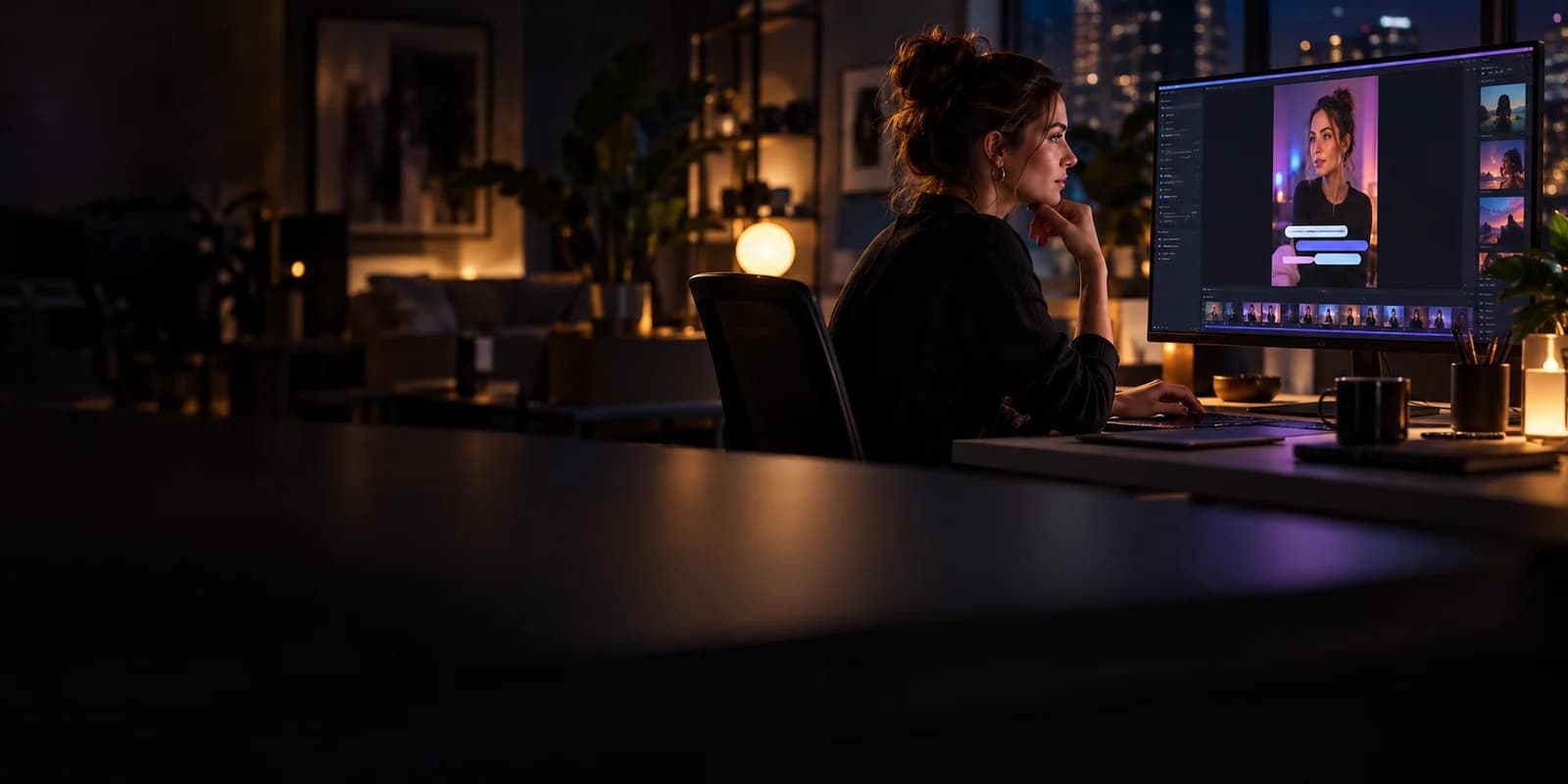
Optional burned-in captions, readable and well-timed — great for silent autoplay and accessibility.
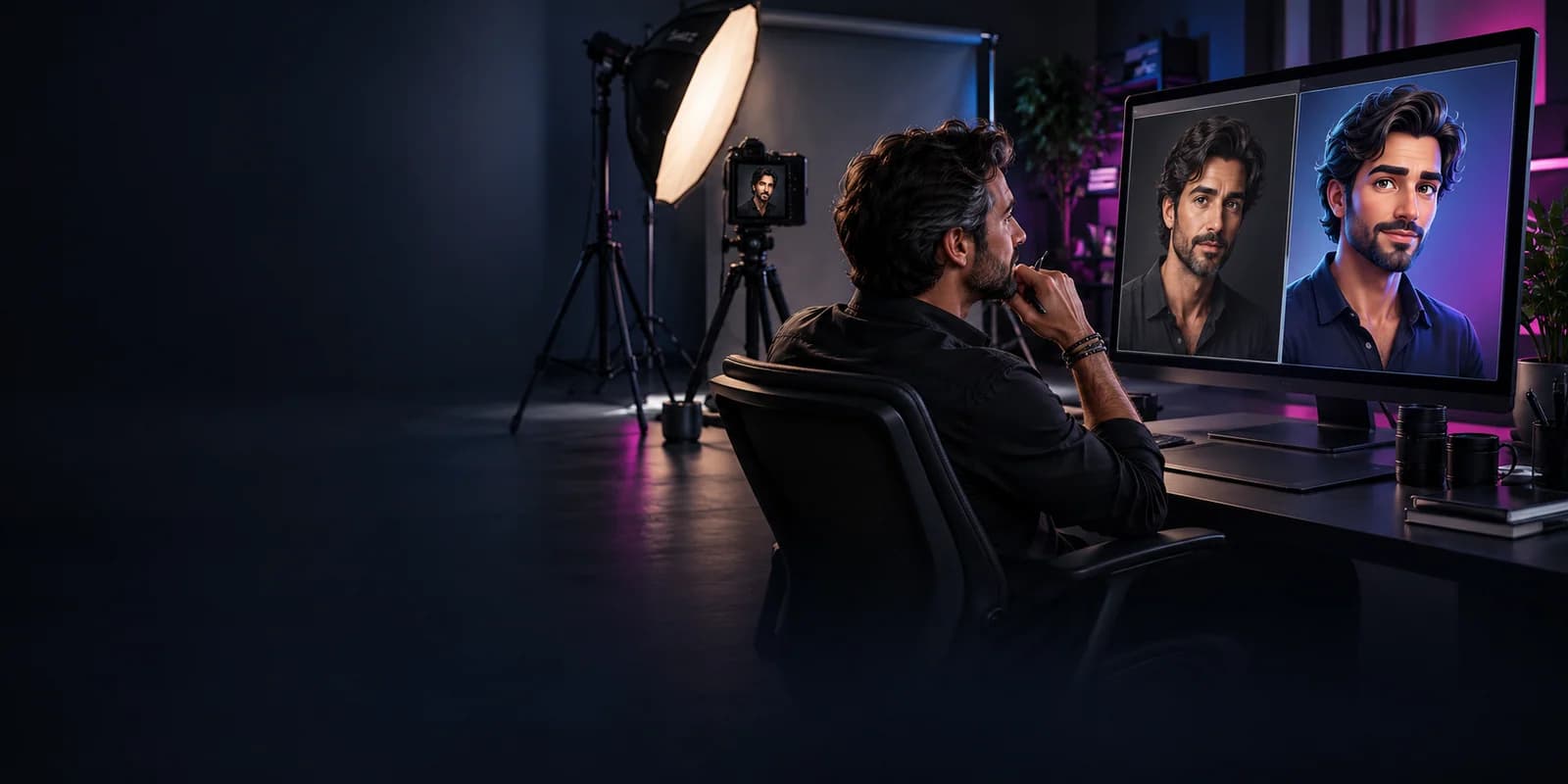
Turn family photos into cartoon characters that stay recognizable and consistent in every scene of the story.
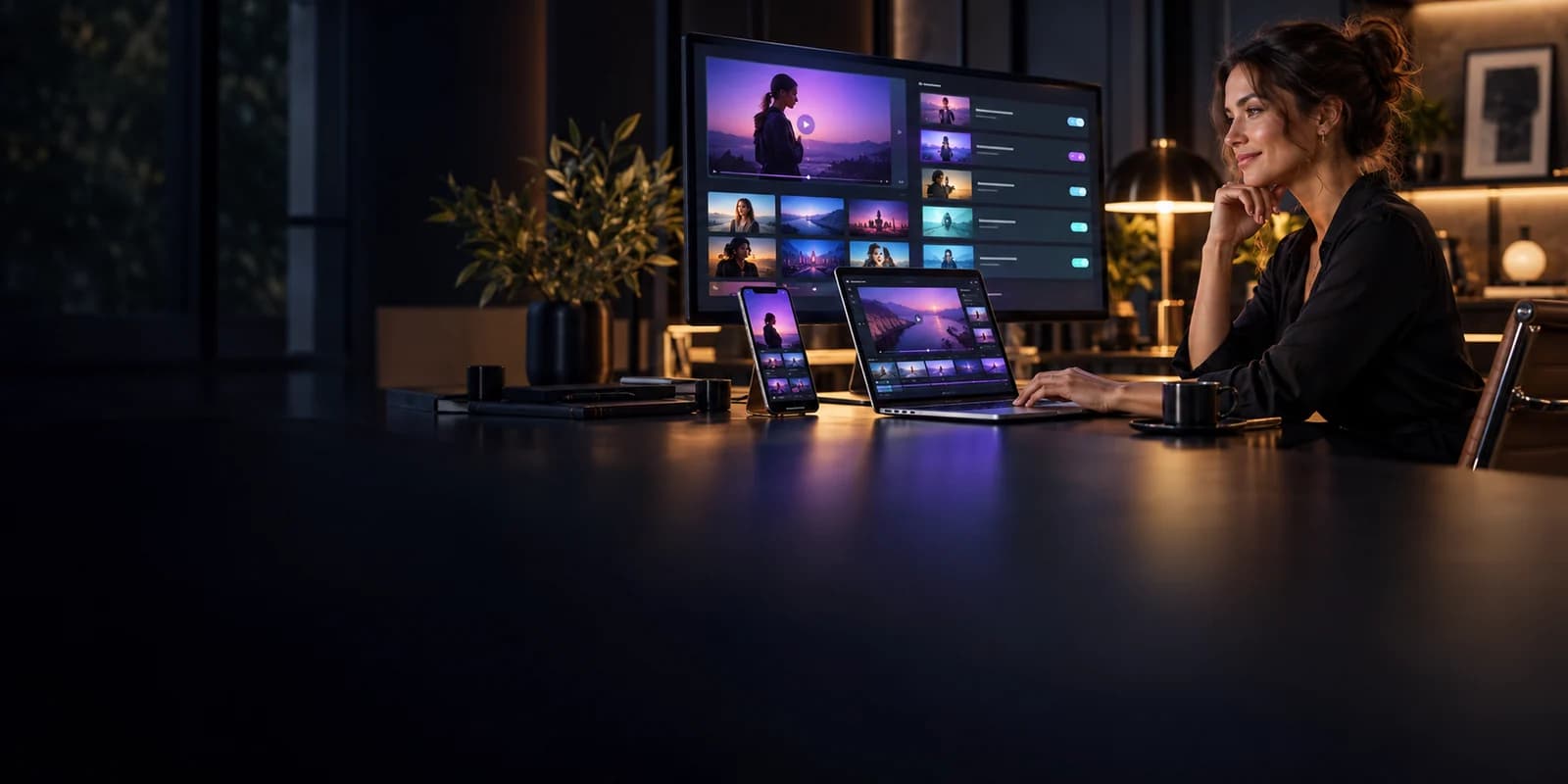
Download one finished MP4 with a cover image and publish pack — titles, descriptions, and hashtags for YouTube, Shorts, Reels, TikTok, Instagram, and Facebook.
Why creators choose ClipyToons
Start a new adventure with familiar heroes, a shared story world and everything you need to publish.
Scripts and prompts are screened before render so your children's videos stay age-appropriate.
Continue with a new episode that carries your characters, their look and voices, and the story so far into a fresh adventure.
Captions, titles, hashtags and covers come together in a publish pack, ready to share your next episode.
FAQ
Straight answers for parents and multi-platform kids creators evaluating ClipyToons.
ClipyToons is an AI kids video studio that takes you from an idea to a finished, ready-to-post cartoon: talking characters, sound, the edit, captions, and a publish pack are all done for you. Full answer →
Pick an idea or preset, edit the script, approve the characters and place, see the price, then render — the studio assembles the final video with an optional captions tick and a publish pack. Full answer →
Creating scripts, characters, and scenes is free once you sign in. Rendering the actual video uses credits included with a monthly plan. Full answer →
Studio credits pay only for video rendering. Monthly plans add credits every month, and unused credits stay in your balance. Full answer →
Planning is free; only rendering uses credits from your monthly plan. Starter is $19.99/month, Pro Plus $49.99/month, and Premium $99.99/month. Full answer →
Yes. Upload a photo (or take one with your phone camera) in the cast step and ClipyToons turns it into a cartoon character that stays consistent across scenes. Full answer →
Yes — a parent or guardian can upload it. Photos are kept in your private project, used only to make your videos, and you can delete them (or your whole account) anytime. Full answer →
Yes. You get one finished MP4 — voices, sound, the edit, and captions done — plus a cover and publish pack, ready for YouTube, Shorts, Reels, TikTok, Instagram, and Facebook. Full answer →
YouTube can upload directly when you connect your Google account in the Publish tab (where available). For TikTok, Instagram, and Facebook, download the video and post it in their app with the ready-made captions. Full answer →
Every idea, script, and prompt goes through automated kid-safety checks before anything is rendered; unsafe themes are blocked. Full answer →
Start today
Start from an idea or a photo — ClipyToons handles the cast, voices, sound, edit, and captions, and hands you a finished video with a publish pack, ready to post.