
For families
Family Cartoon Video: Your Family as the Cartoon Cast
A family cartoon video puts the people your child loves into one story: parents, siblings, and grandparents, each turned into a cartoon from a single photo. Make one for a birthday, to get ready for a new baby, or to say hello to grandparents who live far away. You approve every cartoon before anything renders, and planning is free.
Planning is free — you only pay when you render your film. See pricing
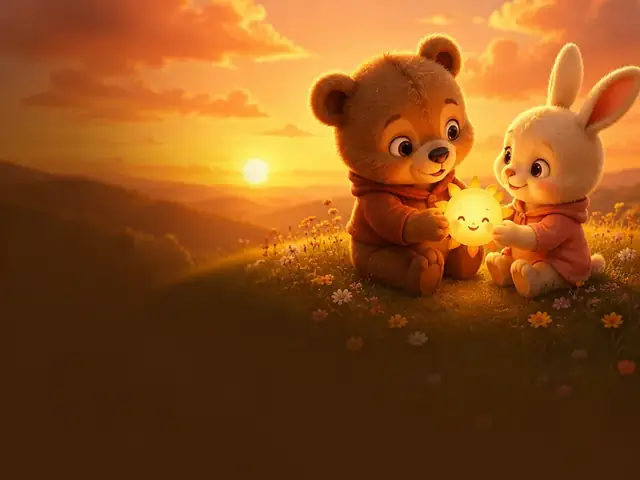
How to make a family cartoon video with ClipyToons
- 1
Pick the moment
A birthday, a new sibling, the first day of school, a holiday, or simply "we miss Grandma". The occasion shapes the whole story.
- 2
Describe who's in it and approve the script
Name each person's role and one detail, like "Nana, who grows giant tomatoes" or "Dad, who tells terrible jokes". Then read the script, change any line, and approve it.
- 3
Add up to five family photos and approve the cartoons
One clear photo per person, uploaded or taken with your phone. Ask the adults first, and parents or guardians decide for the kids. Approve each cartoon once everyone looks like themselves.
- 4
Choose the language and approve the place
Pick German for Oma and Opa, French for Mamie and Papi, or keep English, before rendering. Then approve the place where the story happens.
- 5
See the price, render, and share privately
Tap Render video to see the credits the film will use before you pay. When it's ready, download the MP4 and send it through your family group chat or email.
 ▶YouTube · 16:91:59 · Example · no credits used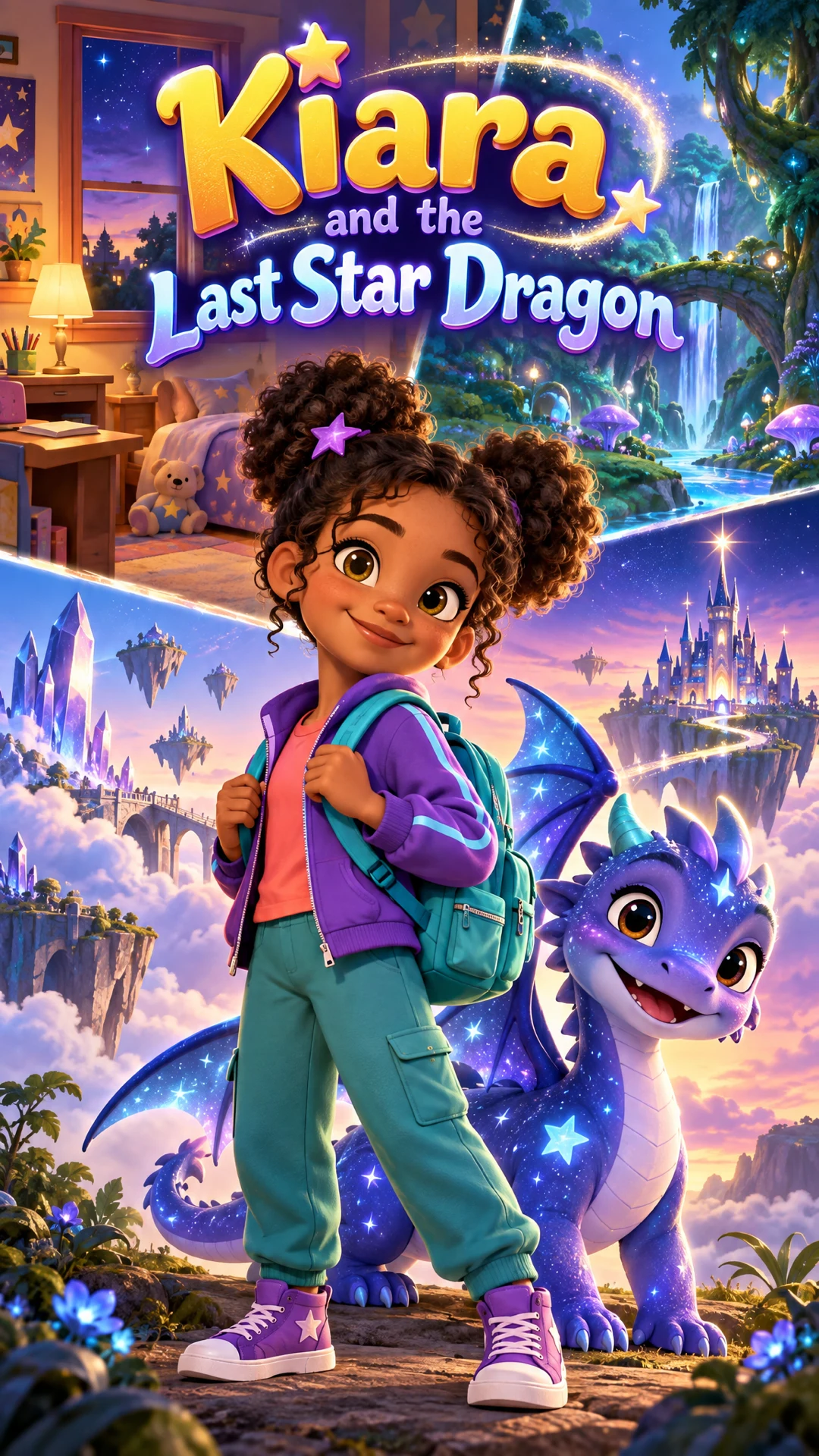
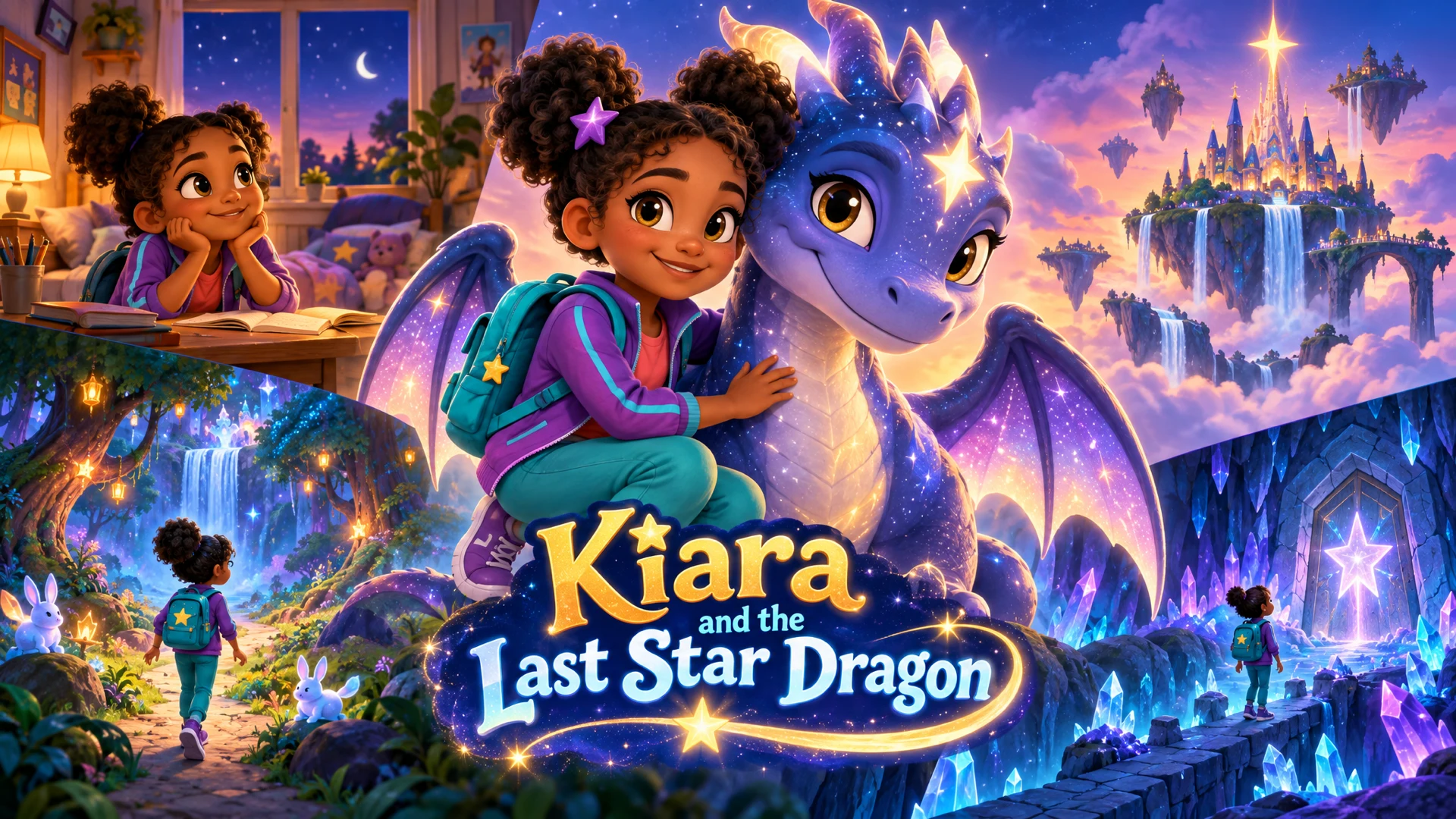
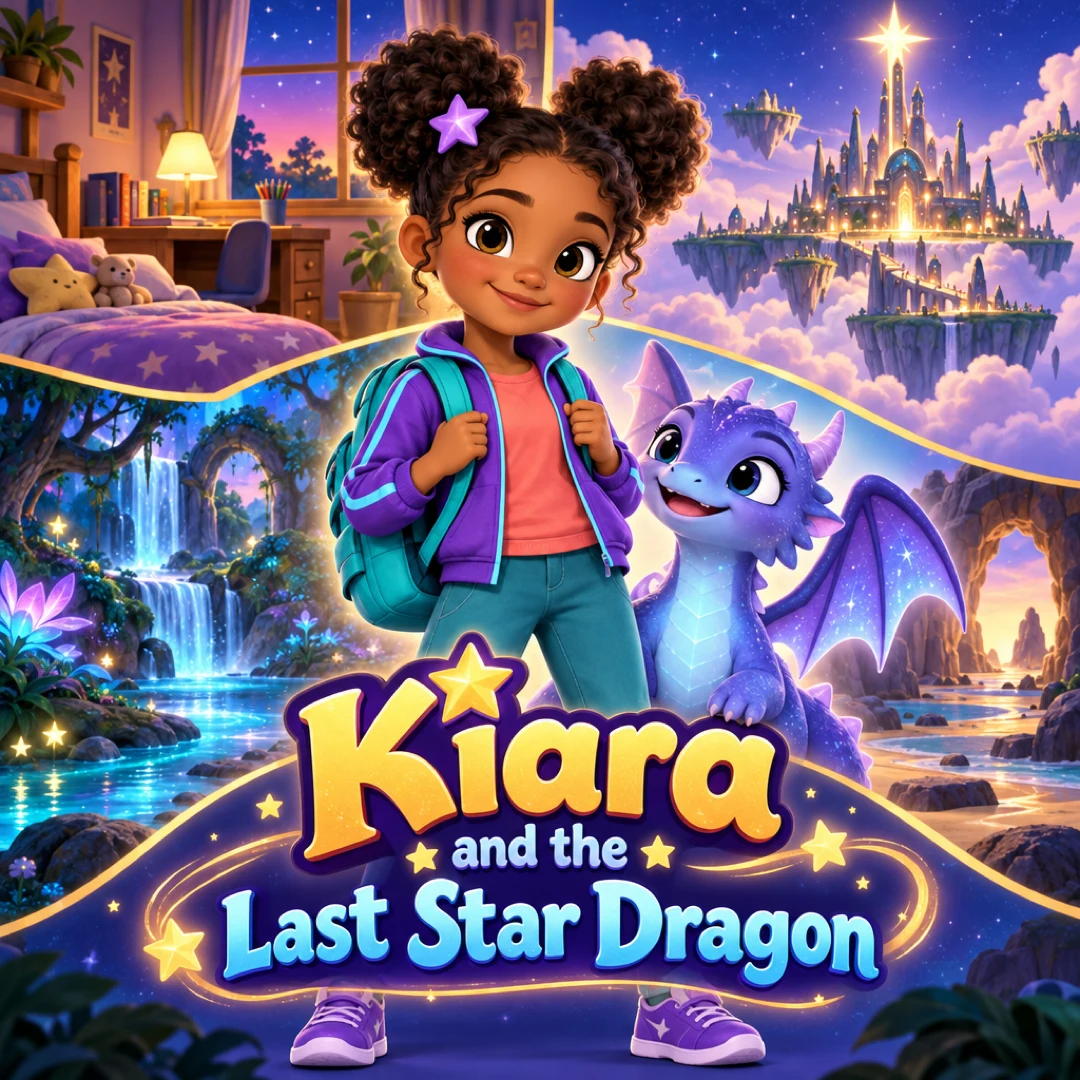
See a finished example
Everything you get from one idea
Open the ClipyToons Demo Project: the idea, script, characters, scenes, generated shots, the finished film, thumbnails, covers and the publish pack — exactly what the studio makes.
- Script
- Characters
- Scenes
- Film
- Thumbnails
- Publish pack
Example ideas to paste into the studio
Type one sentence like these into the idea box — the studio writes the full script, which you can edit before anything is rendered.
- “Mila turns six, and her family hides in the garden with a giant cardboard cake that bursts open with confetti”
- “Leo gets ready to be a big brother and practices gentle hugs with his teddy before the new baby comes home”
- “On Ava's first day of school, her backpack comes to life and tells her all the fun things waiting in her new classroom”
- “Oma and Opa in Munich fly over the Alps on a friendly cloud to surprise Emma for her birthday”
- “Our family builds a snow fort on the first snowy morning and invites the neighbors for warm cocoa”
- “Papa teaches Noah to ride his bike in the park, and the ducks cheer when he pedals on his own”
Family cartoon video ideas for the big moments
The best family cartoon videos are built around a real moment your child is living through. A few that work especially well:
Birthdays
The birthday child as the hero, the family as the surprise party. You describe the party in your idea; there is no fixed birthday template.
A new sibling
A gentle story about waiting, helping, and being a big brother or sister, which is a lovely way to talk about the change before the baby arrives.
First day of school
Show the classroom, the new friends, and the goodbye at the gate, so the day feels familiar before it happens.
Grandparents far away
Grandma and Grandpa visit through a magic door or a friendly cloud. It's something to watch together on a video call.
Holidays and traditions
First snow, a family recipe, a summer trip to the village. Small traditions make the warmest stories.
Casting your family as cartoons
Photo cast turns each family member into a cartoon character with their own character sheet, so Grandpa looks like Grandpa in every scene. You can add up to five photo characters per project. That's enough for parents, two kids, and a grandparent. Anyone else, like cousins, the class teacher, or a talking family car, can be an AI-designed character.
A few family-specific tips:
- Use separate photos. Crop a group picture into one photo per person rather than uploading the whole group
- Describe voices by personality, like "a warm, playful grandma" or "a big brother who talks fast when excited". There's no voice picker or cloning, so descriptions steer the voice
- Give everyone a line. Mention each person's role in your idea so the script includes them
For photo quality tips and how likeness works, see photo to cartoon video.
Stories in the family's own language
For many families, the most important viewers are grandparents who speak another language. Each ClipyToons project has a dialogue language: English or one of 13 others, including Spanish, Portuguese, French, German, Italian, Dutch, Japanese, Korean, Chinese, and Arabic. The script and every spoken line are written in that language.
A few things that help:
- One language per project. For a bilingual family, make two versions: English for your child's friends and French for Mamie and Papi
- Ask a native speaker to read the script before rendering. Fixing a word at that stage is free
- Listen before sending. English is the most consistent today, and other languages can occasionally mispronounce names or unusual words. Re-render just that shot if needed
- Spell names the way they're said. If a name keeps coming out wrong, try a phonetic spelling in the dialogue
What a family cartoon video costs
Planning is free; you pay when you render. Writing the story, casting AI characters, approving the place, and planning scenes cost nothing, and the studio shows the credits before you confirm. Free accounts also include 6 photo conversions, enough to cast five family members with one retry. A paid plan makes photo conversions unlimited.
Rendering uses credits based on the video's length and resolution; a second-language version of the same story is rendered separately.
Monthly plans add credits after every successful payment: Starter is $19.99 for 200 credits, Pro Plus is $49.99 for 500, and Premium is $99.99 for 1,000. Unused credits stay in your balance. See pricing.
Frequently asked questions
Can grandparents, parents, and kids all be in the same video?
Yes. Add up to five photo characters per project, one photo each. If your family is bigger, cast the rest as AI-designed characters.
Can half the video be in English and half in German?
Each project uses one dialogue language, so mixed-language scripts aren't reliable. Make two versions instead, one in each language, and send each one to the relatives who'll enjoy it most.
How do I make a personalized birthday video with my child's name?
Put the name and new age in your idea, for example "Mila turns six". The script uses the name in dialogue and it appears in captions. Check the spelling in the script before rendering.
Do I need permission to put relatives in the video?
Yes, ask adults before turning their photo into a cartoon. A parent or guardian decides for each child, including cousins.
Ready to make your first family story videos?
Type your idea, edit the script, approve your characters and place, and see the price before you pay. ClipyToons then delivers a finished film — talking characters, sound, automatic edit, captions, and covers.
Planning is free — you pay when you render · monthly plans from $19.99
Helpful guides
Guide
How to Make a Personalized Cartoon Video Starring Your Child
A short cartoon where your child is the hero can mark a birthday, ease a big change, or connect them with grandparents far away. Here are story templates for six occasions, how to cast your family, and what it takes in time and credits.
Guide
How to Turn Your Child's Photo into a Cartoon Character (Safely)
Seeing your kid as a cartoon hero is pure joy, and it only takes a few minutes of planning to do it safely. Here's how to choose the photo, protect privacy, get family consent, and share without oversharing.
Related use cases
Use case
Photo to cartoon video
Turn your child's photo into a cartoon hero who stays recognizable in every scene of a voiced, captioned story. Up to 5 photo characters; planning is free.
Use case
Bedtime story videos
Make a calm, personalized bedtime story video starring your child or a sleepy animal friend, with gentle narration and captions. Planning is free.
Use case
AI kids video maker
Type a story idea, get a finished kids cartoon: an editable script, talking characters, sound and captions. Planning is free; you pay when you render.
Last updated October 11, 2026 by the ClipyToons team.