
For creators
AI Cartoon Videos for YouTube: Original Talking Characters
Create original talking cartoons for your channel. ClipyToons handles the production: an editable script, characters who stay consistent from shot to shot, voiced shots with sound, the edit, captions, covers, and ready-to-post titles, for 16:9 episodes and 9:16 Shorts. You bring the ideas and stay in charge of quality, originality, and YouTube's rules. Planning is free; you pay when you render.
Planning is free — you only pay when you render your film. See pricing
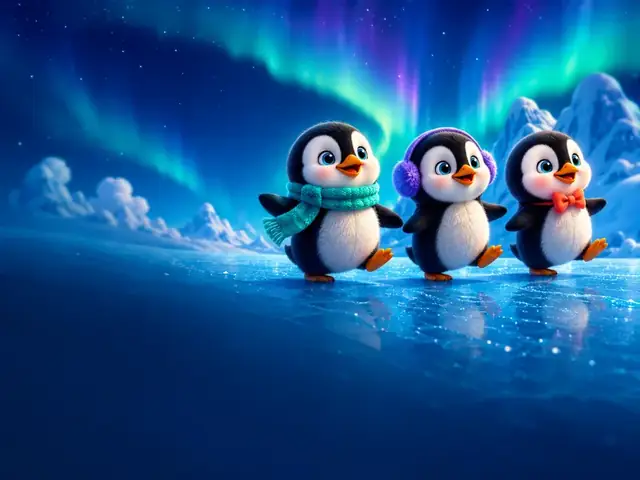
How to make episodes for a kids YouTube channel with ClipyToons
- 1
Design a recurring cast
Write a short, detailed description for each original character, covering look, personality, and voice. Save it and paste it word for word into every episode idea.
- 2
Plan a season, not a single video
List eight to ten episode ideas that share a format, such as "every episode, Maple solves one mystery at the forest post office". Scripts are free, so draft them all.
- 3
Make the main episode in 16:9
Two to three minutes suits many young viewers. Approve the characters and the place carefully, since they set the look of the whole series, and check the price before you render.
- 4
Make a Short in 9:16
Create a separate 30- to 60-second vertical project built around one funny moment from the episode's world.
- 5
Use the publish pack and set the audience
Copy the title, description, and tags, and pick a cover. Upload directly where the YouTube Connect option is shown, and set Made for Kids correctly.
- 6
Watch every video before it goes live
Check the story, voices, and captions yourself. Re-render any shot that isn't up to your standard.
 ▶YouTube · 16:91:59 · Example · no credits used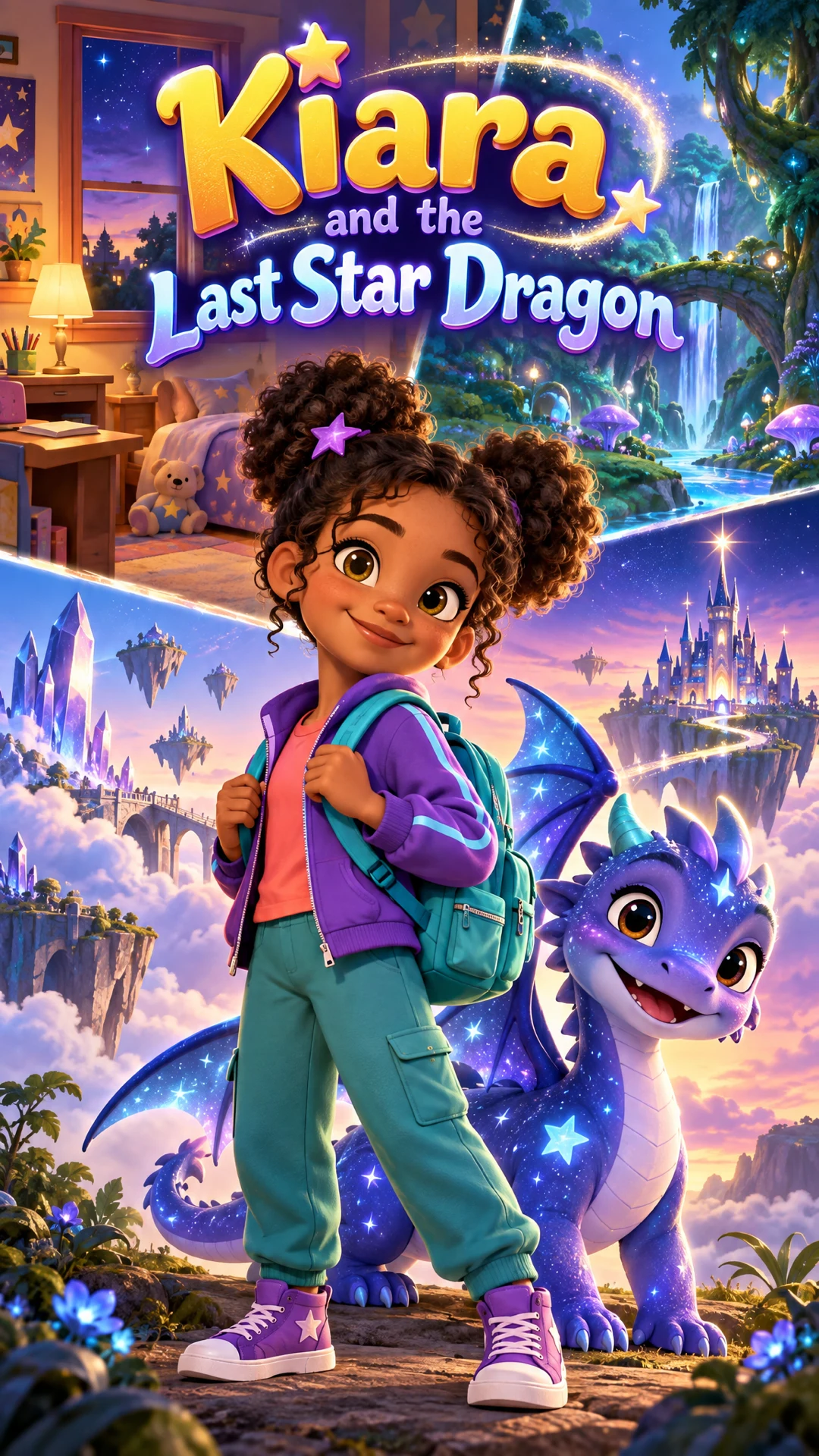
See a finished example
Everything you get from one idea
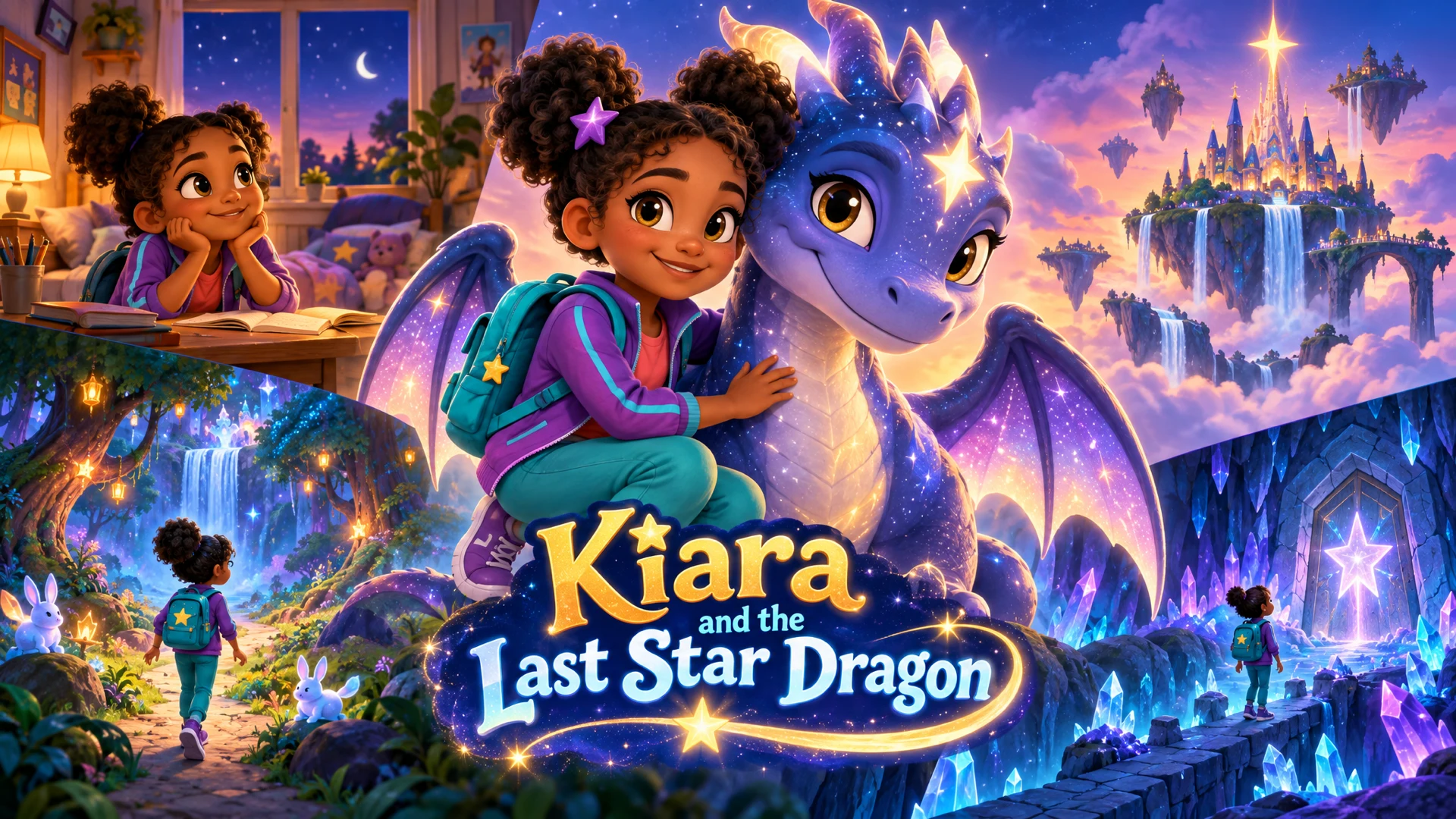
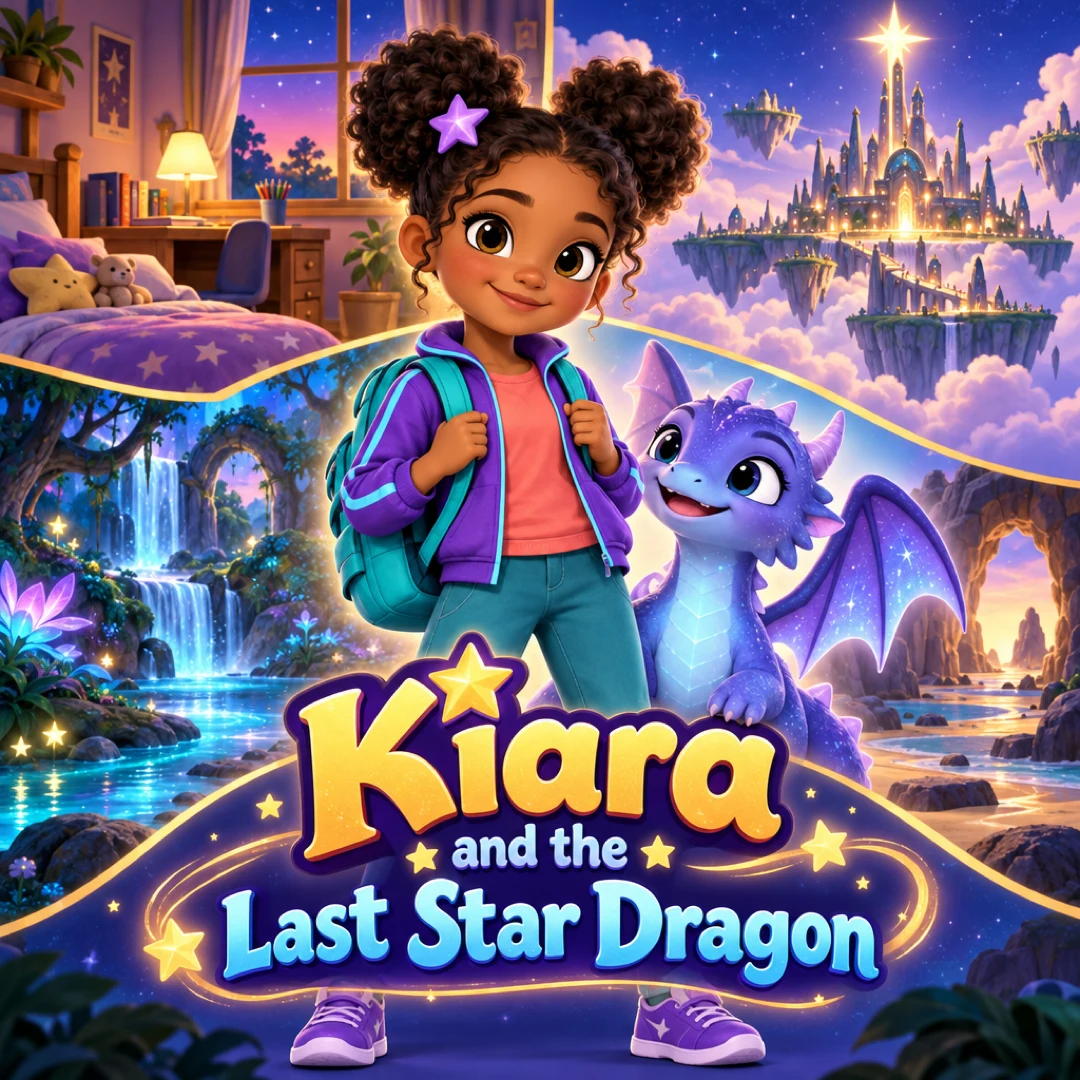
Open the ClipyToons Demo Project: the idea, script, characters, scenes, generated shots, the finished film, thumbnails, covers and the publish pack — exactly what the studio makes.
- Script
- Characters
- Scenes
- Film
- Thumbnails
- Publish pack
Example ideas to paste into the studio
Type one sentence like these into the idea box — the studio writes the full script, which you can edit before anything is rendered.
- “Pip and Pebble, episode 1: two pebble friends find a lost button on the beach and set out to return it”
- “Pip and Pebble, episode 2: a gust of wind carries Pebble's sun hat away and the friends chase it across the dunes”
- “Maple the moose runs a tiny forest post office, and today a letter arrives with no name on it”
- “A 30-second Short: Maple the moose tries to squeeze a giant package through the tiny post office door”
- “Captain Crumb, a baker penguin, has one hour to bake a blueberry birthday cake for a walrus friend”
- “Professor Pickle the cucumber explains why ice floats, using a bathtub and a rubber duck”
Consistent characters for a series, not one-off clips
Channels that last are built on characters kids come back for, not one-off videos. So use ClipyToons for production, and put your own time into the things AI can't decide for you:
- A character bible. Name, look, personality, catchphrase, and voice description for each character, reused in every episode idea
- A repeatable format. A clear promise viewers can expect, like "one mystery per episode" or "one new animal fact each week"
- A season plan. Draft a batch of scripts for free, pick the strongest, and render those
- Your editorial voice. Rewrite script lines until they sound like your show, not a generic story
Within a project, each character's sheet keeps their look consistent across every shot. Between episodes, paste the same detailed description each time and check the characters before you approve them, since small differences can creep in.
For a start-to-finish plan, read how to start a kids YouTube channel with AI.
16:9 episodes, 9:16 Shorts, and the publish pack
Most kids channels mix two formats, and ClipyToons makes both:
- 16:9 episodes from 1 to 5 minutes for the main channel feed and TV viewing
- 9:16 Shorts from 15 to 60 seconds to introduce characters to new viewers
Each is its own project, with its own format, script, characters, and place.
Every finished video comes with a free publish pack: a YouTube title, description, and tags, a Shorts hook caption, captions and hashtags for other networks, plus a YouTube thumbnail, vertical cover, story poster, and square cover drawn with your characters. Download everything as a ZIP from the Publish tab.
For YouTube, you can upload straight to your channel from the Publish tab when the Connect option is shown. Otherwise, download the MP4 and upload it in YouTube Studio. For deciding when to use each format, see Shorts vs long-form video length.
Made for Kids, originality, and monetization: the honest version
ClipyToons can make the videos. Whether a channel grows or earns anything depends on YouTube, your audience, and your work. We can't promise views, subscribers, or income, and you should be wary of anyone who does.
What to know before you publish:
- Made for Kids. YouTube requires you to tell it whether content is made for kids, in line with the US children's privacy law (COPPA). Videos made for kids have some features limited, such as comments and personalized ads
- Originality. YouTube's monetization policies expect original, authentic content. Mass-produced or highly repetitive videos can be ruled ineligible, no matter how they were made
- Disclosure. YouTube asks creators to disclose realistic altered or synthetic content. Check how that applies to your videos
The best protection is a channel with real creative value: original characters, stories you've shaped, and variety between episodes. Read our full breakdown in YouTube monetization for AI kids content.
What a season of episodes costs
Planning a whole season is free: scripts, characters, and places. You pay when you render, and the studio shows the credits before you confirm. Rendering uses credits based on the video's length and resolution (720p is sharper and uses more). A 3-minute episode renders in about 40 minutes, a 30-second Short in about 8.
Monthly plans add credits after every successful payment: Starter is $19.99 for 200 credits, Pro Plus is $49.99 for 500, and Premium is $99.99 for 1,000. Unused credits stay in your balance. A sensible order: draft the whole season for free, then render only the episodes you're confident in. See pricing.
Frequently asked questions
Can I run a faceless kids channel with ClipyToons?
Yes. Nobody needs to appear on camera. Original AI-designed characters carry the show, and the voices come from how you describe them. You still set the audience correctly and follow YouTube's policies like any other channel.
Will my channel get monetized?
We can't promise that. Monetization is decided by YouTube under its Partner Program rules, which look at originality, audience, and more. Focus on original, varied episodes, and read our monetization guide.
Should I mark my videos as Made for Kids?
If a video is directed at children, YouTube expects you to mark it as made for kids, and US children's privacy law backs that up. Read YouTube's audience guidance, and get legal advice if you're unsure about a specific video.
How do I keep characters consistent across episodes?
Within one video, character sheets keep each character's look locked. Across episodes, reuse the exact same character descriptions and check the characters before approving them in each new project.
How many episodes should I plan before launching?
Drafting eight to ten free scripts helps you spot the format that works.
Ready to make your first kids youtube channels?
Type your idea, edit the script, approve your characters and place, and see the price before you pay. ClipyToons then delivers a finished film — talking characters, sound, automatic edit, captions, and covers.
Planning is free — you pay when you render · monthly plans from $19.99
Helpful guides
Guide
How to Start a Kids YouTube Channel with AI (2026 Guide)
Want to start a kids YouTube channel with AI? This guide walks through choosing a niche and characters, setting Made for Kids correctly, keeping every episode original, and building a production and publishing routine you can actually keep up.
Guide
YouTube Monetization Rules for AI Kids Videos: Made for Kids, Inauthentic Content & AI Disclosure
A sourced, plain-English walkthrough of the YouTube rules that decide whether AI kids content can earn: Partner Program eligibility, Made for Kids and COPPA, kids quality principles, the inauthentic content policy, and AI disclosure, plus a checklist you can use before every upload.
Guide
40 Kids YouTube Video Ideas That Kids Rewatch (Ready to Make)
Stuck on what to make next? Here are 40 original kids YouTube video ideas grouped by age and format, each written as a one-sentence premise you can paste straight into a studio, plus tips for turning the best ones into a recurring series.
Related use cases
Use case
Kids cartoon Shorts
Make vertical 9:16 kids cartoons with a quick hook, burned-in captions, a cover, and captions and hashtags for YouTube Shorts, TikTok, Reels, and Facebook.
Use case
AI kids video maker
Type a story idea, get a finished kids cartoon: an editable script, talking characters, sound and captions. Planning is free; you pay when you render.
Use case
Nursery rhyme videos
Create original nursery rhymes and chants for counting, ABCs, and colors with talking cartoon characters and read-along captions. Copyright-safe tips.
Last updated October 11, 2026 by the ClipyToons team.