
Use cases
What You Can Make with ClipyToons
One studio, many kinds of kids videos. Every use case ends the same way: a finished video with talking characters, sound and effects, an automatic edit, captions, a cover, and a publish pack — in 9:16 or 16:9.
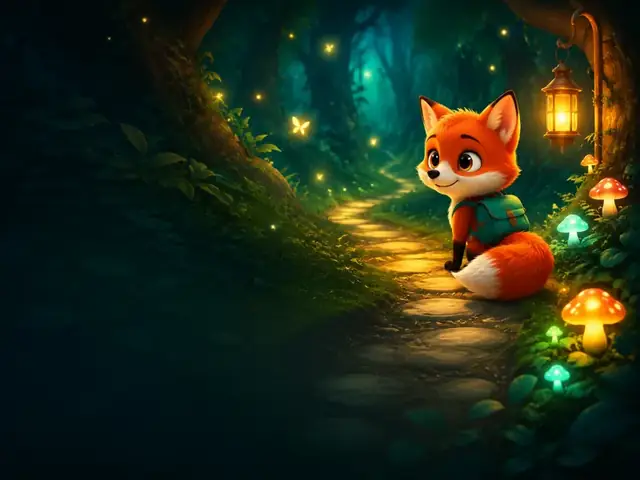
AI Kids Video Maker: From a Story Idea to a Finished Cartoon
Type a story idea, get a finished kids cartoon: an editable script, talking characters, sound and captions. Planning is free; you pay when you render.
Learn more →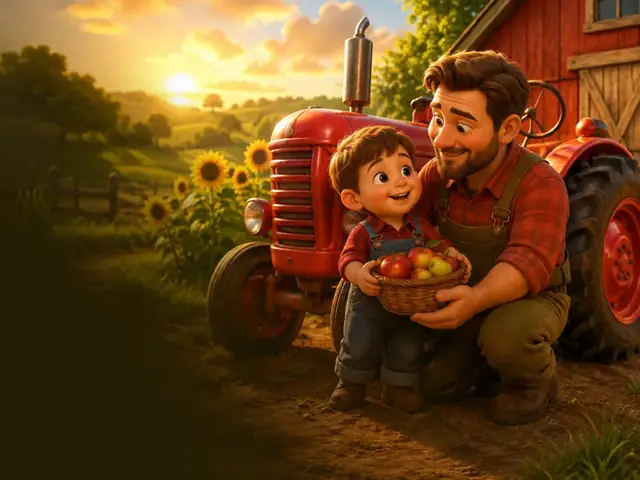
Photo to Cartoon Video: Make Your Child the Hero of a Cartoon
Turn your child's photo into a cartoon hero who stays recognizable in every scene of a voiced, captioned story. Up to 5 photo characters; planning is free.
Learn more →
Bedtime Story Video Maker: A Calm Cartoon Starring Your Child
Make a calm, personalized bedtime story video starring your child or a sleepy animal friend, with gentle narration and captions. Planning is free.
Learn more →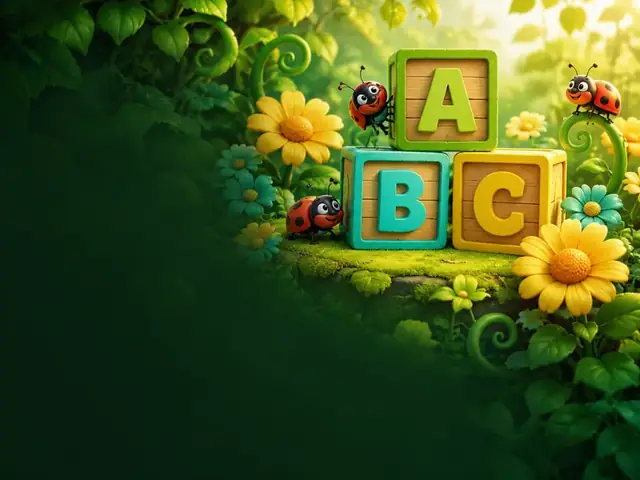
AI Nursery Rhyme Video Maker for Brand-New Rhymes and Chants
Create original nursery rhymes and chants for counting, ABCs, and colors with talking cartoon characters and read-along captions. Copyright-safe tips.
Learn more →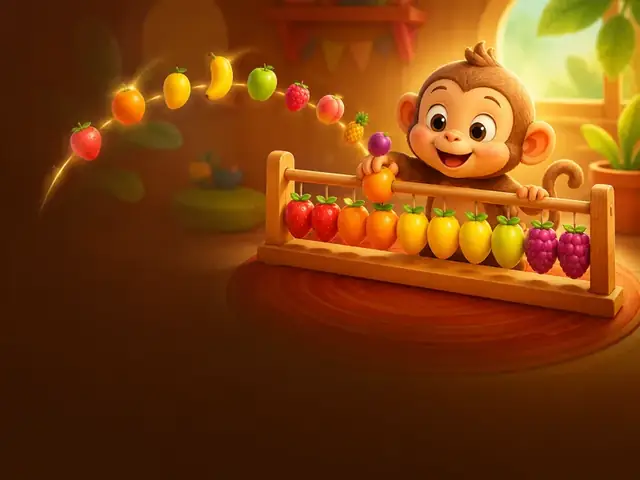
An Educational Video Maker for Teachers Short on Time
Make captioned cartoon explainers, kindness stories, and phonics or number videos for class. Check every fact before rendering, in 14 dialogue languages.
Learn more →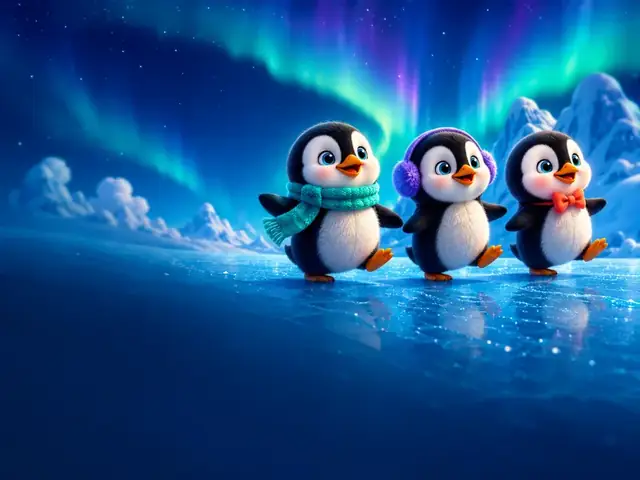
AI Cartoon Videos for YouTube: Original Talking Characters
Create original talking cartoons for your channel: consistent characters, 16:9 episodes, 9:16 Shorts, covers and titles, and honest notes on YouTube rules.
Learn more →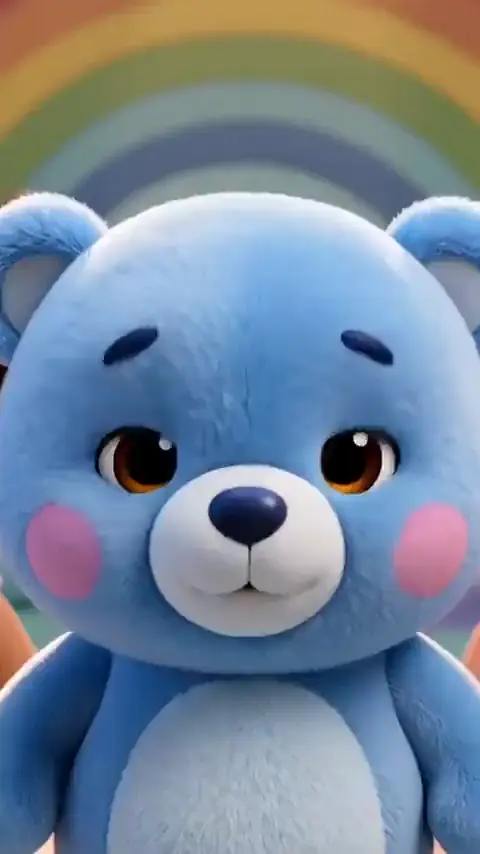
Kids Cartoon Shorts Maker for YouTube Shorts, TikTok, and Reels
Make vertical 9:16 kids cartoons with a quick hook, burned-in captions, a cover, and captions and hashtags for YouTube Shorts, TikTok, Reels, and Facebook.
Learn more →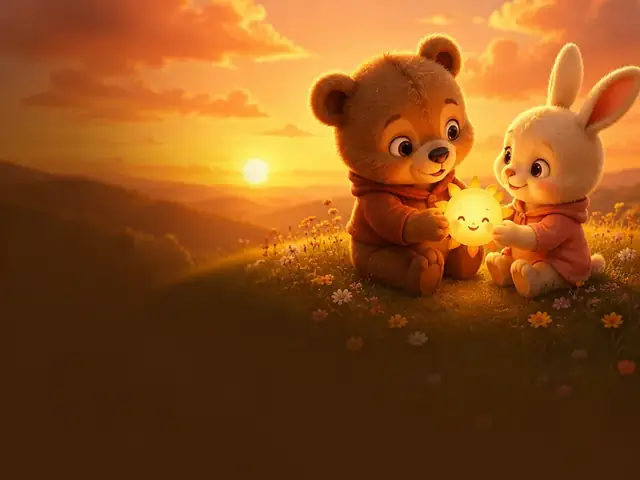
Family Cartoon Video: Your Family as the Cartoon Cast
Turn parents, kids, and grandparents into one family cartoon video for a birthday, a new sibling, or grandparents far away. Up to 5 photo characters.
Learn more →
Popular guides
Guide
How to Start a Kids YouTube Channel with AI (2026 Guide)
Want to start a kids YouTube channel with AI? This guide walks through choosing a niche and characters, setting Made for Kids correctly, keeping every episode original, and building a production and publishing routine you can actually keep up.
Guide
YouTube Monetization Rules for AI Kids Videos: Made for Kids, Inauthentic Content & AI Disclosure
A sourced, plain-English walkthrough of the YouTube rules that decide whether AI kids content can earn: Partner Program eligibility, Made for Kids and COPPA, kids quality principles, the inauthentic content policy, and AI disclosure, plus a checklist you can use before every upload.
Guide
How to Turn Your Child's Photo into a Cartoon Character (Safely)
Seeing your kid as a cartoon hero is pure joy, and it only takes a few minutes of planning to do it safely. Here's how to choose the photo, protect privacy, get family consent, and share without oversharing.
Guide
Best Video Length for Kids Videos: YouTube Shorts vs Long-Form (plus TikTok & Reels)
What's the best video length for kids YouTube videos? It depends on your viewers' age, the platform, and the story. Here's how to choose between Shorts and long-form, what each platform allows in 2026, and how to budget lengths with credits.
Guide
How to Write a Bedtime Story Script Kids Love (with Examples)
A good bedtime story winds down instead of building up. Here's a simple structure, word counts by age, dialogue tips for talking characters, and a complete example script you can read aloud or turn into a short video.
Guide
40 Kids YouTube Video Ideas That Kids Rewatch (Ready to Make)
Stuck on what to make next? Here are 40 original kids YouTube video ideas grouped by age and format, each written as a one-sentence premise you can paste straight into a studio, plus tips for turning the best ones into a recurring series.
Start with an idea or a photo
Write the script and approve your characters and place for free. Choose a monthly plan when you're ready to render.
Planning is free — you pay when you render · monthly plans from $19.99