
For parents
Bedtime Story Video Maker: A Calm Cartoon Starring Your Child
A good bedtime story video helps kids slow down, not wind up. ClipyToons writes a gentle story you can edit, lets your child play the lead from one photo, and renders a calm 16:9 cartoon with soft narration and captions, ready for the TV or tablet at story time. Planning is free; you pay when you render.
Planning is free — you only pay when you render your film. See pricing
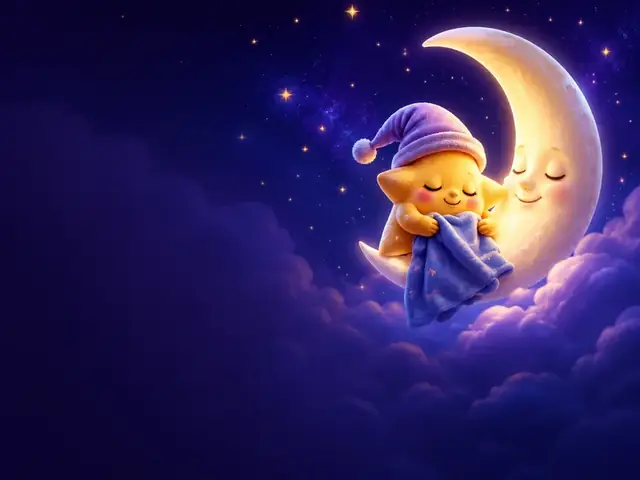
How to make a bedtime story video with ClipyToons
- 1
Start from Moonlit Lullaby or your own idea
Open the preset, or type your idea with calm words like "cozy", "sleepy", "quiet", and "gentle" so the script sets the right mood. Choose 16:9 and two to three minutes, which fits most routines.
- 2
Edit the script for a calm tone
Remove anything exciting, like chases, surprises, or cliffhangers, and aim for an ending where the characters settle down to sleep. Approve it when it reads like a story you'd tell yourself.
- 3
Approve a sleepy cast and a cozy place
Use a photo to make your child the hero, or keep a soft AI character like an owl or a little bear. Then approve the place, such as a moonlit bedroom or a quiet lake.
- 4
See the price and render in the afternoon
Tap Render video to see the credits the story will use before you pay. A 3-minute story takes about 40 minutes to render, so start it after school and it's waiting in your Library by pajama time.
- 5
Watch it first, then make it part of the routine
Watch the story once yourself before showing it to your child, then play it alongside books and cuddles, not instead of them.
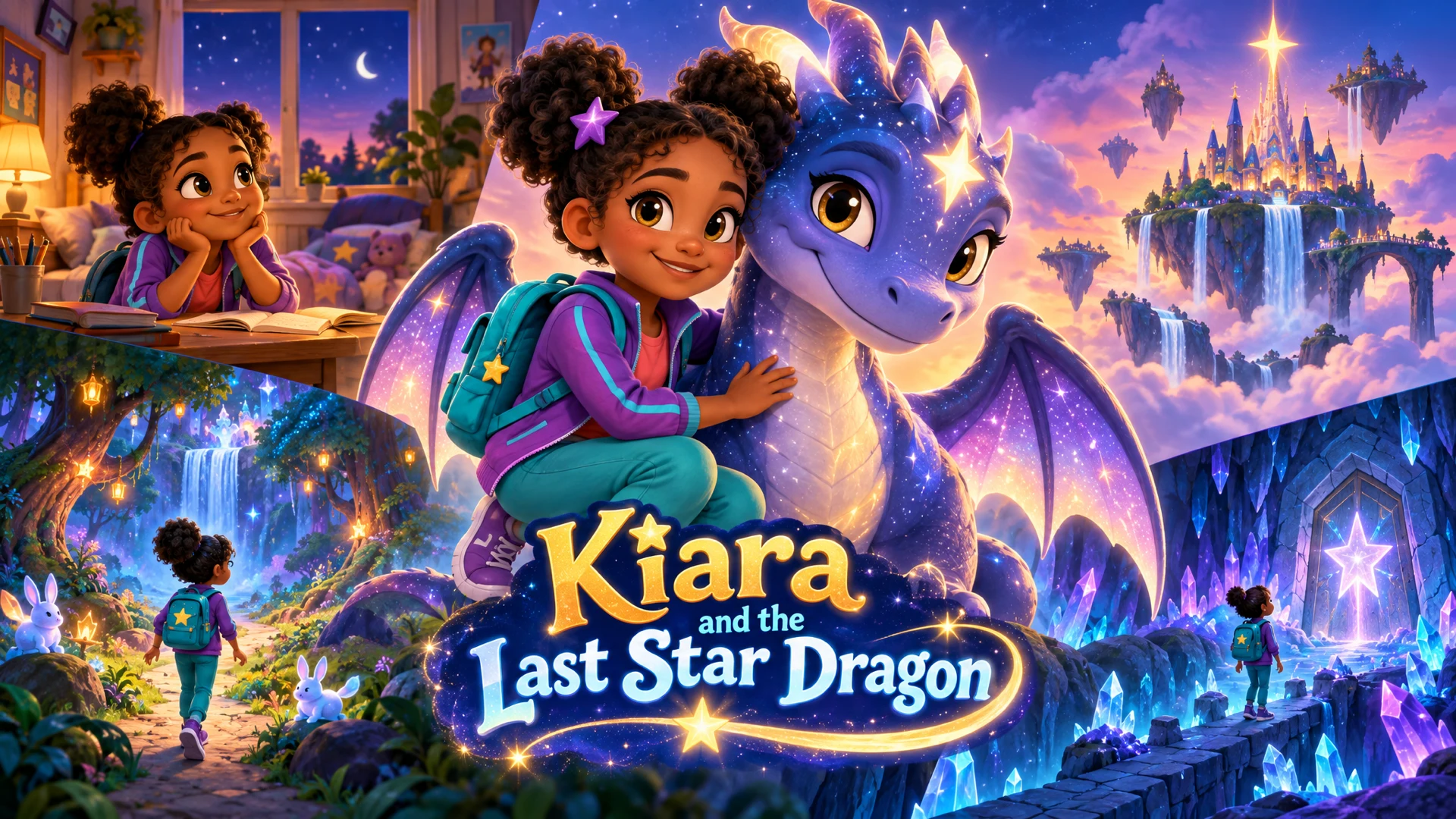
 ▶YouTube · 16:91:59 · Example · no credits used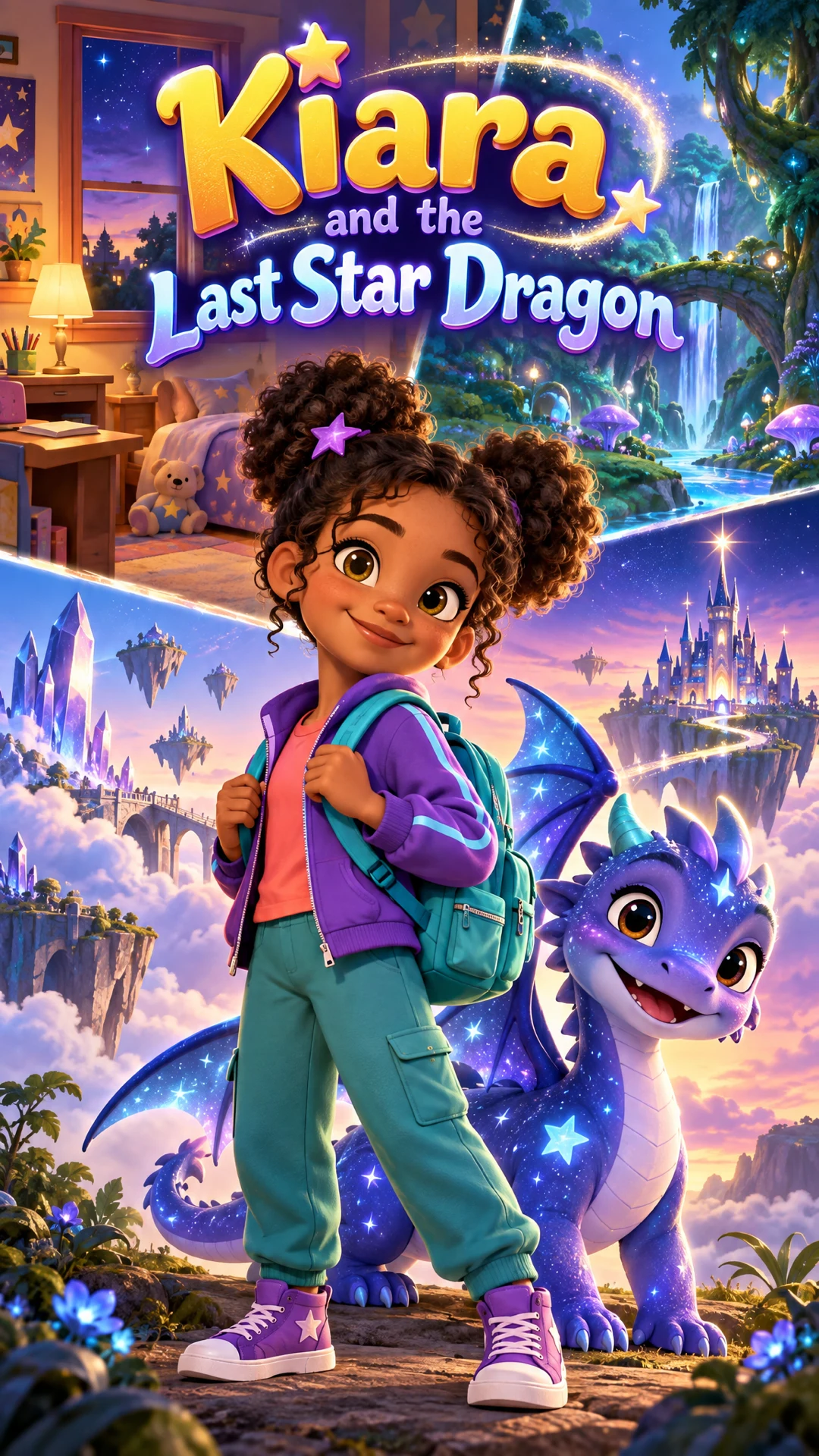
See a finished example
Everything you get from one idea
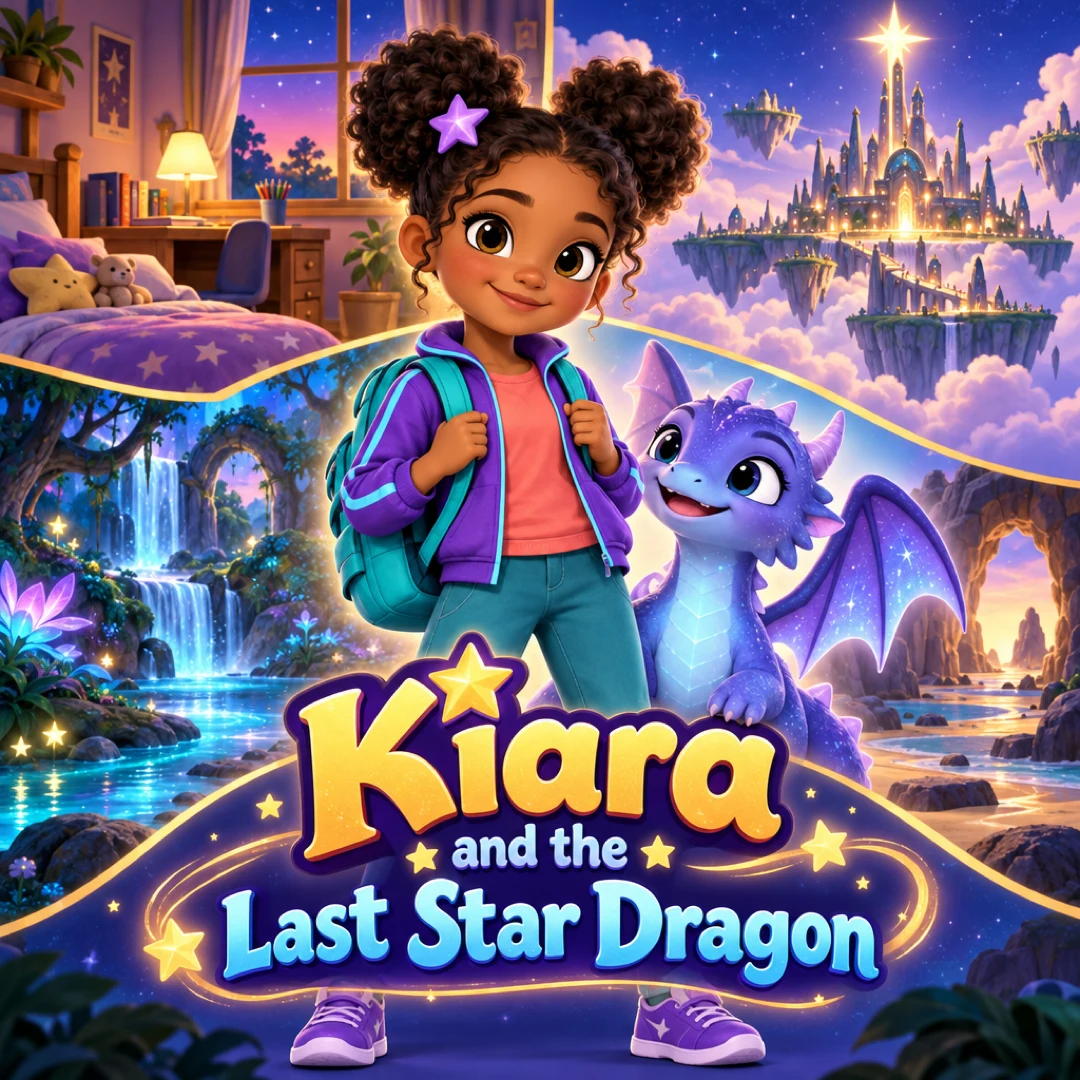
Open the ClipyToons Demo Project: the idea, script, characters, scenes, generated shots, the finished film, thumbnails, covers and the publish pack — exactly what the studio makes.
- Script
- Characters
- Scenes
- Film
- Thumbnails
- Publish pack
Example ideas to paste into the studio
Type one sentence like these into the idea box — the studio writes the full script, which you can edit before anything is rendered.
- “A sleepy owl counts the stars one by one until the whole sky feels cozy and quiet”
- “My son drifts across a calm lake in a cloud boat while the moon says goodnight to each animal on the shore”
- “A little bear tucks in all her stuffed toys and whispers something kind to each one”
- “Soft rain taps on a treehouse roof while two bunny siblings share a blanket and yawn”
- “Garden flowers close their petals one by one as a firefly dims its light for each of them”
- “A lighthouse kitten turns the lamp down to a soft glow so the little boats can rest”
What makes a good bedtime story video
Daytime cartoons are built to grab attention. Bedtime stories should do the opposite. When you use ClipyToons as a bedtime story video maker, steer it toward:
- Slow, simple plots. One small, cozy goal, like finding a lost slipper or saying goodnight to every star
- Fewer, slower moments. Ask for "slow, gentle scenes" in your idea so the story lingers instead of flashing by
- Narration over action. Ask for "a calm, soft-spoken narrator" and let the narrator carry the story
- Night colors. Mention moonlight, deep blues, and warm lamp glow in your idea
- A settling ending. The last scene should show characters yawning, snuggling, and closing their eyes
Repetition helps, too. Many families make one favorite character, a sleepy sky friend or a gentle bear, and give them a new small adventure each week. The familiar face becomes part of the routine.
For more on structure, see how to write a bedtime story script.
Starring your child, and choosing length and format
Kids listen differently when the sleepy hero looks like them. With photo cast, upload a clear photo of your child, or take one with your phone, and the studio turns it into a cartoon character that appears in every scene. You can add a sibling or a parent too. Photo to cartoon video explains how the likeness works.
For format, choose 16:9 landscape. It fills a TV, tablet, or laptop in bed. Save 9:16 for sharing a clip with relatives on their phones.
For length, most families land here:
- 1 minute for toddlers or a quick last story
- 2 minutes for preschoolers, the sweet spot for many routines
- 3 minutes for older kids who want a fuller tale
Longer isn't better at bedtime. Treat the video as one part of the routine alongside books and cuddles, not an autoplay queue.
What bedtime stories cost
Writing the story, designing the characters and the place, and planning scenes are free. Only rendering uses credits from a plan, and the studio shows how many before you confirm.
Monthly plans add credits after every successful payment: Starter is $19.99 for 200 credits, Pro Plus is $49.99 for 500, and Premium is $99.99 for 1,000. Unused credits stay in your balance.
Kids happily rewatch favorites, so a small library of three or four stories goes a long way. Credits have no expiry date in the app, so you can make a new story whenever a new theme comes up. Compare the monthly plans on pricing.
Keeping bedtime stories gentle
ClipyToons runs automated kid-safety checks on every idea, script, and shot before rendering. Horror, violence, and other unsafe themes are blocked. But "not scary" and "calming" aren't the same thing, and bedtime needs the second.
Watch for things that are fine at noon but not at 8 p.m.:
- Loud sound cues. Words like thunder, crash, or explosion invite loud sound effects. Try "soft rain" or "crickets" instead
- Mild peril. A dark forest, a lost pet, or a "friendly monster under the bed" can still worry sensitive kids
- Big energy. Races, dancing, and jokes with shouting belong in daytime videos
Always watch the finished story yourself before showing it to your child. If one shot feels too lively, edit its description and re-render just that shot. Captions are on by default, which early readers enjoy. You can switch them off in export settings if you'd rather keep the screen clean.
Frequently asked questions
Is there a lullaby or soft music under the story?
Not today. Videos include voiced narration and dialogue, plus sound effects and ambience such as rain or crickets, but no music plays under the story. If you like a lullaby at bedtime, play it separately after the story.
Can the narrator sound like a grandparent?
There's no voice picker, but you can describe the narrator in your idea, for example "told by a warm, calm grandma". The studio uses that description to guide the voice.
Can I make a bedtime story in another language?
Yes. Set the dialogue language before rendering: English or one of 13 others, including Spanish, Portuguese, French, German, Japanese, Korean, Chinese, and Arabic. English is the most consistent today, so listen to other languages once before showing them at bedtime.
Can we reuse the same sleepy character every night?
Yes. Keep the character's description word for word and paste it into each new story idea. Check the cast step before rendering, since small differences can appear from one project to the next.
Ready to make your first bedtime story videos?
Type your idea, edit the script, approve your characters and place, and see the price before you pay. ClipyToons then delivers a finished film — talking characters, sound, automatic edit, captions, and covers.
Planning is free — you pay when you render · monthly plans from $19.99
Helpful guides
Guide
How to Write a Bedtime Story Script Kids Love (with Examples)
A good bedtime story winds down instead of building up. Here's a simple structure, word counts by age, dialogue tips for talking characters, and a complete example script you can read aloud or turn into a short video.
Guide
How to Make a Personalized Cartoon Video Starring Your Child
A short cartoon where your child is the hero can mark a birthday, ease a big change, or connect them with grandparents far away. Here are story templates for six occasions, how to cast your family, and what it takes in time and credits.
Guide
How to Turn Your Child's Photo into a Cartoon Character (Safely)
Seeing your kid as a cartoon hero is pure joy, and it only takes a few minutes of planning to do it safely. Here's how to choose the photo, protect privacy, get family consent, and share without oversharing.
Related use cases
Use case
Photo to cartoon video
Turn your child's photo into a cartoon hero who stays recognizable in every scene of a voiced, captioned story. Up to 5 photo characters; planning is free.
Use case
Family story videos
Turn parents, kids, and grandparents into one family cartoon video for a birthday, a new sibling, or grandparents far away. Up to 5 photo characters.
Use case
Nursery rhyme videos
Create original nursery rhymes and chants for counting, ABCs, and colors with talking cartoon characters and read-along captions. Copyright-safe tips.
Last updated October 11, 2026 by the ClipyToons team.